Google Sheets Sync
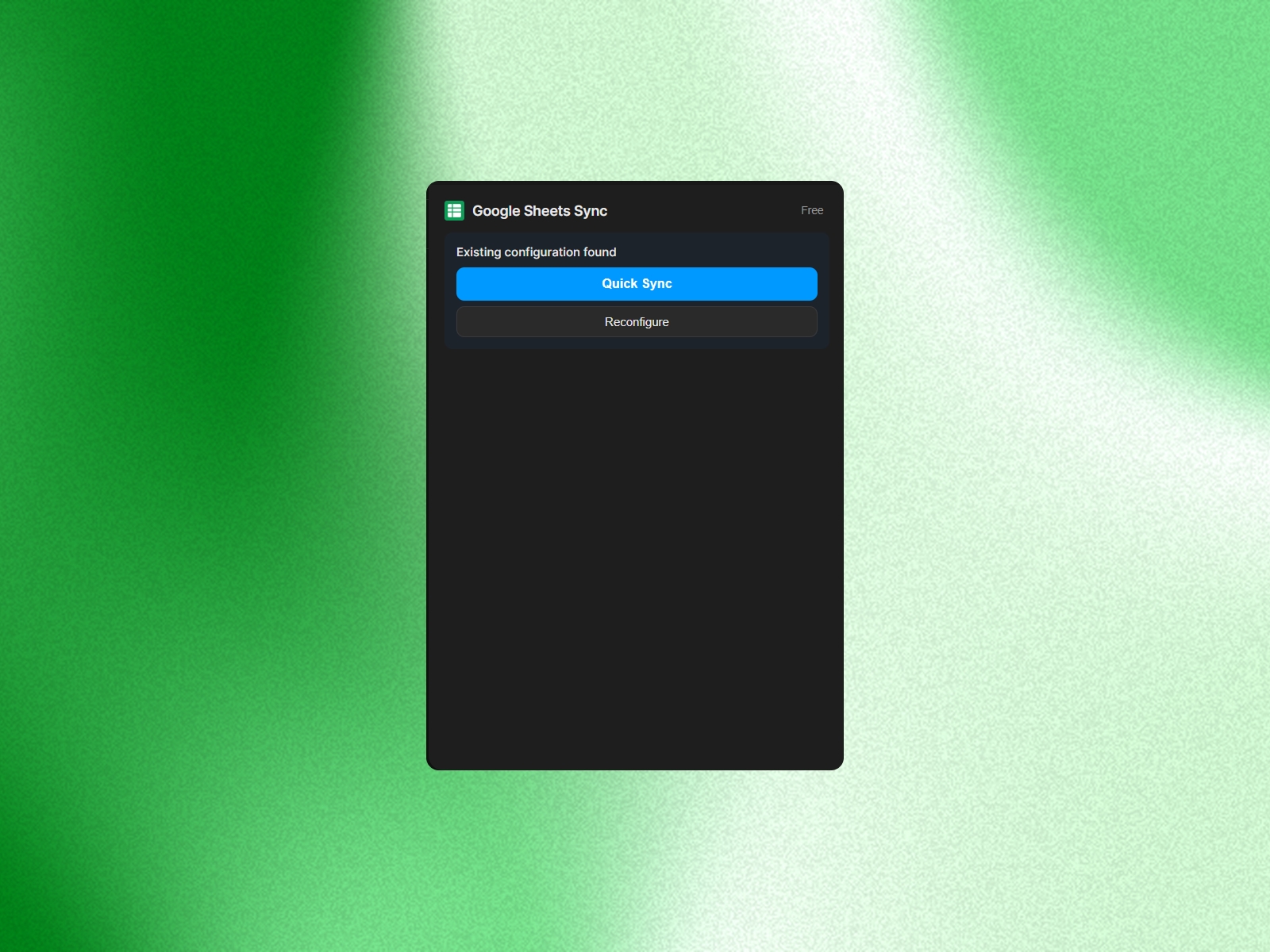
Import content from public Google Sheets into Framer CMS with no code or API key. Just paste the URL, review field mapping, and sync. Start free with 12 rows, then upgrade once for unlimited rows and collection references.
About this Plugin
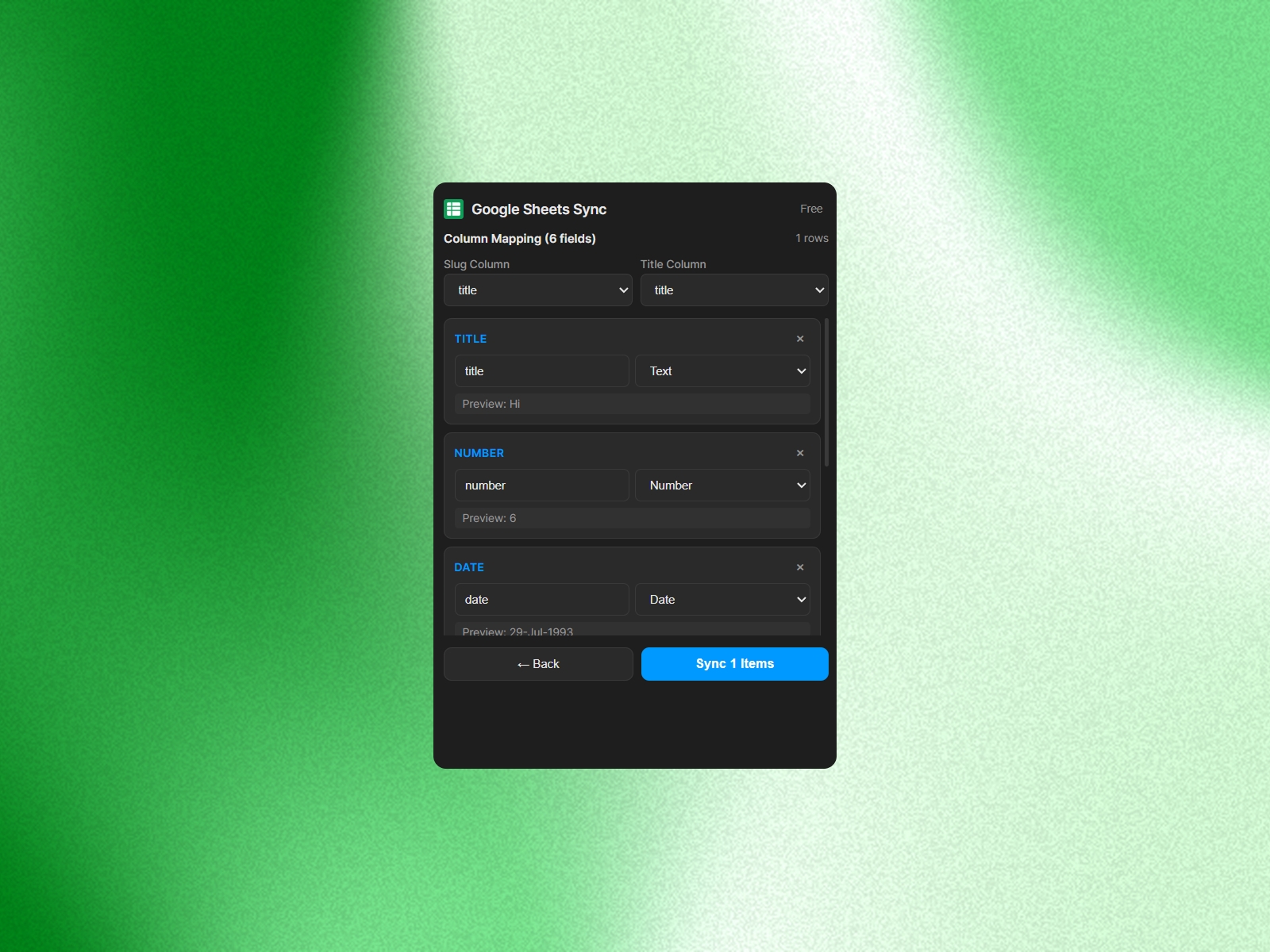
Import any public Google Sheet into Framer CMS in minutes, with no API key, no code, and no manual copy-paste. Paste your sheet URL, review the auto-detected field mapping, and sync your content in just a few clicks.
It supports text, numbers, dates, booleans, images, links, colors, enums, collections, collection references, and rich text. Once connected, Quick Sync lets you re-sync updates without repeating the setup process.
How it works:
1. Make your Google Sheet public to anyone with the link.
2. Open your Framer CMS collection and launch Google Sheets Sync.
3. Paste the sheet URL and connect.
4. Confirm the detected fields.
5. Click Sync to import your content.
Start free with up to 12 rows, then upgrade to Pro for unlimited rows and collection references.
Changelog
Improved and enhanced the syncing experience to ensure more reliable, faster, and seamless data synchronization between Google Sheets and your Framer project.
Details
 Reem Magdi