About Ultra Image Optimizer
Every image on a Framer canvas costs you bandwidth. Ultra Image Optimizer compresses them in the editor — select a layer, compare before and after, apply. No export, no external tool, no round-trip.
Free tier, unlimited, no account
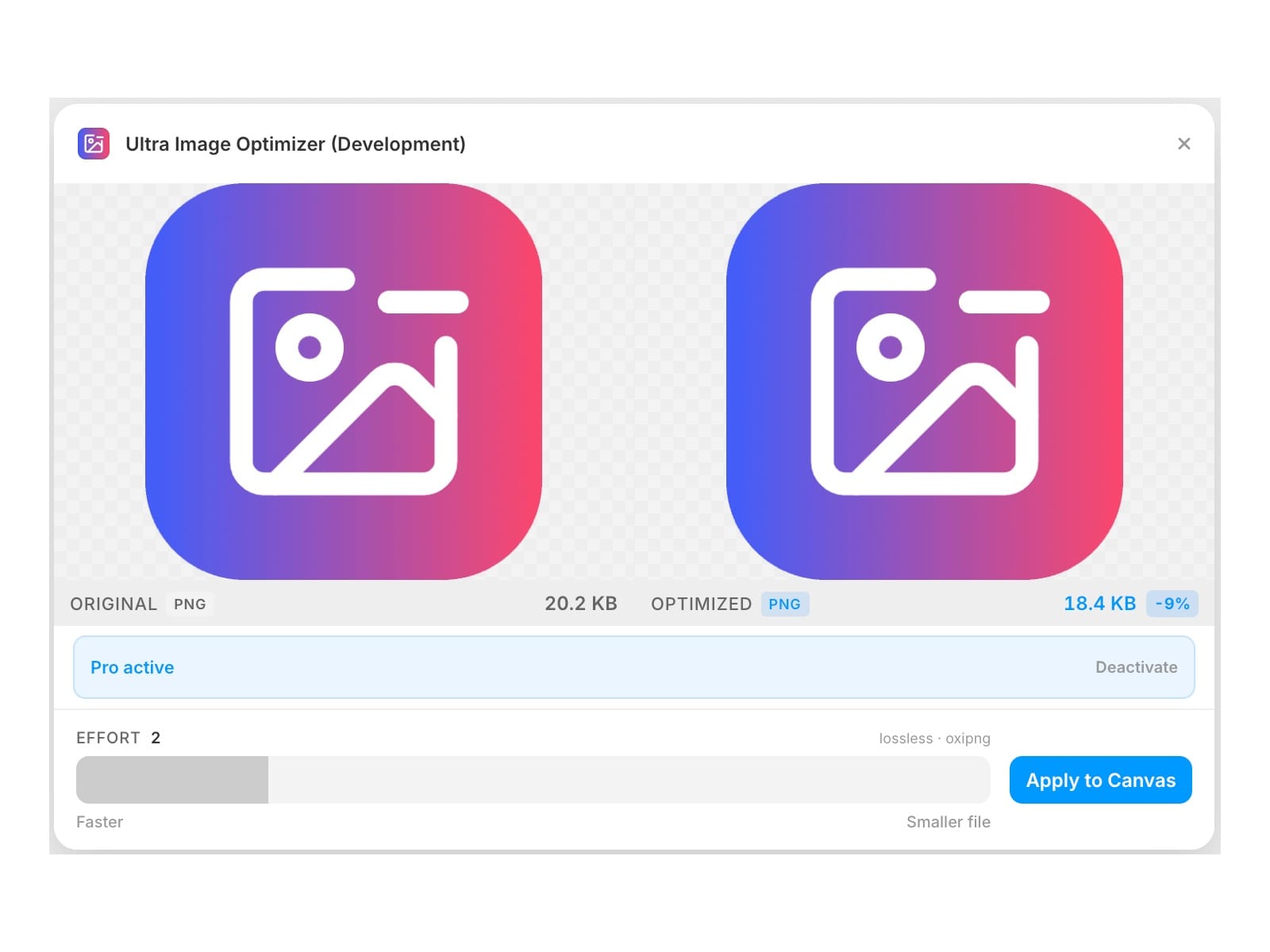
Lossless PNG optimisation with oxipng. Unlimited compressions, no quota, no sign-up, no licence key. Adjust the effort level from 1–6 and apply.
Pro unlocks every other format — $9/month, cancel anytime
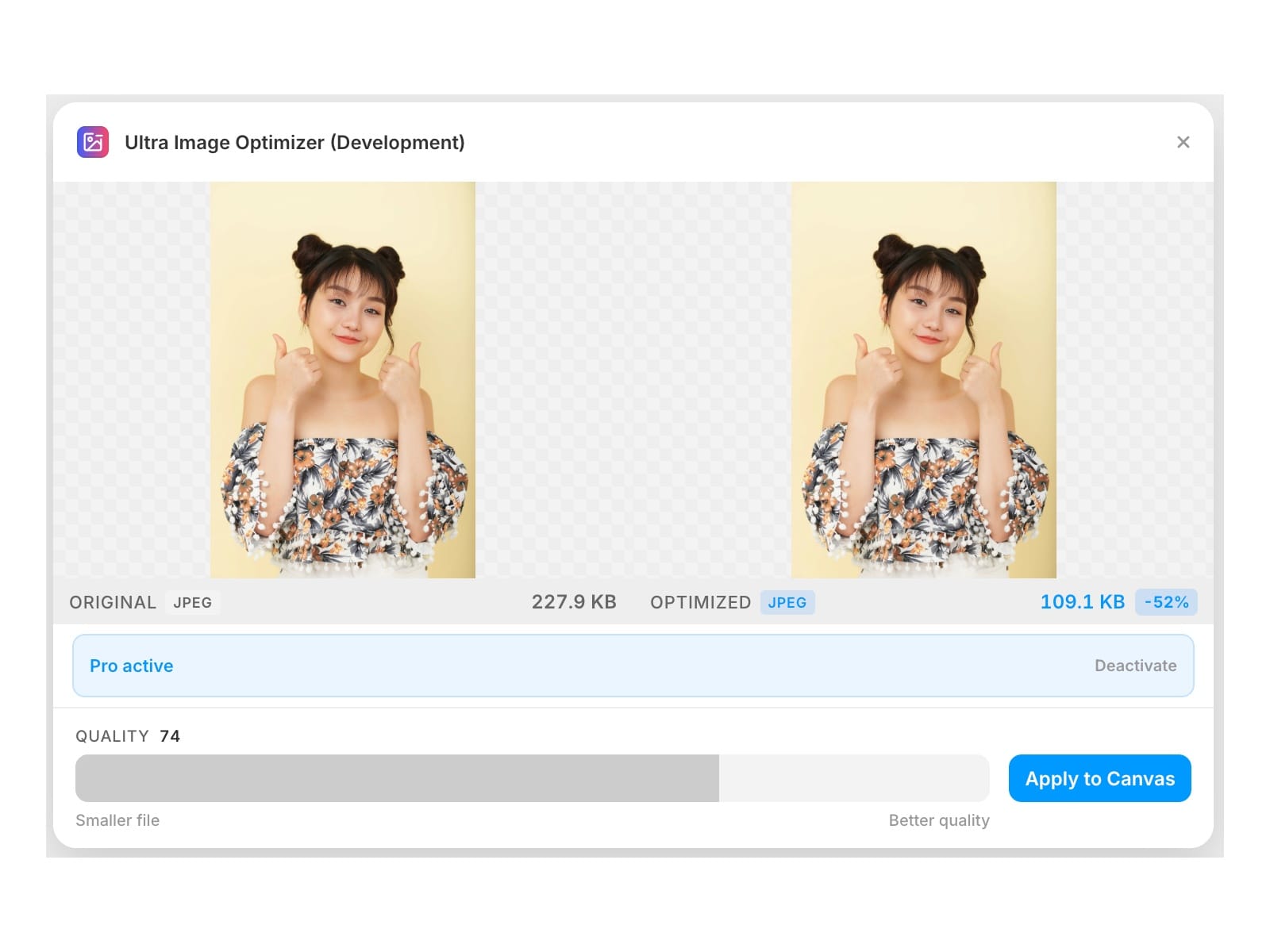
• JPEG — MozJPEG, the encoder used by Facebook and Google
• WebP — libwebp
• AVIF — libavif, the best compression ratio of any format
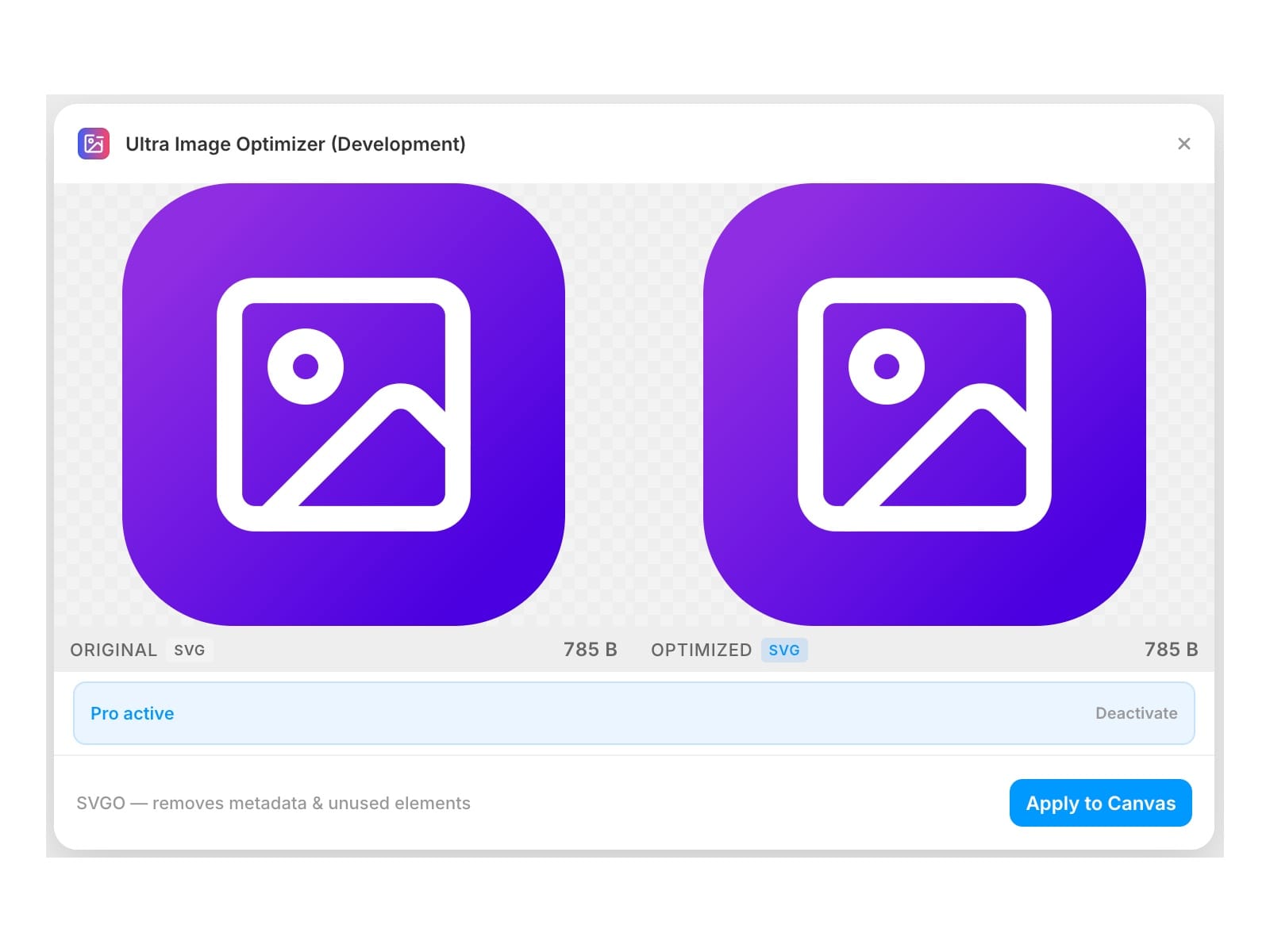
• SVG — SVGO, strips editor metadata, unused defs and redundant attributes
• GIF — automatic conversion to WebP, dramatically smaller with full colour
• BMP and TIFF — converted to optimised PNG
A quality slider on every lossy format, so you choose the size/fidelity trade-off rather than a preset.
Runs entirely on your machine
Every codec compiles to WebAssembly and executes locally inside the plugin. There are no server calls and no data leaves your machine — your images are never uploaded to compress them. Codecs are pre-compiled in the background when the plugin opens, so the first compression is already fast.
How it works
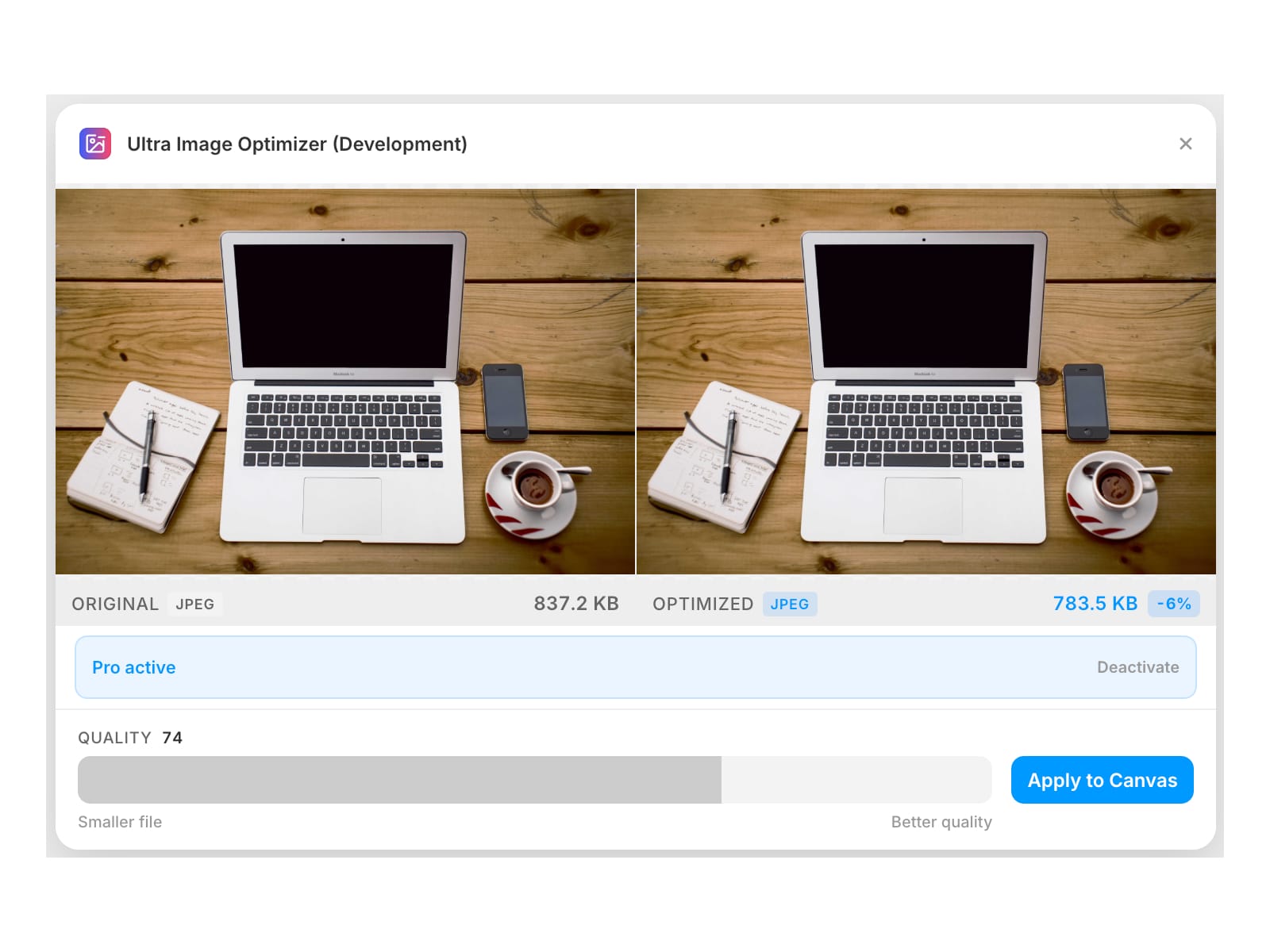
Select a layer on the canvas. The original appears on the left and the optimised result on the right as soon as compression finishes. Adjust the quality slider, then Apply to Canvas. The compressed image replaces the original in place — same layer, no new layers, no re-linking.
Free vs Pro
• Free — PNG lossless optimisation, unlimited compressions, side-by-side preview, effort slider
• Pro — JPEG, WebP, AVIF, SVG, GIF, BMP, TIFF and the quality slider. $9/month, cancel anytime
• One licence key, works across your projects