About Modern Image Effects
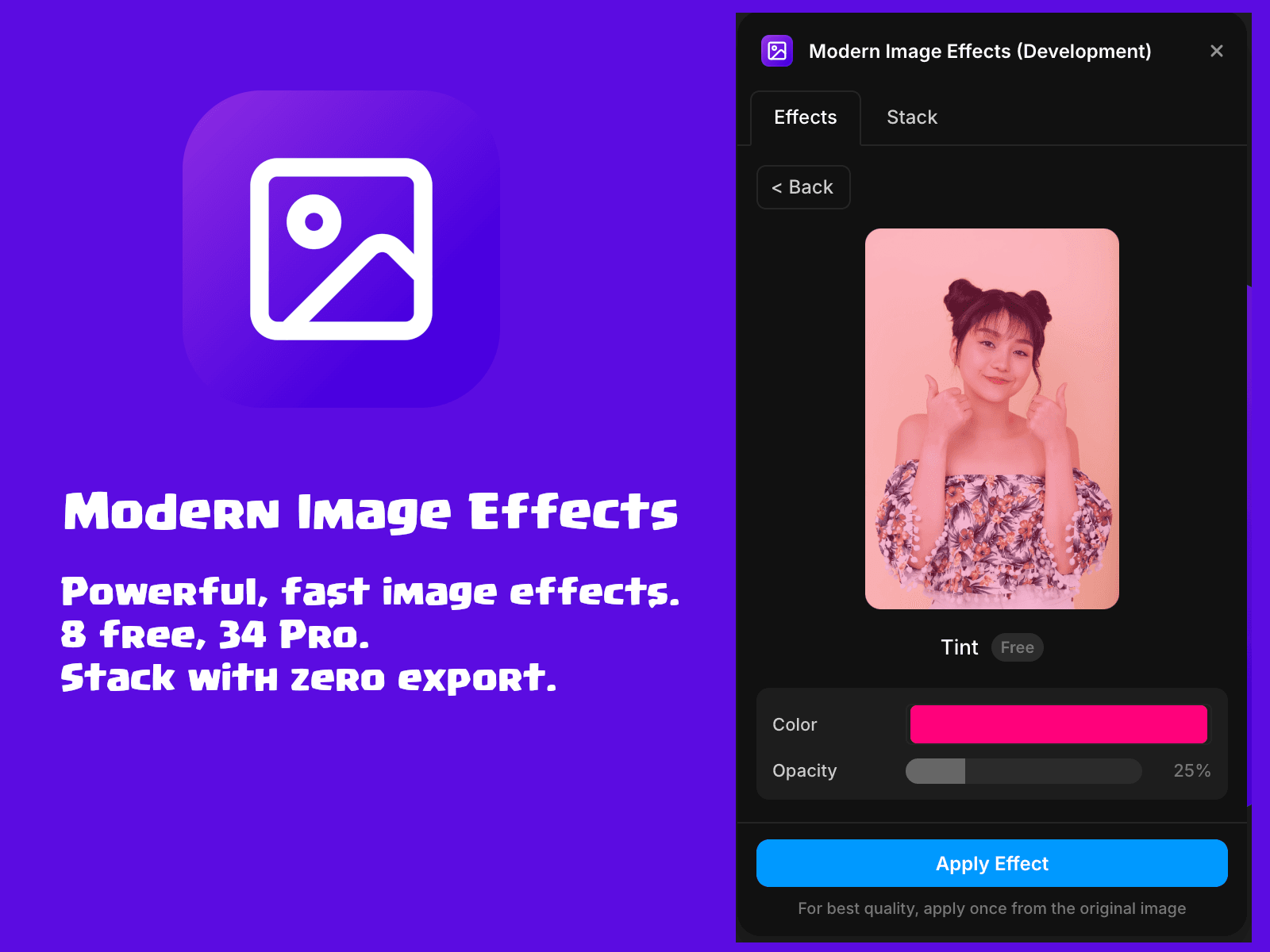
Grading and stylising images in Framer usually means exporting, opening another app, and re-uploading. Modern Image Effects runs entirely in your browser — 42 effects, applied straight to your canvas layer, at full resolution, with unlimited free applies.
Free tier, no sign-up, no quota
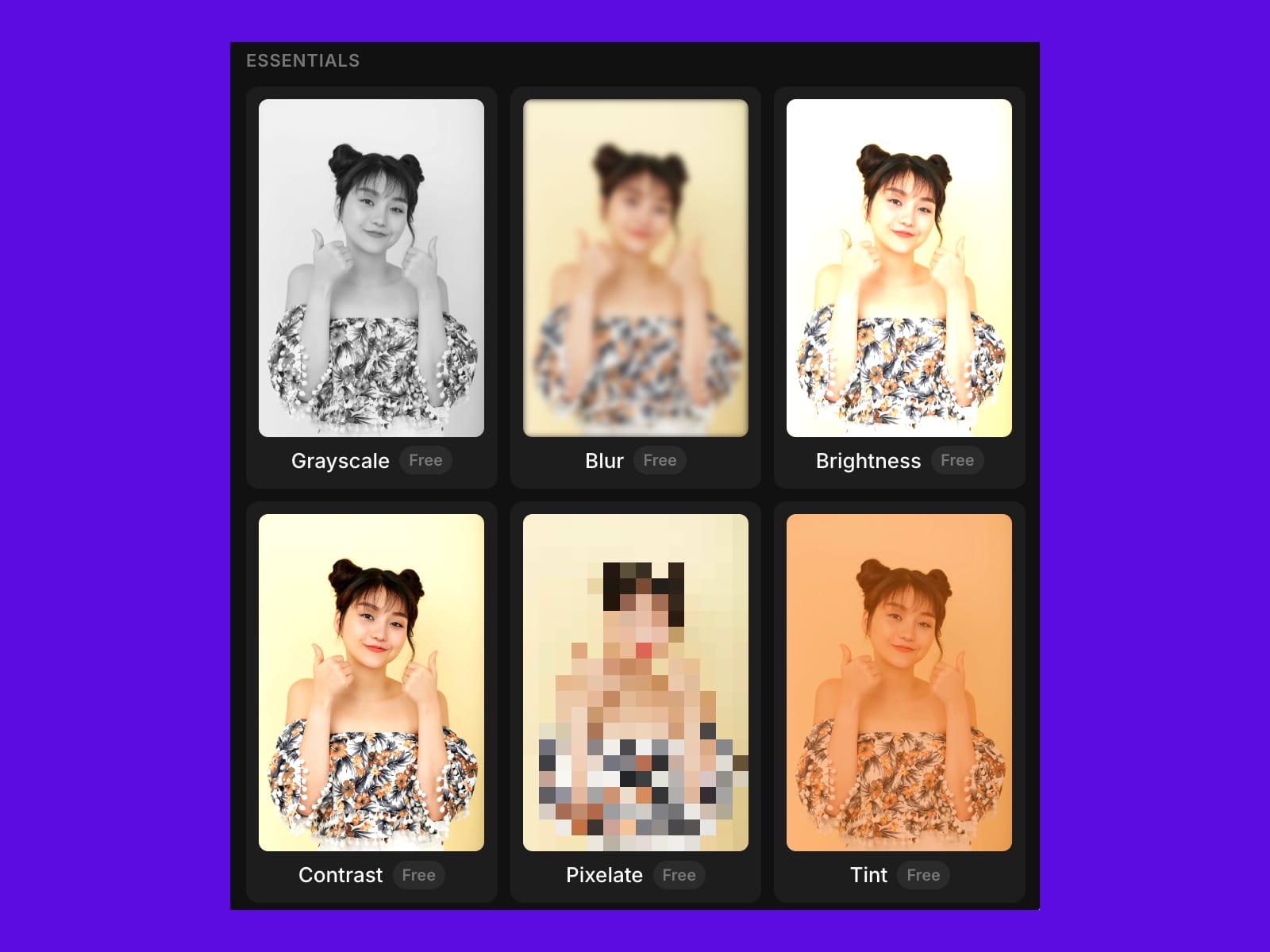
Eight effects stay free forever with unlimited applies — no daily export cap, no account, no key.
• Grayscale, Blur, Brightness, Contrast, Pixelate, Tint, Retro Dither, Invert
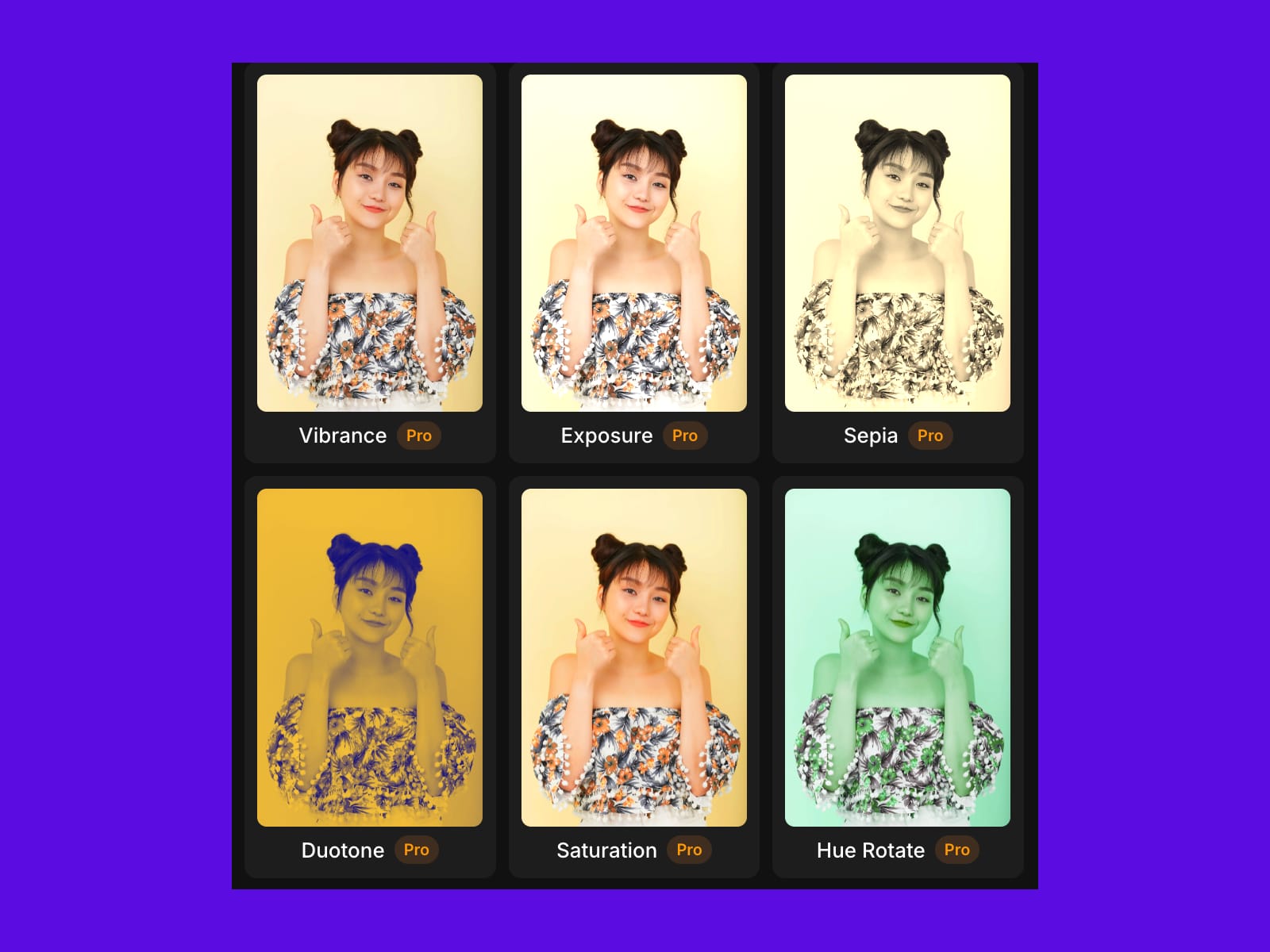
Pro unlocks all 42 effects and the full Stack tab — $9/year early bird until Dec 31, 2026 (then $19/year), every future effect included
• Colour grading — Duotone, Sepia, Vibrance, Saturation, Hue Rotate, Teal & Orange, Gradient Map
• Cinematic — Vignette, Noir, Faded Film, Film Grain, Cinematic
• Light — Bloom, Halation, Light Leak • Retro displays — Scanlines, VHS, CRT
• Motion — Motion Blur, Radial Blur
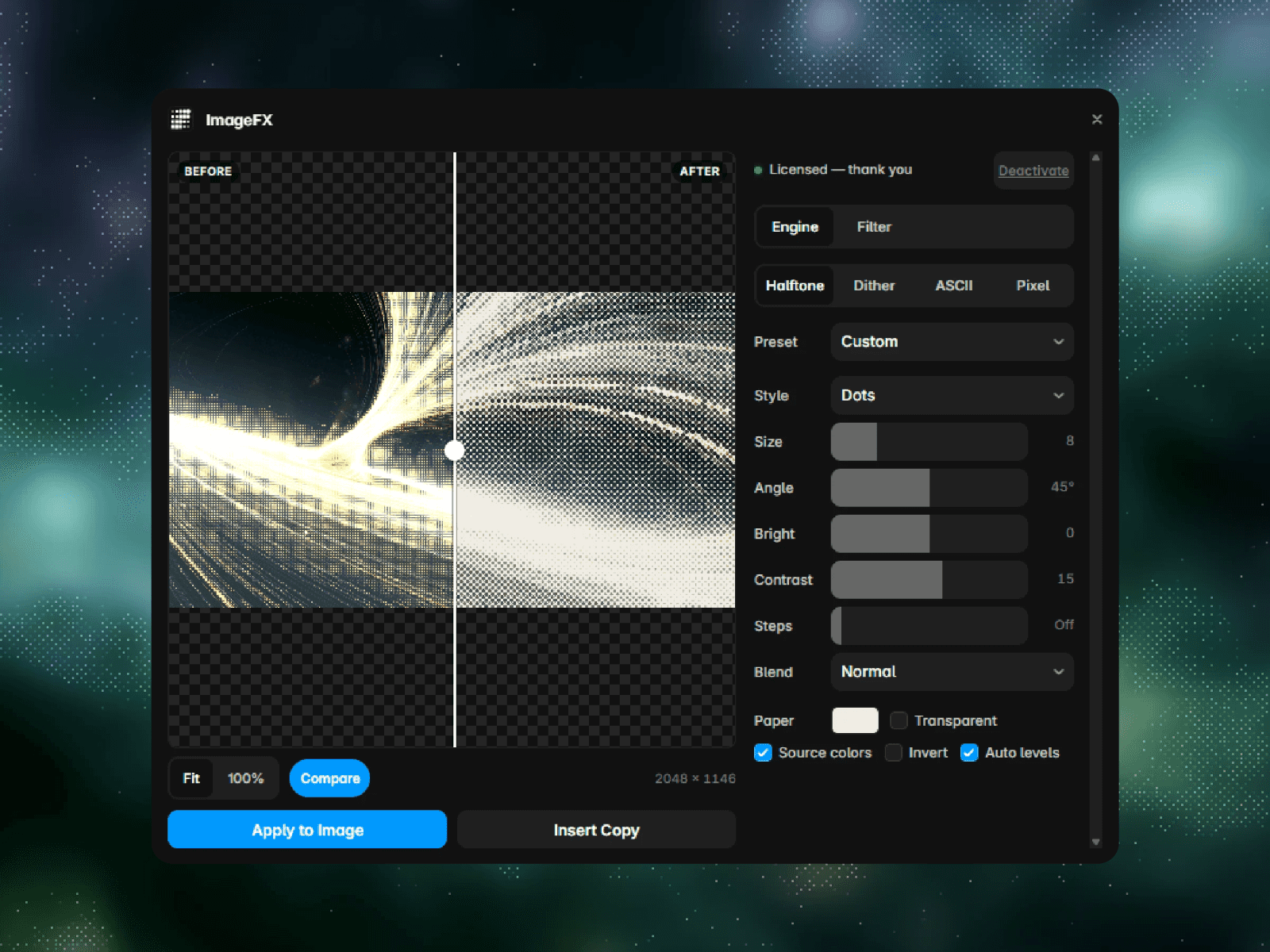
• Creative — Glitch, Halftone, Emboss, Posterize, Solarize, Edge Detect
• Signature — Chromatic Aberration, Threshold, Color Splash, Cross Process, Infrared
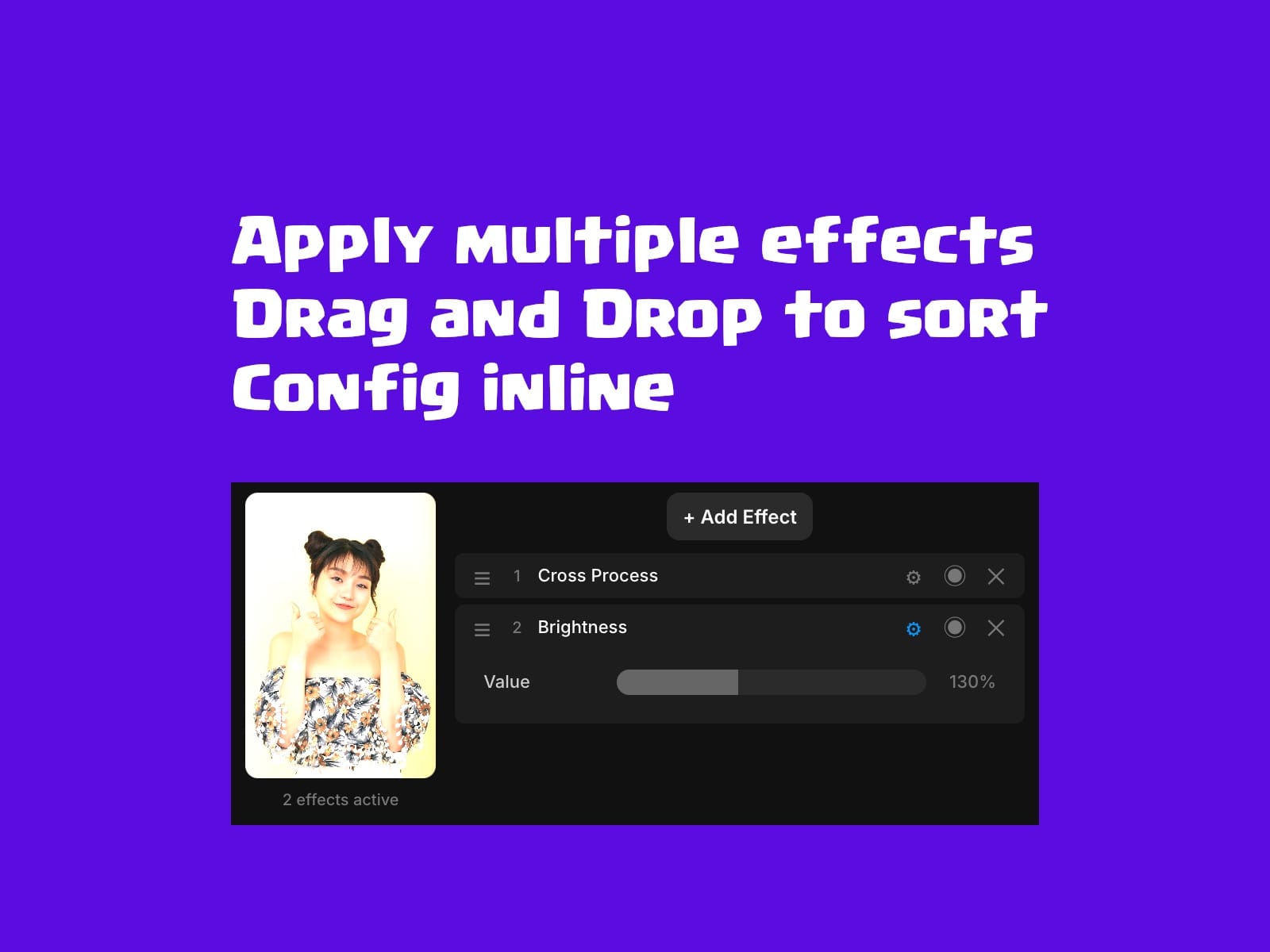
Stack tab — chain effects, not just apply them
Add as many effects as you want, drag to reorder, toggle each one on or off, and preview the composite result live before anything touches the canvas — build a consistent visual treatment across a project instead of re-tuning every image.
How it works
Select an image layer, pick an effect, adjust the parameters, hit Apply — the image updates in place. Processing happens locally at full resolution: your images are never uploaded and never leave your machine. A 20MB photo grades the same as a 200KB one.
Free vs Pro
• Free — 8 effects, unlimited applies, full-resolution preview, Stack tab
• Pro — all 42 effects, full Stack power, $9/year early bird until Dec 31, 2026 (then $19/year), cancel anytime.
Every future effect included. Licence key emailed after checkout