About Token Retreat Field
Click one. Make room.
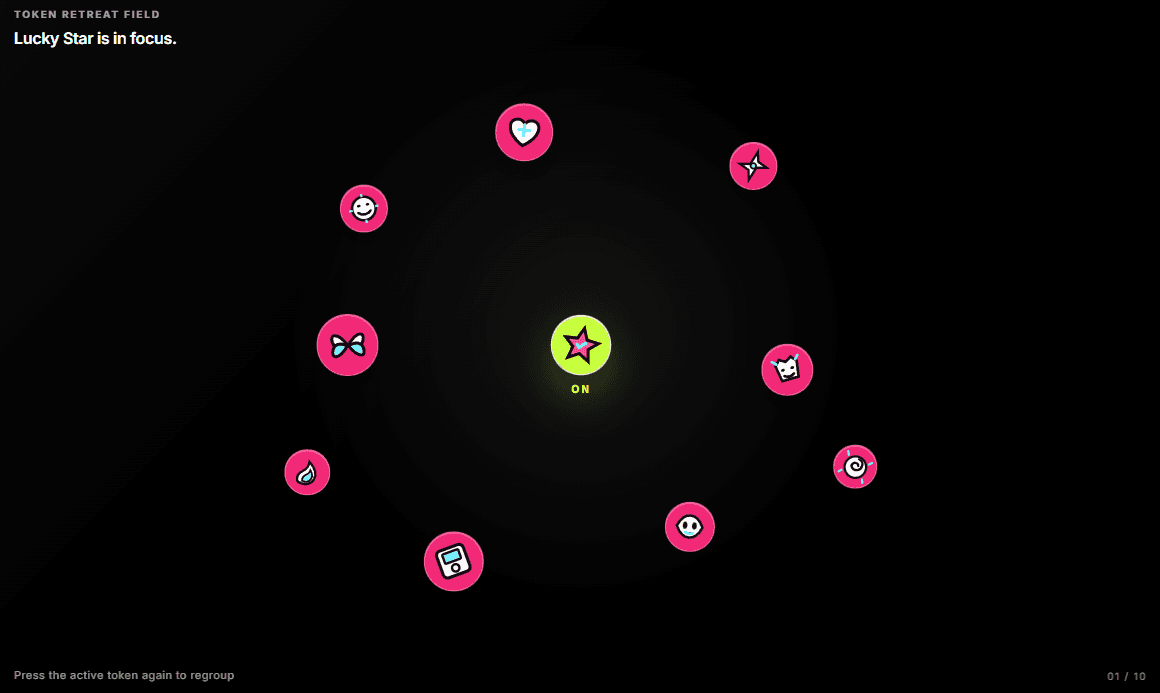
A tight cluster of icons or logos. Click one and it moves to the center while the others fan out to make room. Click it again and the cluster regroups.
What it does
- Three image slots per token: Default, Hover and Click — use your own logos or icons
- 10 original Y2K-style SVG icons included as a fallback
- Set each token's position (X/Y %), size and rotation
- Shared Cluster Size and Retreat Distance controls
- Waiting, Hover and Active colors, optional background or scene image
- Optional labels
- Pressed state for screen readers and Reduced Motion support
How to use
1. Drop it on your page and open the Tokens list in Properties.
2. Add your logos or icons to each token's image slots.
3. Keep X/Y values close together for a dense cluster, then adjust Retreat Distance.
Best for: client logo walls, music and fashion launches, playful portfolios.