About Turntable 360
Let people turn your product in their hands.
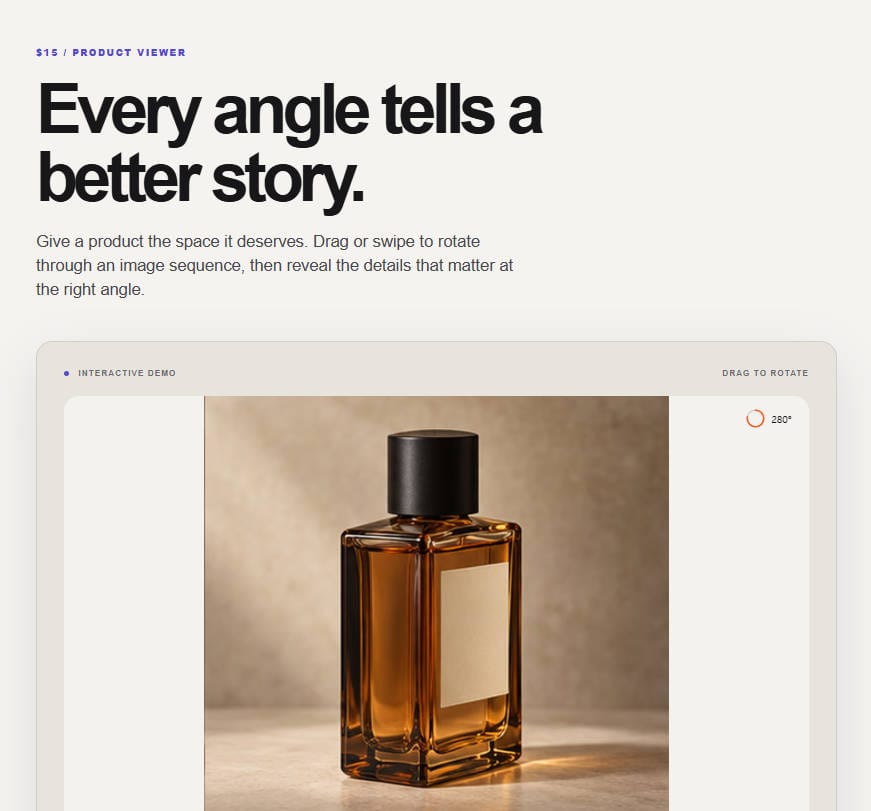
Turntable 360 plays an image sequence as a smooth 360° viewer. Drag or swipe to spin it, let go and it glides to a stop, leave it and it slowly rotates on its own again.
What it does
- Upload image frames or a sprite sheet directly in Framer. Only Framer-managed image assets are loaded.
- Drag and swipe with inertia, arrow keys, optional scroll-linked rotation
- Auto-rotate that pauses when someone interacts and eases back in
- Hotspots that appear only around the angle where the feature is visible
- Loads the first frame first, then streams the rest — never a blank viewer
- Dial or bar angle indicator, drag hint, accent colour, font control
- Works on touch without blocking page scroll
- Built-in demo product, so it runs the moment you drop it in
Good for
Product pages, launches, 3D artist portfolios, packaging and hardware showcases.
Made by knokknokD — more components on my profile.
Good to know:
- The 9-angle perfume images shown are examples; 36–72 frames produce smoother results.
- It does not generate 3D models or new angles from a single photo.
- External URL patterns are not supported. Upload the image sequence to Framer instead.
Included: Framer code component (TSX and install URL), setup, license and support notes, and sample media where applicable.