About Tab Sync Stat Panel
Tab Sync Stat Panel – Service Tabs That Change the Image and Stats Together
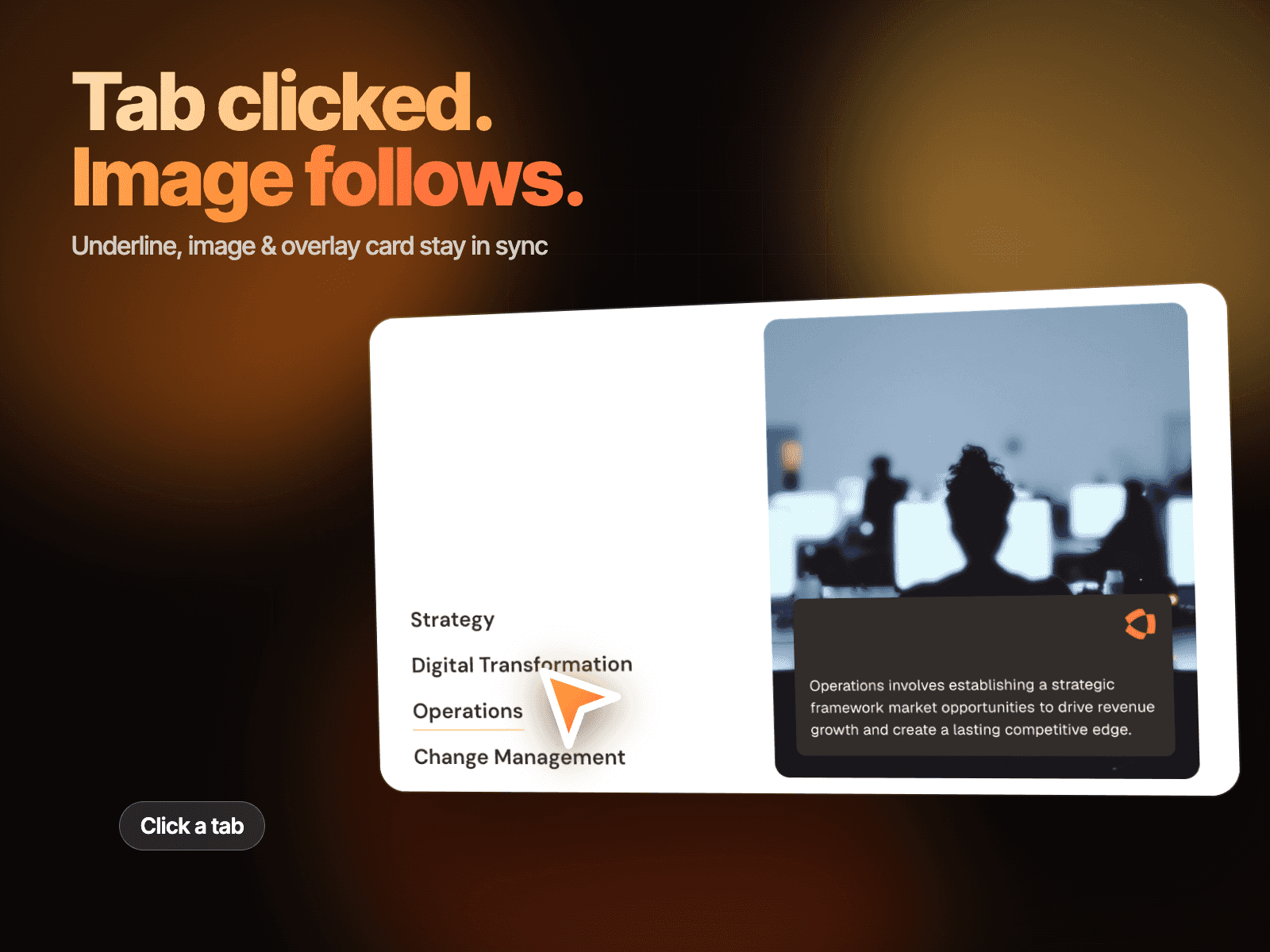
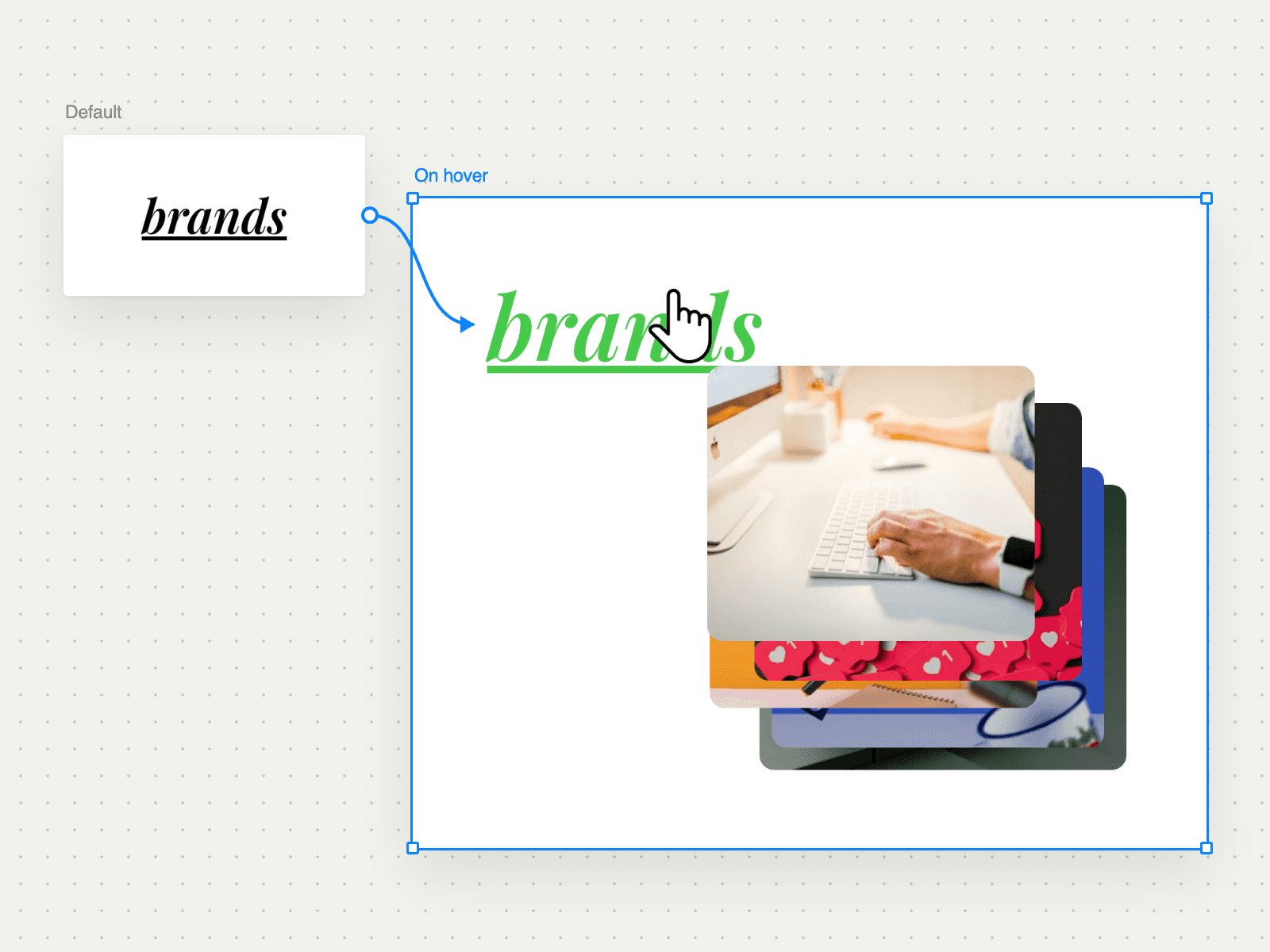
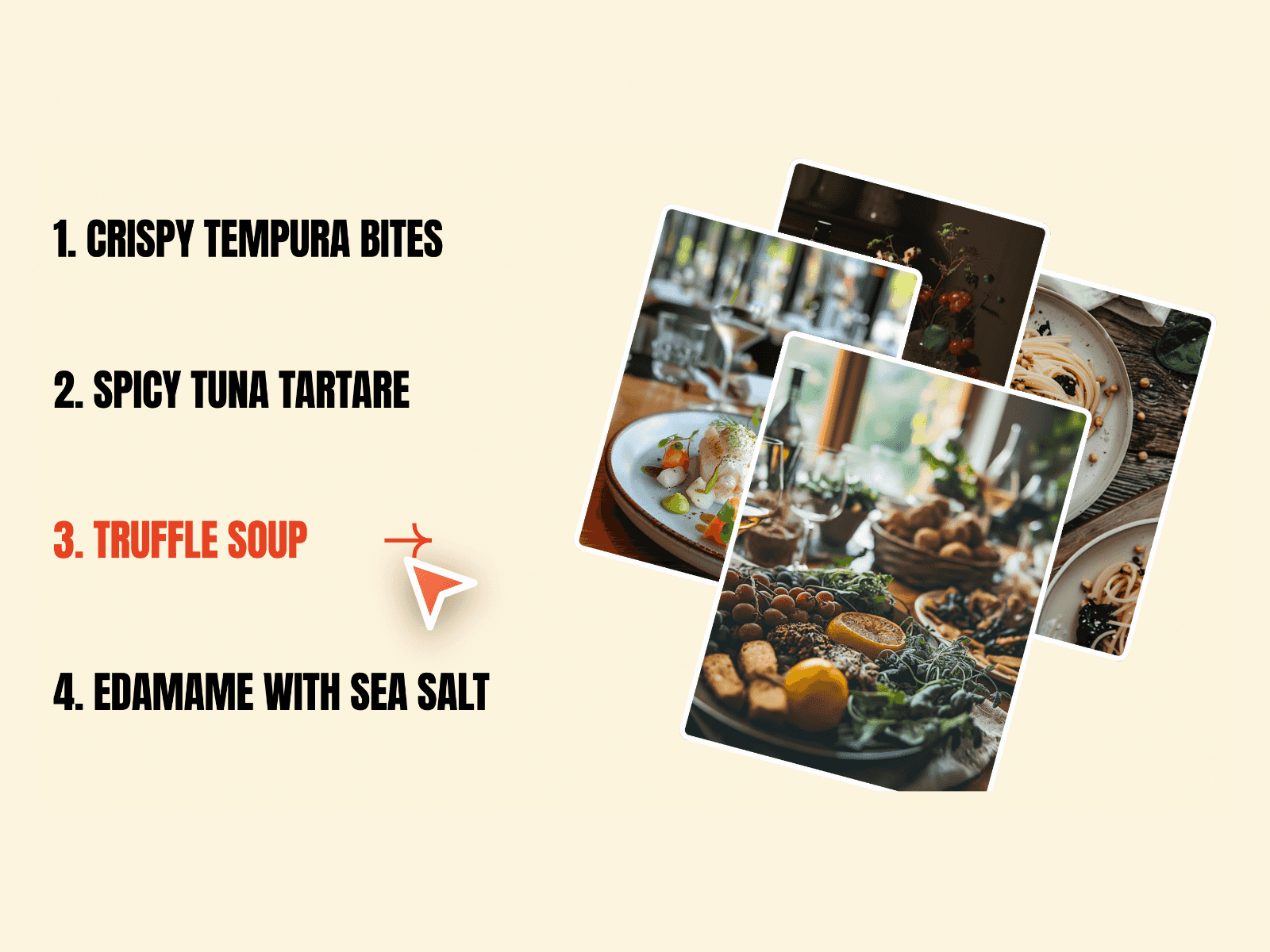
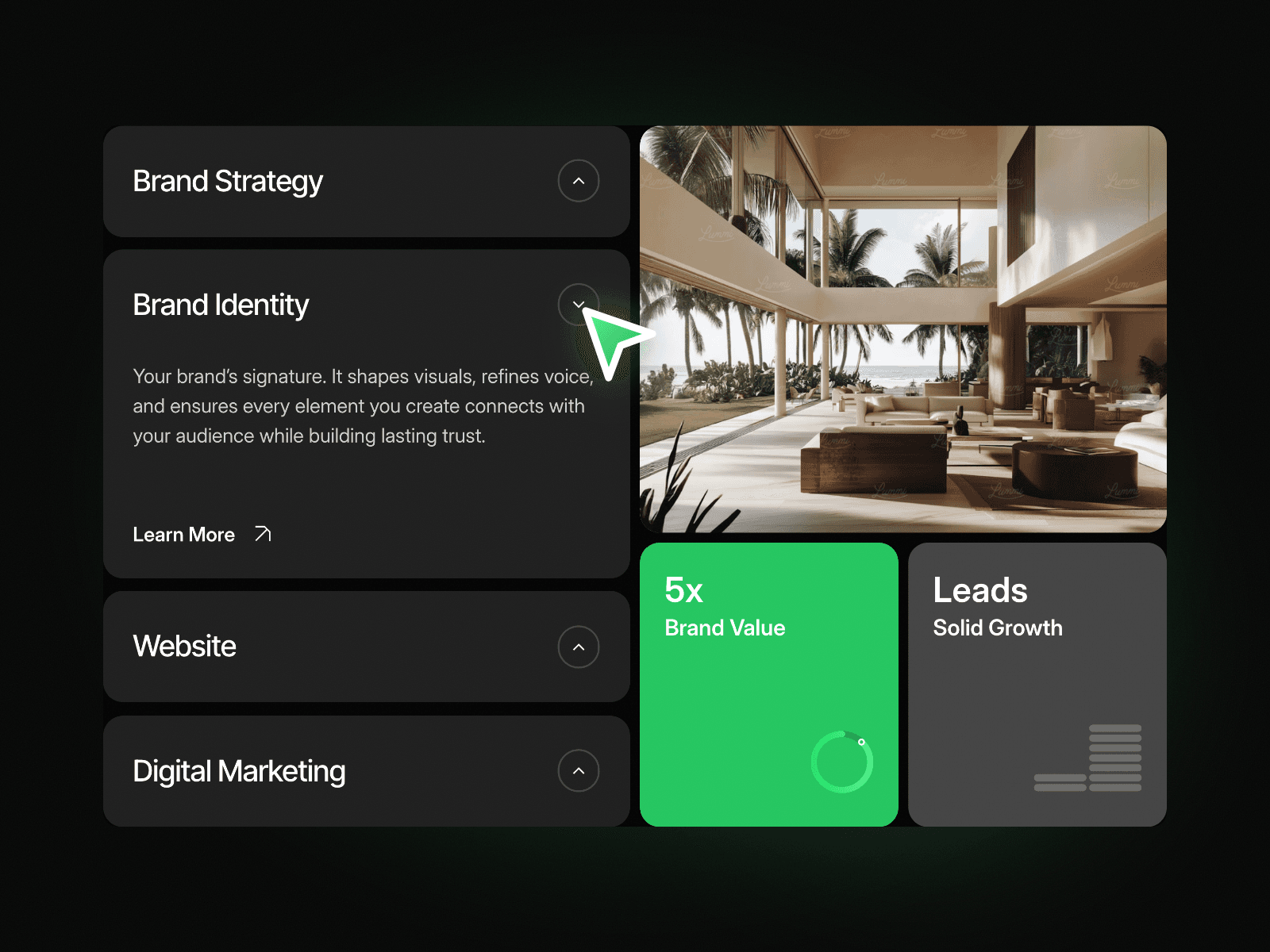
Tab Sync Stat Panel shows four services as a stack of tabs next to a large image and two stat cards. Click a tab and it opens to show its description and a Learn More link, while the image and both stat cards switch to match that service. Every service gets its own picture and its own numbers in one compact block.
How it works
Four service tabs, with the first one open on load.
Click a tab to open it and close the others.
The image, the green stat card and the grey stat card change with the open tab.
Each tab has its own Learn More link.
Includes Tablet and Mobile variants.
Easy to customize
Edit each tab's title, description, link and image.
Edit each tab's stat, stat label, card title and card text, plus the small card graphics.
Drop it into any Framer page and edit it from the properties panel or with your AI agent.