About Ink Flow
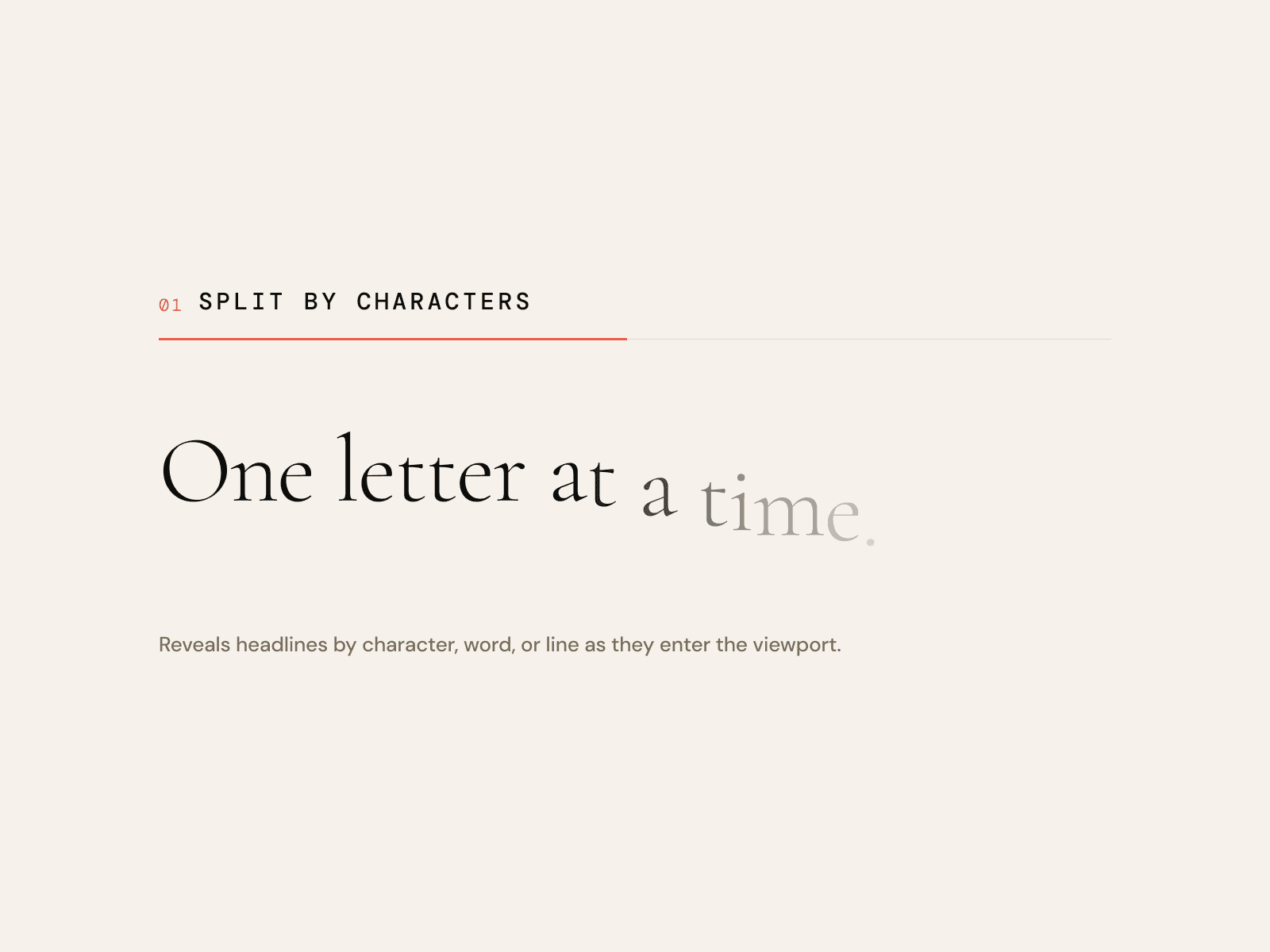
Type that moves with the reader. Lines mode reveals a paragraph character by character as you scroll, ripples it with scroll speed and lifts letters near the cursor. Path mode sets a phrase on a curve that travels as you scroll.
Use Lines for a manifesto or statement, Path for a single phrase between sections. Set the font like any text.
Controls
Text: The words.
Tag: HTML tag, for search engines and screen readers.
Mode: Lines or Path.
Font: Font, size, line height and letter spacing.
Color: Text colour.
Dim Color: Colour of characters not yet reached (Ink reveal).
Align: Start, centre or end.
Reveal: How characters arrive: Rise, Ink (dim to full colour), Fade, Blur, or None.
Offset: How far behind each other the characters arrive.
Start: Where the reveal begins, as a share of the screen height from the top (90% is near the bottom).
End: Where the reveal finishes.
Wave: Height of the ripple when scrolling fast.
Frequency: How tight the ripple is.
Hover: Lift characters near the cursor (Lines) or stir the ripple (Path).
Hover Radius: Area around the cursor that lifts.
Lift: How high characters lift.
Path: Path shape: arc, wave, line, circle or your own.
SVG Path: Your own SVG path data, in the component's own pixel size.
Curve: How strongly the path bends.
Travel: How far the text moves along the path over the scroll.
Separator: Text placed between repeats.
Phones, dark mode, Arabic
Same effect, no hover lift. With reduced motion the text is shown in full and nothing moves. Colour controls take your tokens, so dark mode follows the theme, and it works on Arabic right-to-left pages.
What you get
After checkout: the component link to paste onto your Framer canvas, plus an editable Framer project with a demo page.
All ten in one project for $49: Motion Kit
All sales are final, no refunds.