About Tidal Image
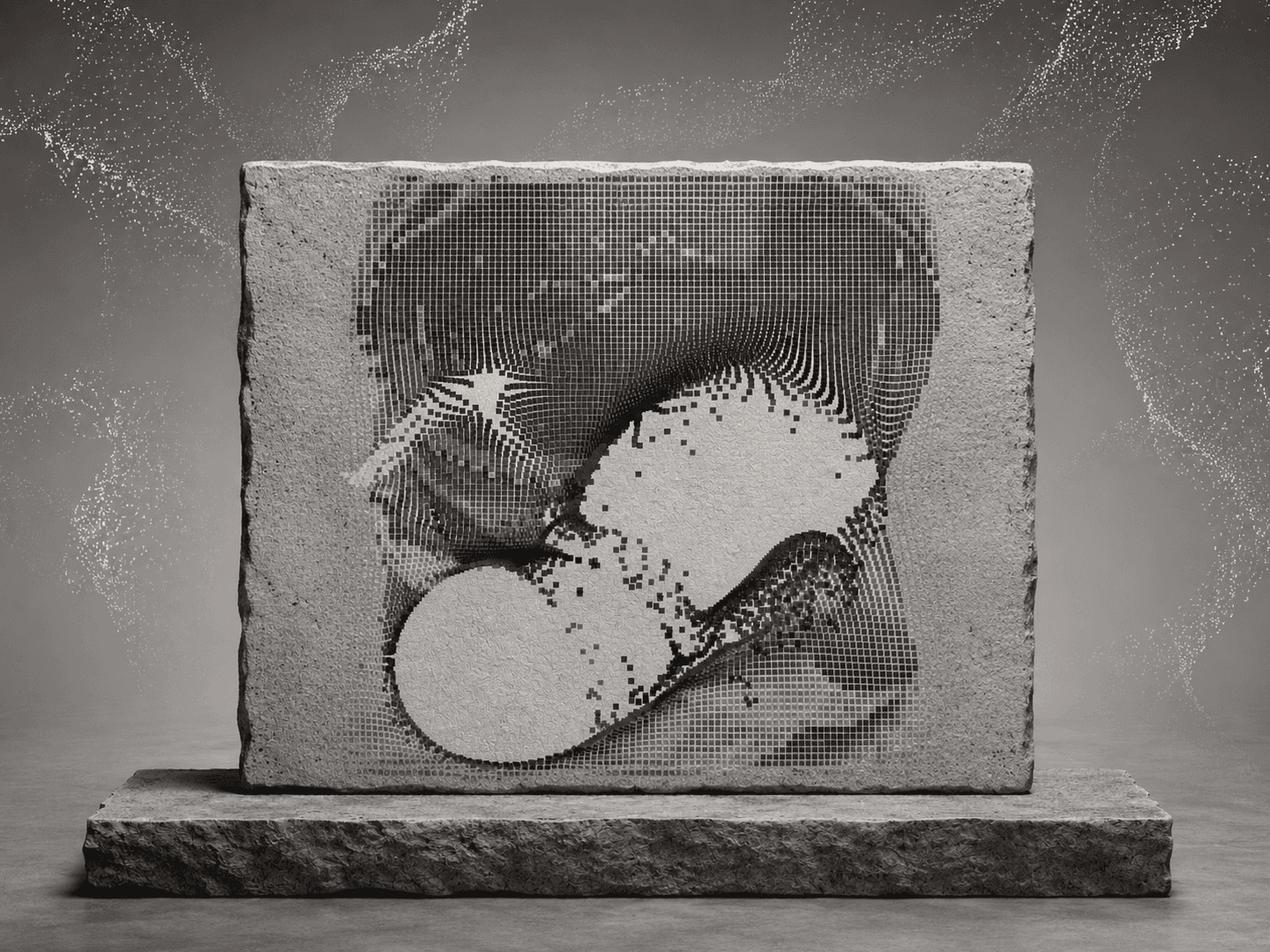
An image that ripples like liquid around the cursor and settles back when the cursor leaves. It can also ripple while the page scrolls, and can start in black and white and colour in on hover.
Use it like an image fill. Keep one or two per page.
Controls
Image: The photo.
Focus: Focus point when the photo is cropped, as x% y%.
Trigger: Hover, Scroll, or both.
Strength: How far the image bends.
Speed: How fast the ripples move.
Size: Size of the area around the cursor that ripples.
Settle: How quickly it calms down after the cursor leaves or scrolling stops.
Color Reveal: Start in black and white and colour in on hover.
Phone Effect: Run the WebGL effect on phones too. Off keeps phones fast.
Priority: Load the image first. Only for an image at the top of the page.
Radius: Corner radius.
Phones, dark mode, Arabic
Phones show the plain image (no WebGL) unless Phone Effect is on. With Color Reveal, the photo colours in as it reaches the middle of the screen. With reduced motion the image never distorts. The colour reveal still works. Colour controls take your tokens, so dark mode follows the theme, and it works on Arabic right-to-left pages.
What you get
After checkout: the component link to paste onto your Framer canvas, plus an editable Framer project with a demo page.
All ten in one project for $49: Motion Kit
All sales are final, no refunds.