About Code Demo Narrator
Turn code into a scroll-driven product story with synchronized previews, highlighted lines, annotations, and diffs.
Code Demo Narrator is a customizable Framer component for developer tools, SDK and API landing pages, product walkthroughs, and technical portfolios. Chapter text, code, and visual previews move together as visitors scroll.
Included
Three ready-to-use stories: Code → UI (SwiftUI), Code → API (TypeScript), and Diff Story
One to eight custom chapters with your own code, screenshots, or videos
Line highlighting, inactive-line dimming, and added/removed line styling
Up to four annotations per chapter and focus rings for built-in scenes
Optional Terminal, Output, Console, Request, or Response strip
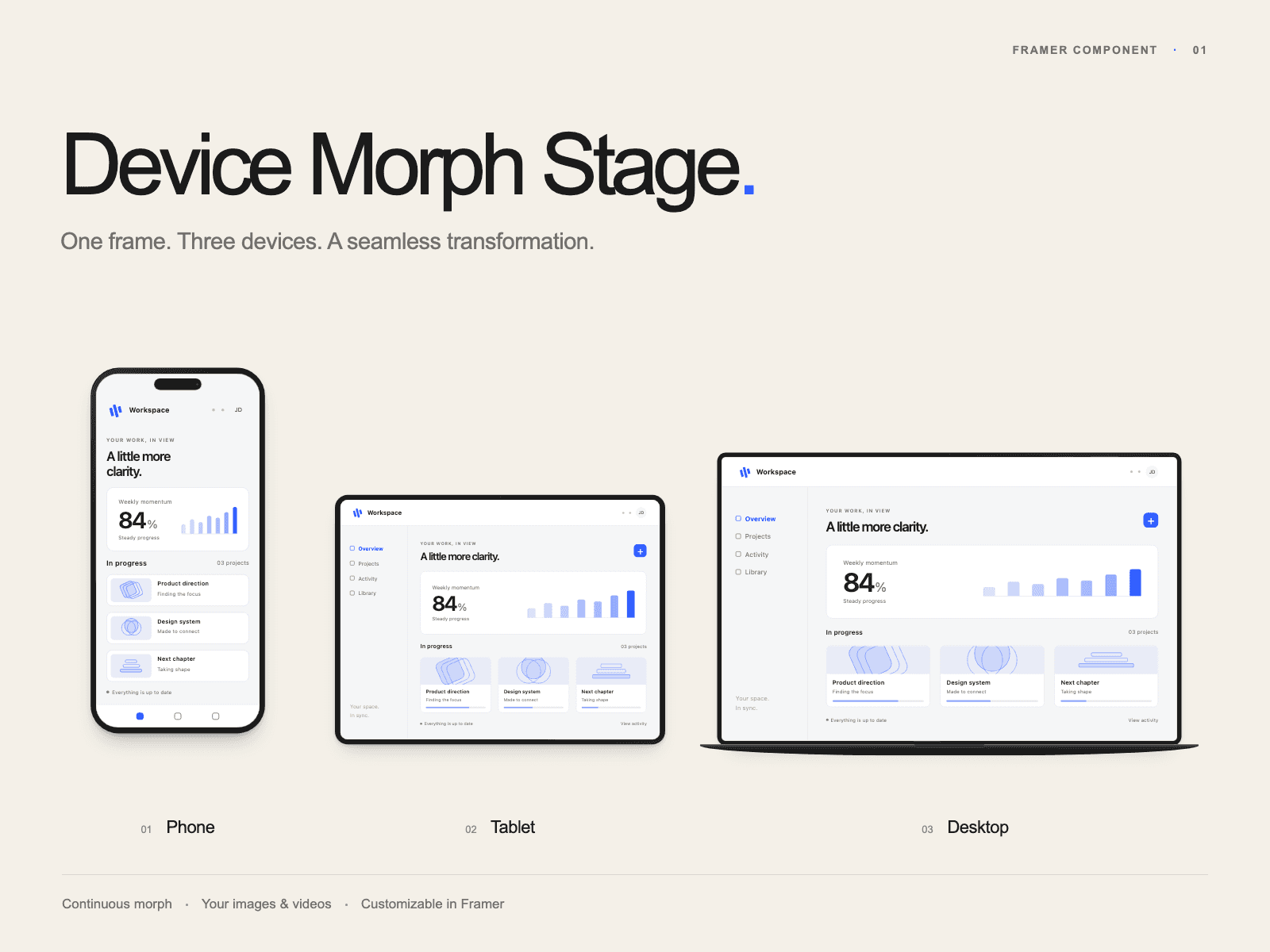
Freeform, Browser, Phone, Tablet, and Desktop preview frames
Carbon, Graphite, Paper, and Xcode-inspired themes
Sticky desktop presentation and stacked cards in narrow containers
Reduced-motion support and accessible video playback controls
English and Spanish setup documentation, with no additional package installation in Framer
Customize chapters, code, media, frames, colors, spacing, focus, and motion directly from Framer.
Compatibility and limitations
Built for Framer Code Components. Code, file tabs, and output text are display-only: the component does not compile code, execute commands, or make API requests. Built-in scenes are illustrative. Custom images and videos do not become live interfaces. Sticky behavior depends on the containing page; video playback depends on browser support.
Documentation: setup, customization, troubleshooting, and updates
Support: arforgelabs.support@proton.me