About Flipside 3D
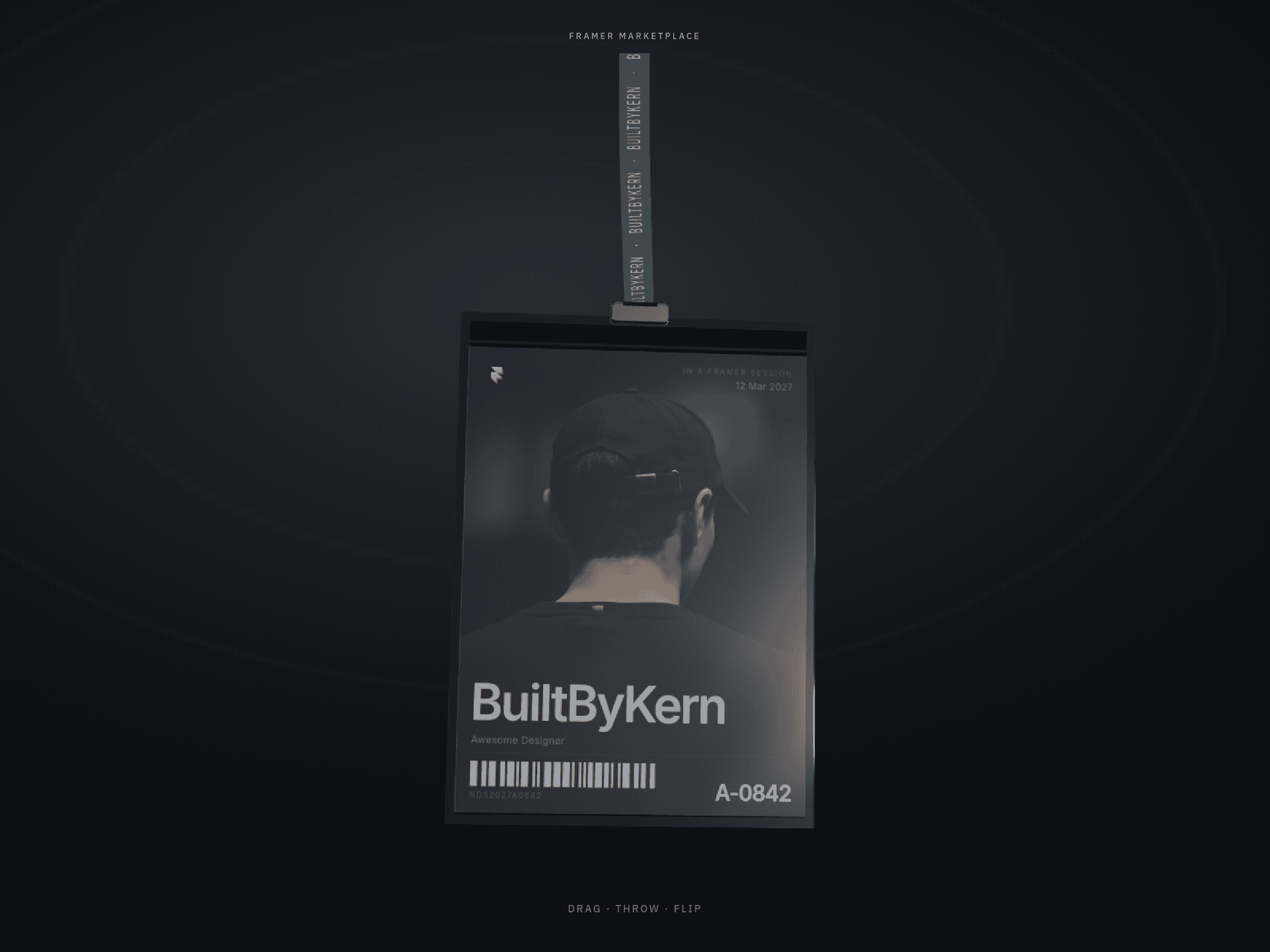
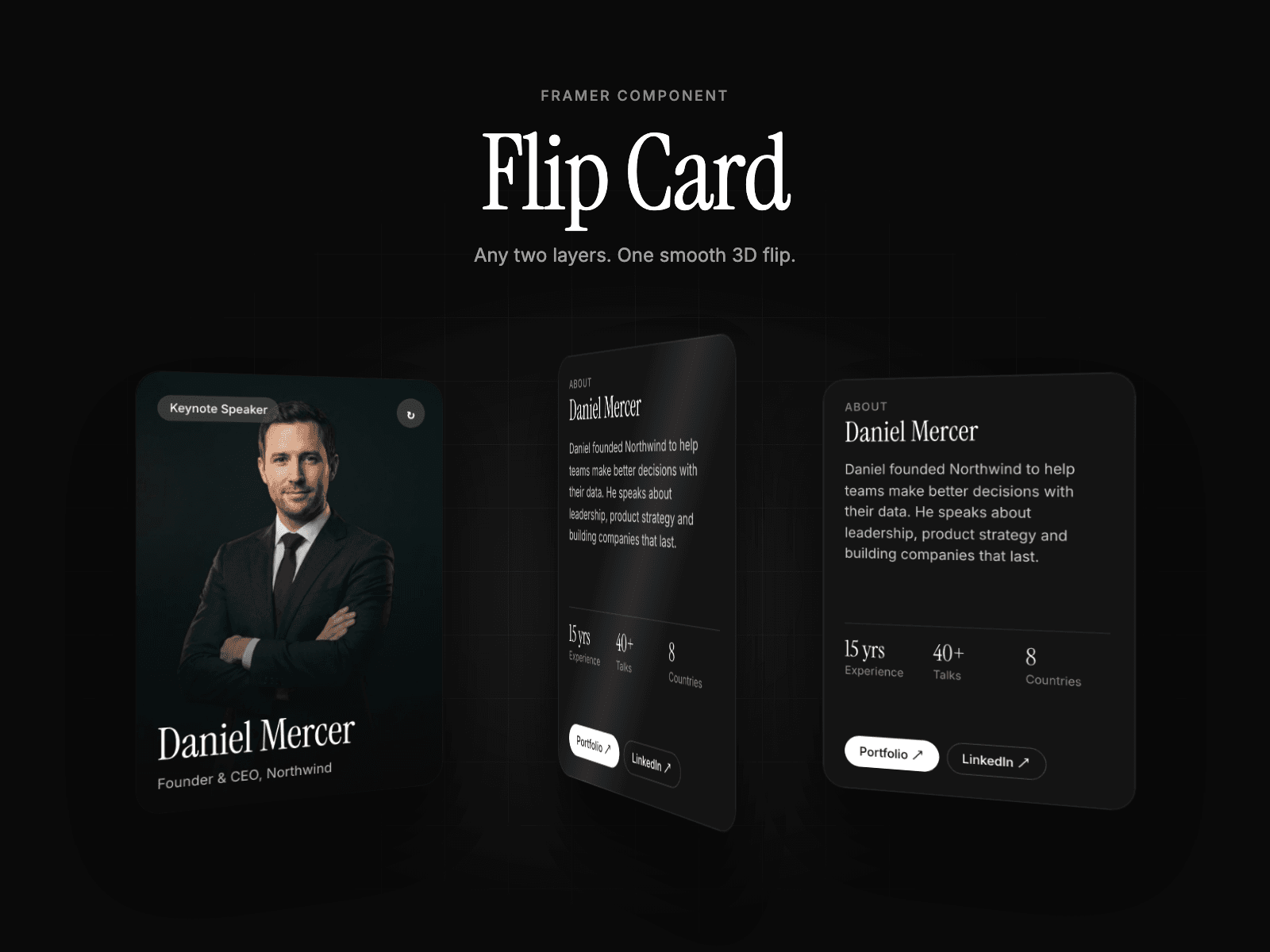
Flip Card turns any two layers into a smooth 3D card. Connect a frame to Front and another to Back, and it flips on hover, click or tap.
The card itself never rotates. Each face turns on its own center with its backface hidden, so the hover area stays still and the flip never flickers halfway through. On touch devices a tap always toggles the card, even when the trigger is set to hover.
Features
• Front and Back slots that accept any layer or component
• Trigger: Hover, Click or Both
• Horizontal or vertical axis, normal or reverse direction
• Duration, curve (Smooth, Snappy, Linear, Spring) and perspective
• Corner radius applied to both faces
• Show Back toggle to edit the back face right on the canvas
• Placeholders when a slot is empty
• Keyboard accessible (Enter or Space) and r
How to use
1. Design your front and back as two frames or components.
2. Drop Flip Card on the canvas and set its
3. Connect each frame to the Front and Back slots in the properties panel.
4. Turn on Show Back when you want to edit t