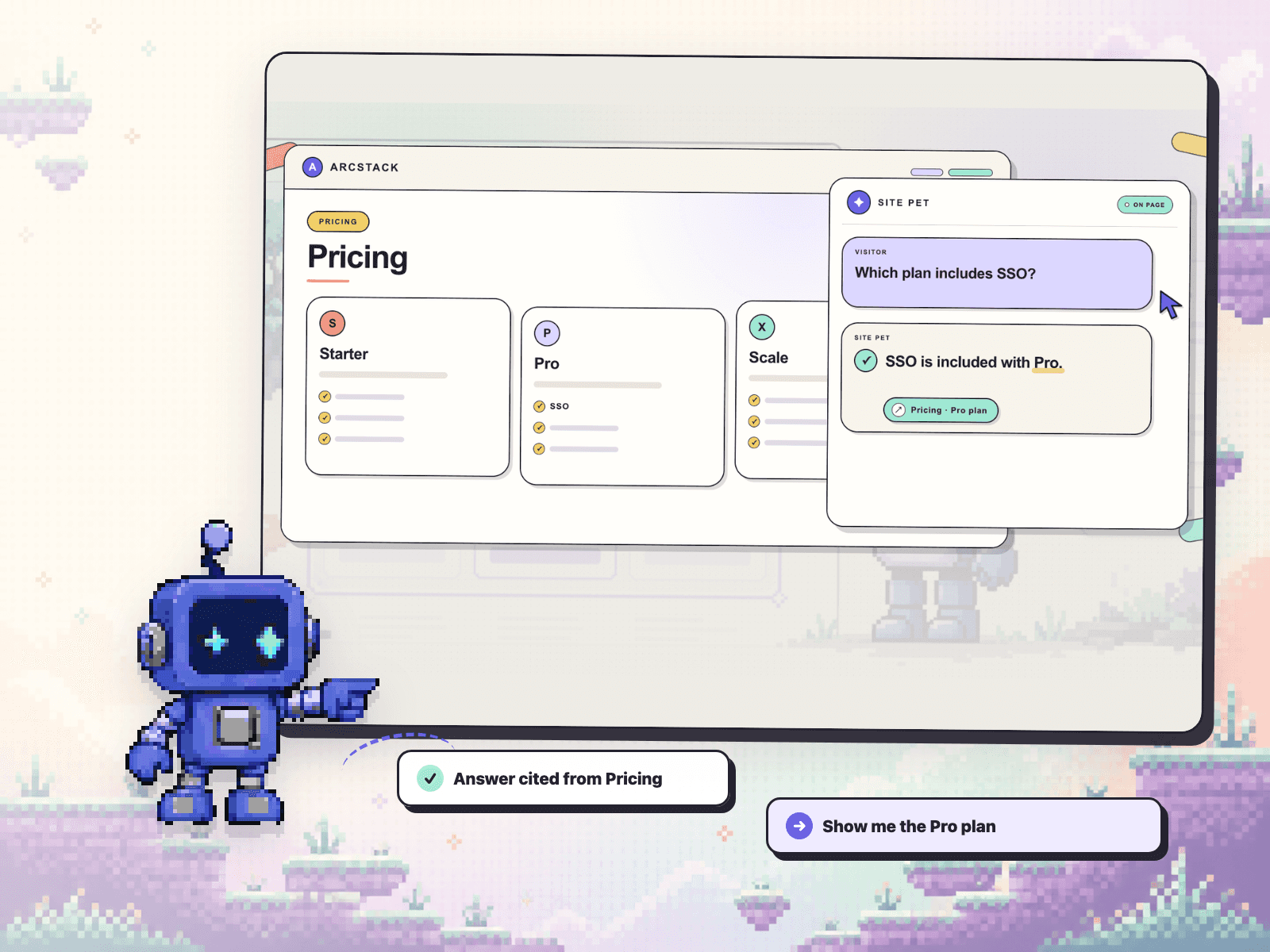
One thing I learned while building an accessibility checker for Framer: a score is not very useful if it leaves you hunting for the problem.
The useful loop is much smaller:
find one issue -> open it -> land on the exact layer -> fix it -> scan again.
I am still deciding what information should come first on each finding:
1. why it matters
2. the exact layer
3. a suggested fix
For me, the exact layer wins. This is the interaction I am testing in Ally Auditor.
What would help you most during a client handoff?
A Framer page can look finished and still hide a handoff issue.
I made this short demo around one very ordinary example: an image with missing alt text. Ally Auditor scans the canvas, shows the exact finding, and takes you back to the affected layer so you can fix it and run the check again.
It is deliberately a lightweight QA pass, not a replacement for manual accessibility review.
I am curious what people usually catch latest before handoff: alt text, headings, labels, or contrast?
It is called Ally Auditor if you want to search for it in Plugins.
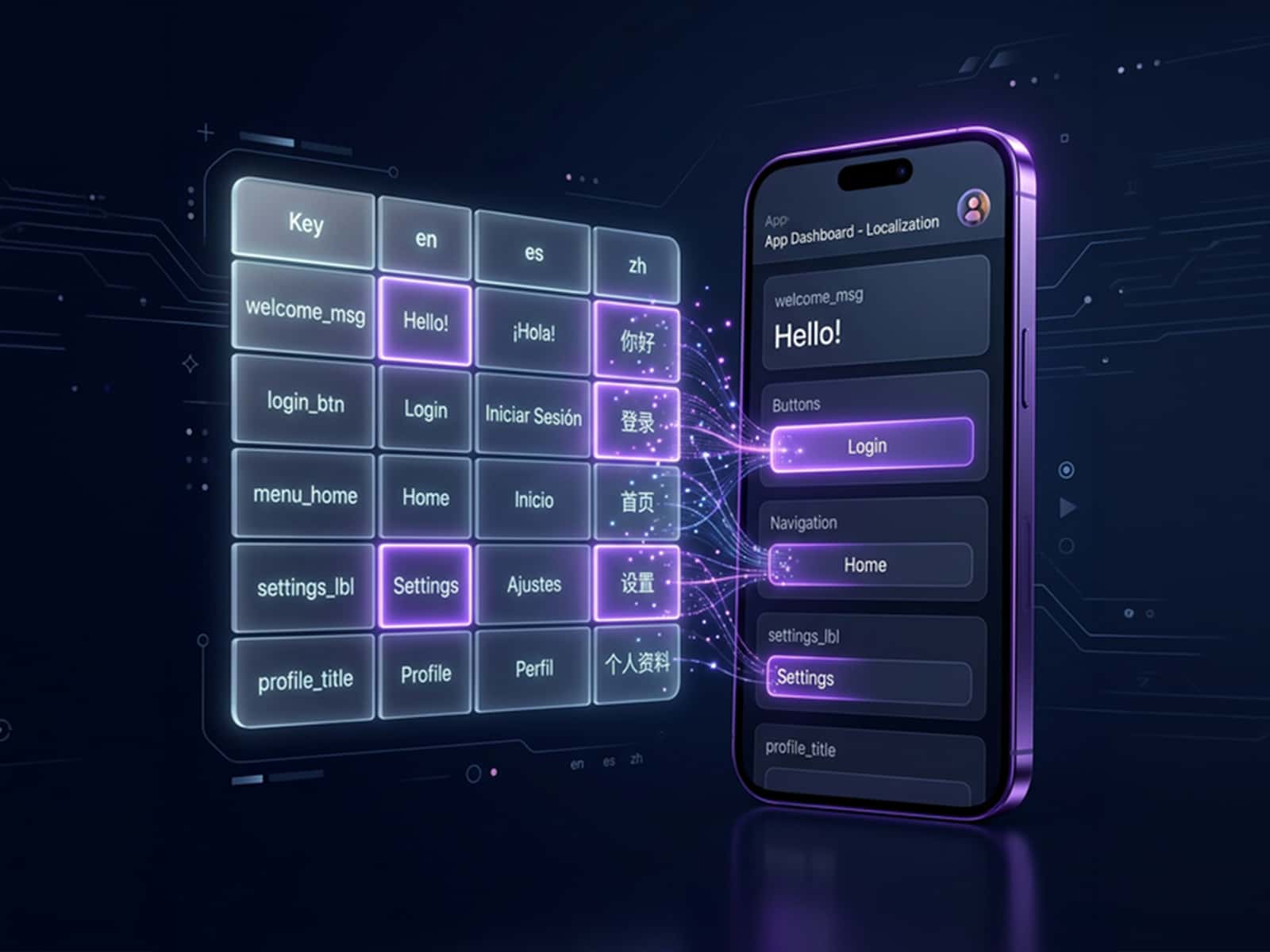
The expensive part of localizing a Framer site isn't the translation. It's putting the right copy back into the right layer without turning launch day into a spreadsheet hunt.
I built Loka around that exact loop: pick the real text layers, review the copy, preview the result, then apply only what you trust.
This 15-second demo shows the workflow. I'm especially curious how people handle repeat pages and shared components today.
It's called Loka - Localization Hub if you want to search it in Plugins.
A Framer page can look finished and still fail the handoff details.
Ally Auditor 1.0.4 gives you a fast pre-handoff loop:
• run eight local canvas checks
• jump from a finding to the exact layer
• fix it, re-scan, and export the QA record
It catches missing alt text, heading gaps, unlabeled controls, contrast risks, touch targets, typography, ARIA suggestions, and focus order.
Everything is free. No account, API key, project upload, AI service, or checkout.
Search “Ally Auditor” in the Framer Marketplace and run it before your next client handoff.
An accessibility issue list is useless if it makes you hunt through the canvas.
This is the Framer workflow I wanted before client handoff:
1. Run eight automated canvas checks.
2. Click a finding and jump to the exact layer.
3. Fix it, re-scan, and export a short QA report when the client needs proof.
The screenshot is a real missing-alt-text finding selecting the affected image in Framer.
Ally Auditor is intentionally not a WCAG certification tool. A clean automated pass still needs manual keyboard, screen-reader/assistive-technology, content, interaction, and published-site testing.
All eight checks run in Free. Search “Ally Auditor” in Marketplace.
If you ship Framer client work, which part still costs more time: finding the layer, fixing it, or producing handoff proof?
Building a location page for China gets complicated surprisingly fast.
A single embed is easy. Multiple locations, map/list sync, search, filters, directions, and a mobile layout usually mean building an AMap component from scratch.
I made Gaode Maps for Framer to turn that workflow into something editable: add or import locations, preview the experience, insert it into the canvas, then reopen the plugin to update the same component later.
It includes a free single-location map; the searchable Store Locator is a Pro output.
For anyone who has shipped a location page: what became painful first—the map/list layout, the data import, or search and filtering?
Search “Gaode Maps” in Marketplace.
Framer builders working with multilingual sites: after publishing, how do you check whether AI crawlers see the same thing your client sees?
I’m testing a small post-publish QA pass around:
1. whether /llms.txt is reachable from the final domain
2. whether JSON-LD matches each locale
3. whether CMS titles and descriptions drift across languages
4. whether the published page matches what was reviewed in Framer
I turned the workflow into an independent Framer plugin called Polyglot AEO. If you want to try it, search “Polyglot AEO” in the Marketplace.
Which of these do you still check manually before client handoff?
Quick question for people shipping Framer client sites: what accessibility check do you still do manually before handoff?
I have been tightening a small plugin called Ally Auditor around that exact moment when the page already looks finished, but the boring QA details can still slip through:
- images that never got real alt text
- headings that look right visually, but are not structured
- icon buttons or links with no readable label
- contrast that changed during the final visual pass
- some lightweight proof that the check was actually done
The thing I am trying to avoid is the giant "audit report" feeling.
I want it to feel more like a quick QA pass inside Framer before you send the site to a client or publish a template.
If you build in Framer, which one would you want a plugin to catch first: alt text, contrast, headings, labels, or report proof?
Blunt feedback is genuinely useful for the next pass.
I have been tightening a small Framer localization plugin this week.
The hard part was not just translating text.
It was choosing the right scope.
A hero title, a service paragraph, and a CTA should not all be treated like the same row in a spreadsheet.
So Loka is built around a calmer flow:
select the real layers, review the copy, preview it, then apply only what you trust.
Still polishing the UX, but it is already saving me from the usual back-and-forth before launch.
Plugin name is Loka if anyone wants to search it in Marketplace.
I've been working on a small Framer plugin for localization.
It lets you select text layers, prepare translations, review them before applying, and keep live-site translation scoped instead of rewriting random page text.
Would love feedback from anyone shipping multilingual Framer sites. It's called Loka - Localization Hub if you want to try it.
Polyglot AEO is now live: a pre-launch and post-publish AEO quality control center for multilingual Framer sites. Scan CMS localization gaps, schema coverage, llms.txt files, meta copy, and live-site readiness before launch.