
About Pulse Booking
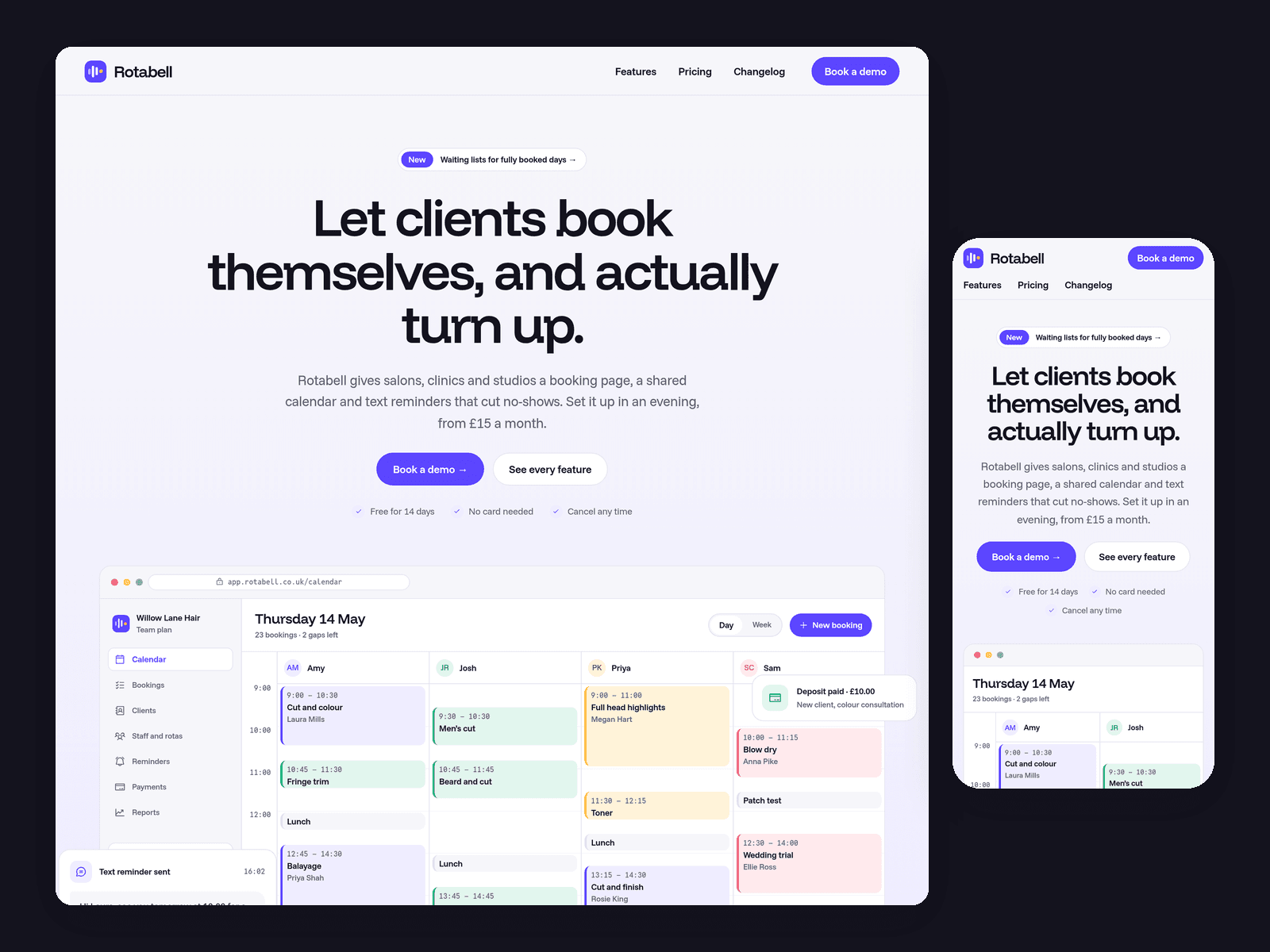
Pulse is a website template for small software products, shown here as a made-up booking and reminders app for salons, clinics and studios. It's light and clean, with one vivid violet and product mock-ups built from Framer layers, so you can edit them on the canvas.
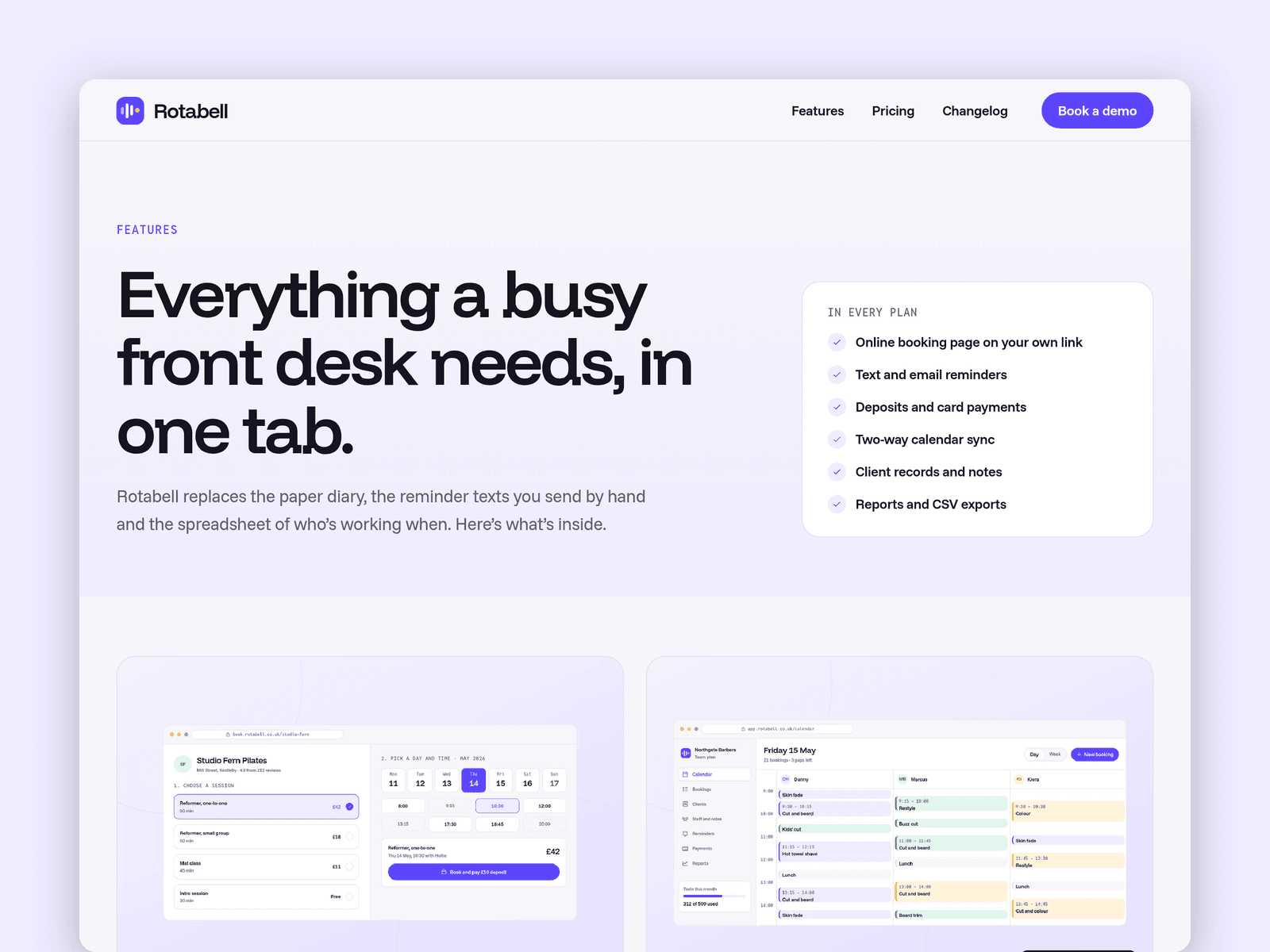
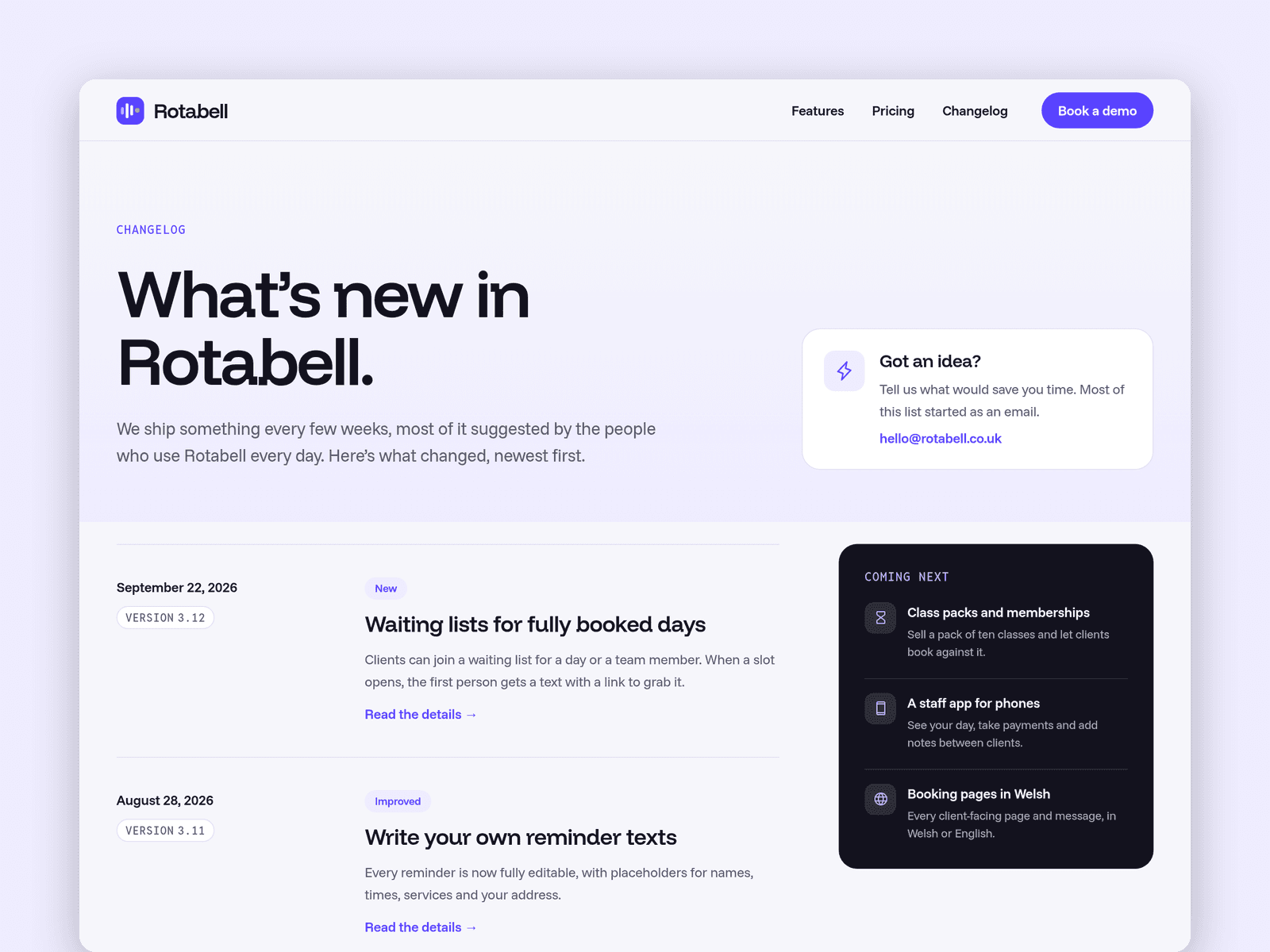
Features and Changelog run from the CMS. Each feature has an icon from Framer's built-in set, a summary, the plans it's in, a screenshot and a full write-up, and gets its own page. Each update has a version, a date, a type (New, Improved or Fixed), a summary and the details, also with its own page.
The Book a demo page has a request form (name, work email, type of business, team size, current tool and a message) with loading, success and error states.
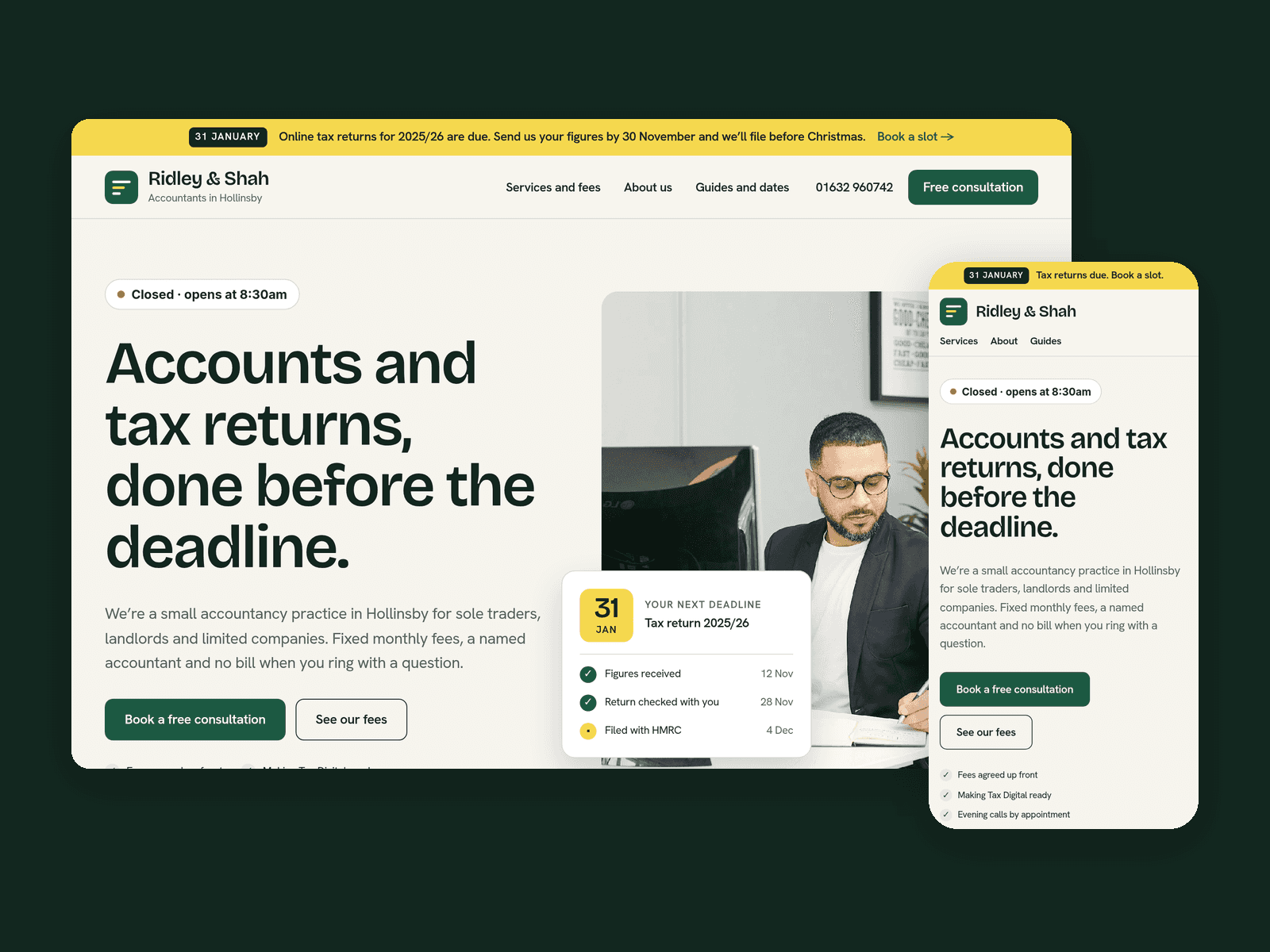
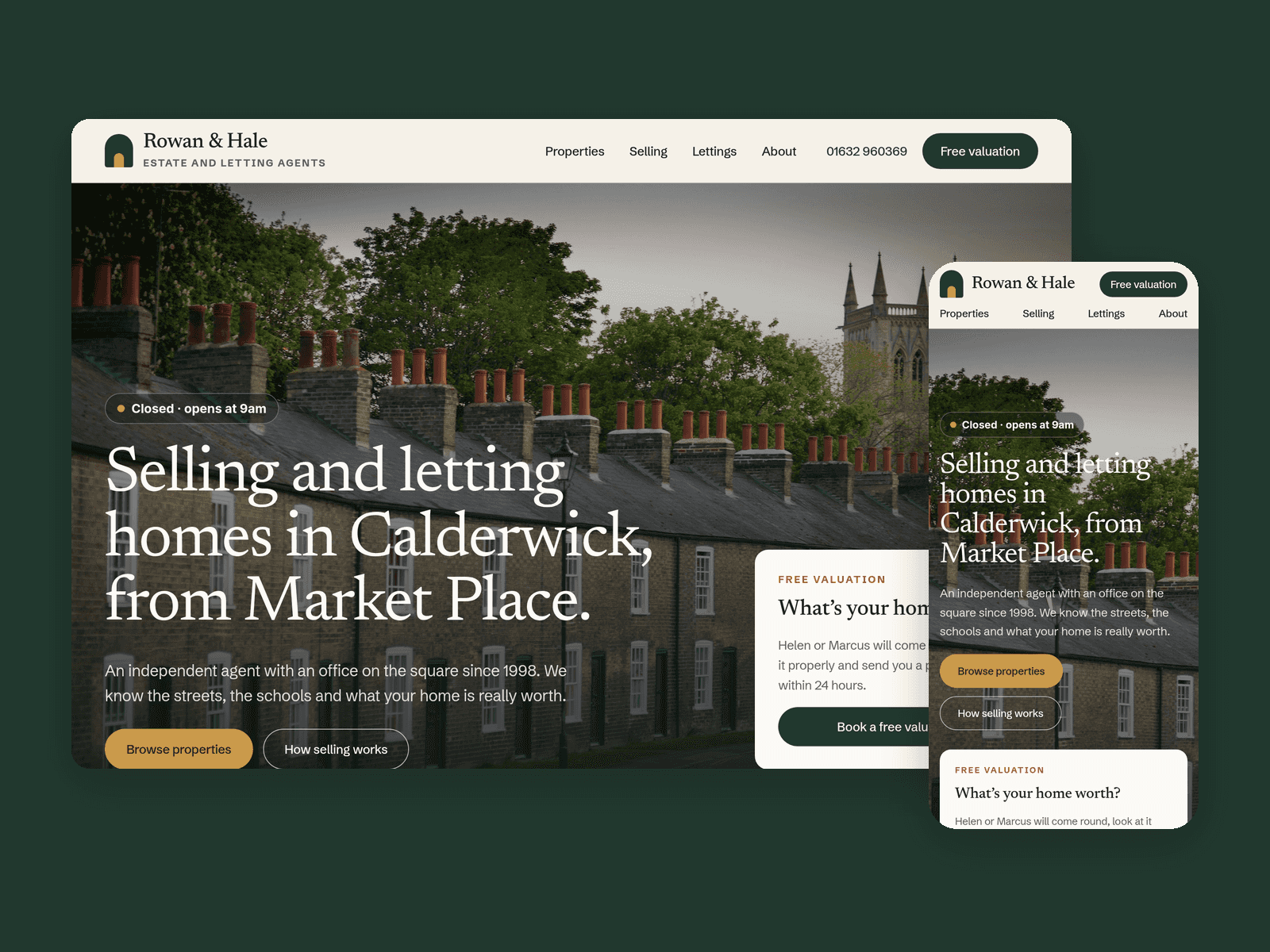
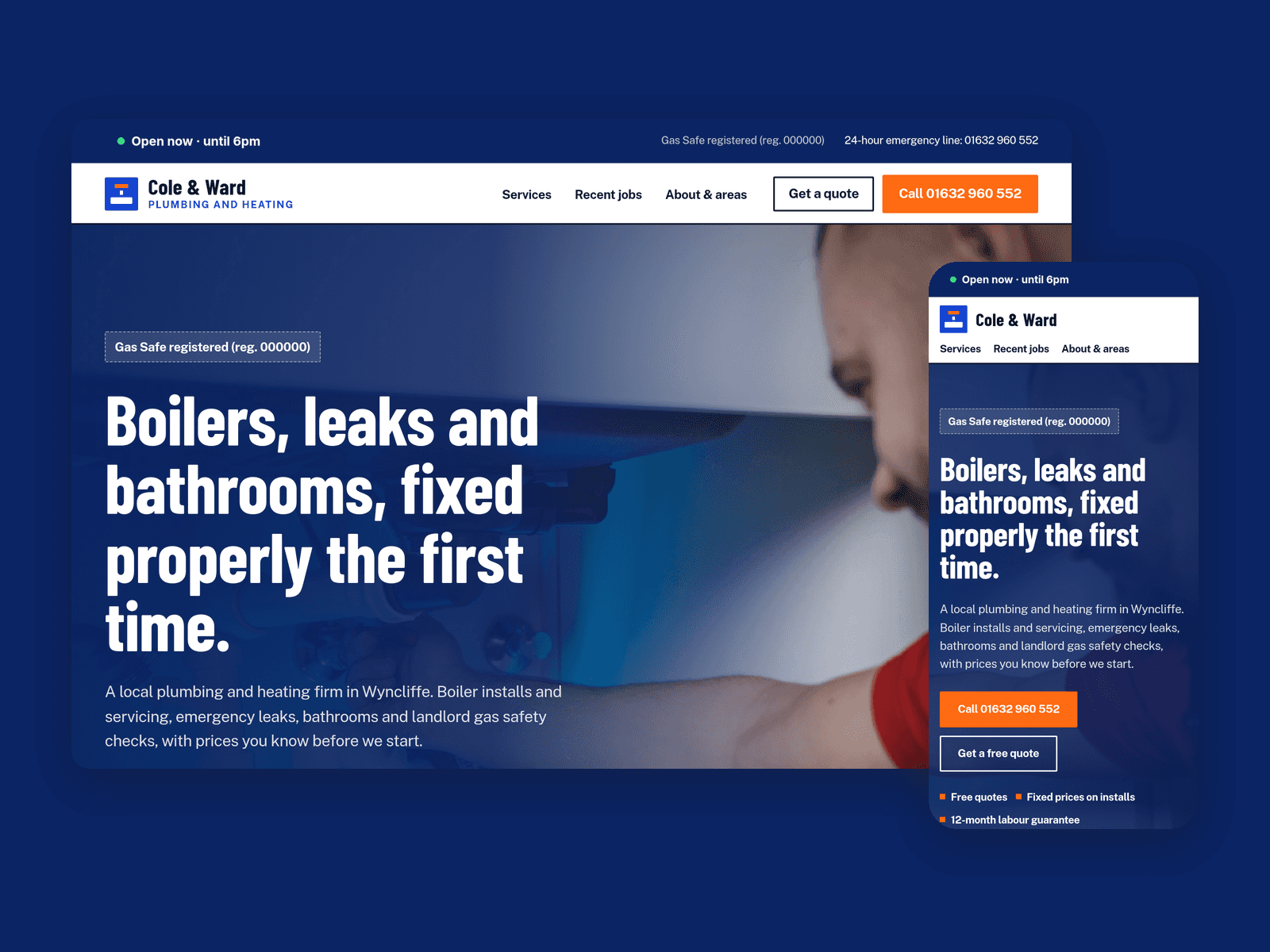
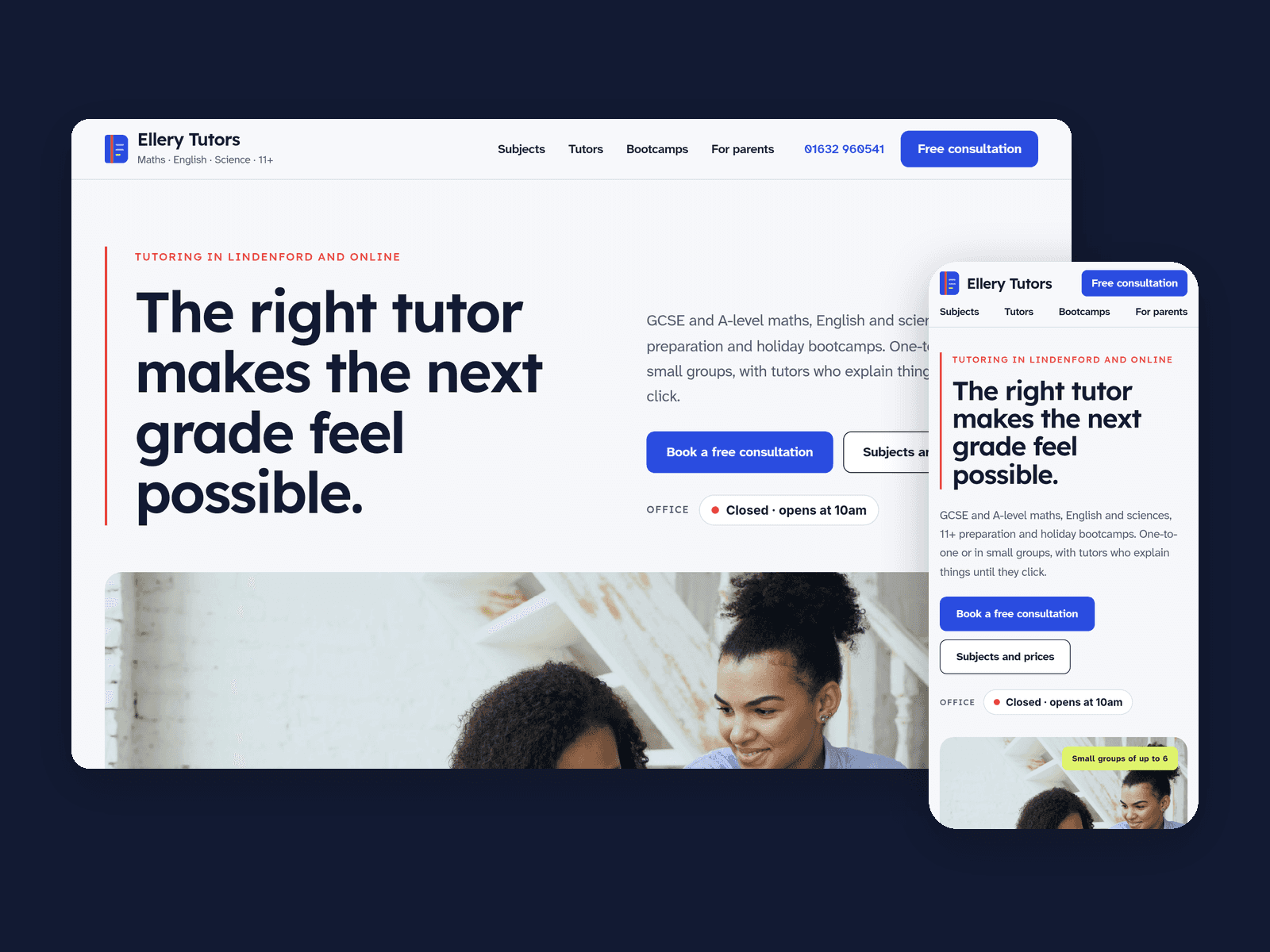
The "Open now" badge shows your support hours in your time zone, such as "Open now · until 6pm" or "Closed · opens at 8am", and updates every minute.
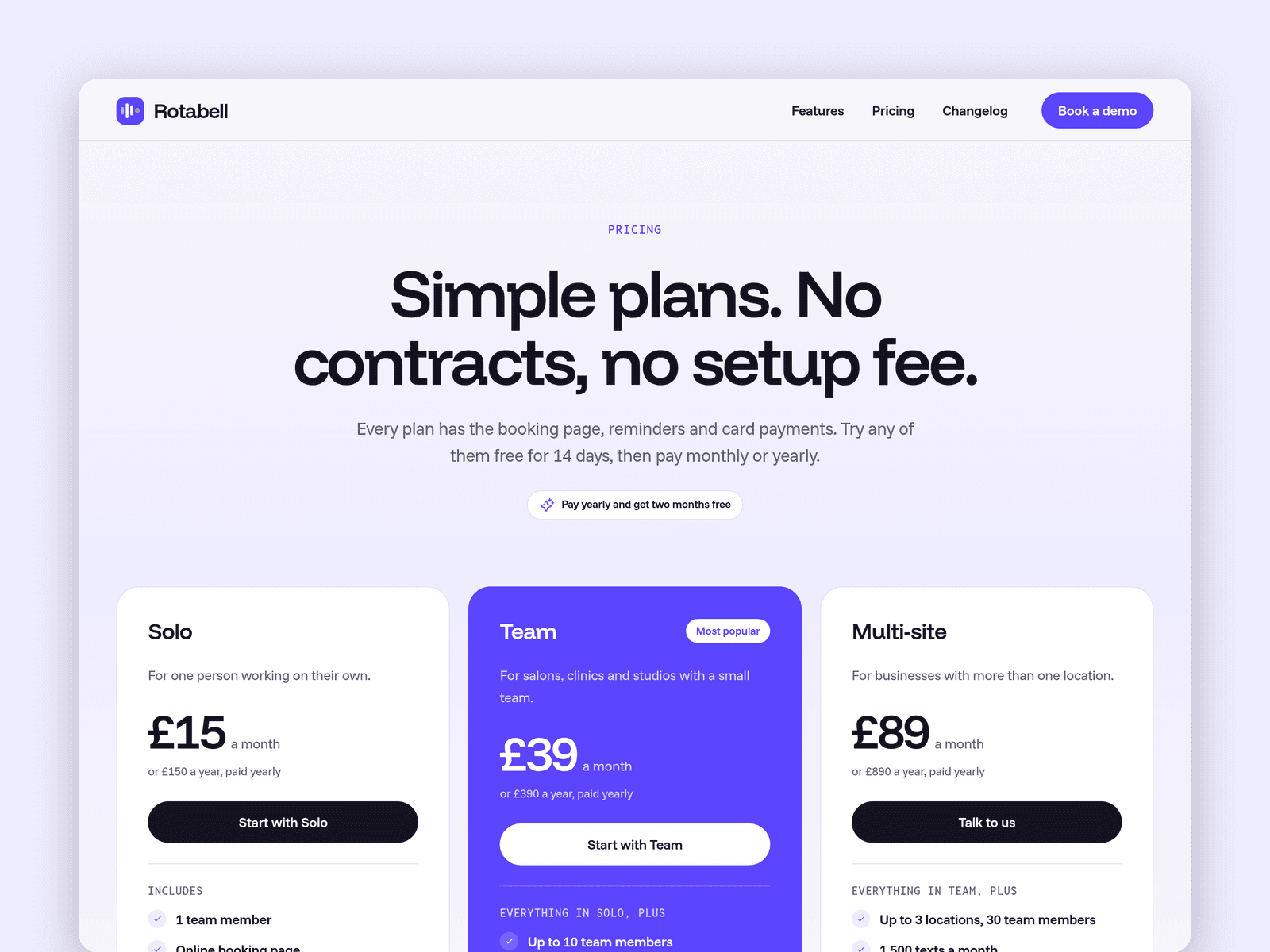
Pages: Home (hero with a product mock-up, trusted-by names, features, how it works in 3 steps, stats, who it's for, testimonials), Features, a feature page, Pricing (3 plans with yearly prices, a comparison table and an FAQ), Changelog, an update page, Book a demo, Licenses and 404. Every page has its own search title and description, and all are laid out for desktop, tablet and phone.
Getting started:
Change the colours in Assets → Colors (all named Pulse/...) and the fonts in Assets → Text Styles.
Replace the features in CMS → Features, including the icons and the screenshots of your own product.
Add your own updates in CMS → Changelog.
Set your plans, prices and the comparison table on /pricing, and the stats on the home page.
Open the form on /demo and choose where requests go, then set your support hours on the badges.
Edit the product mock-up on the home page, or swap it for a real screenshot.