About Infinite Canvas
On sale until Oct 20.
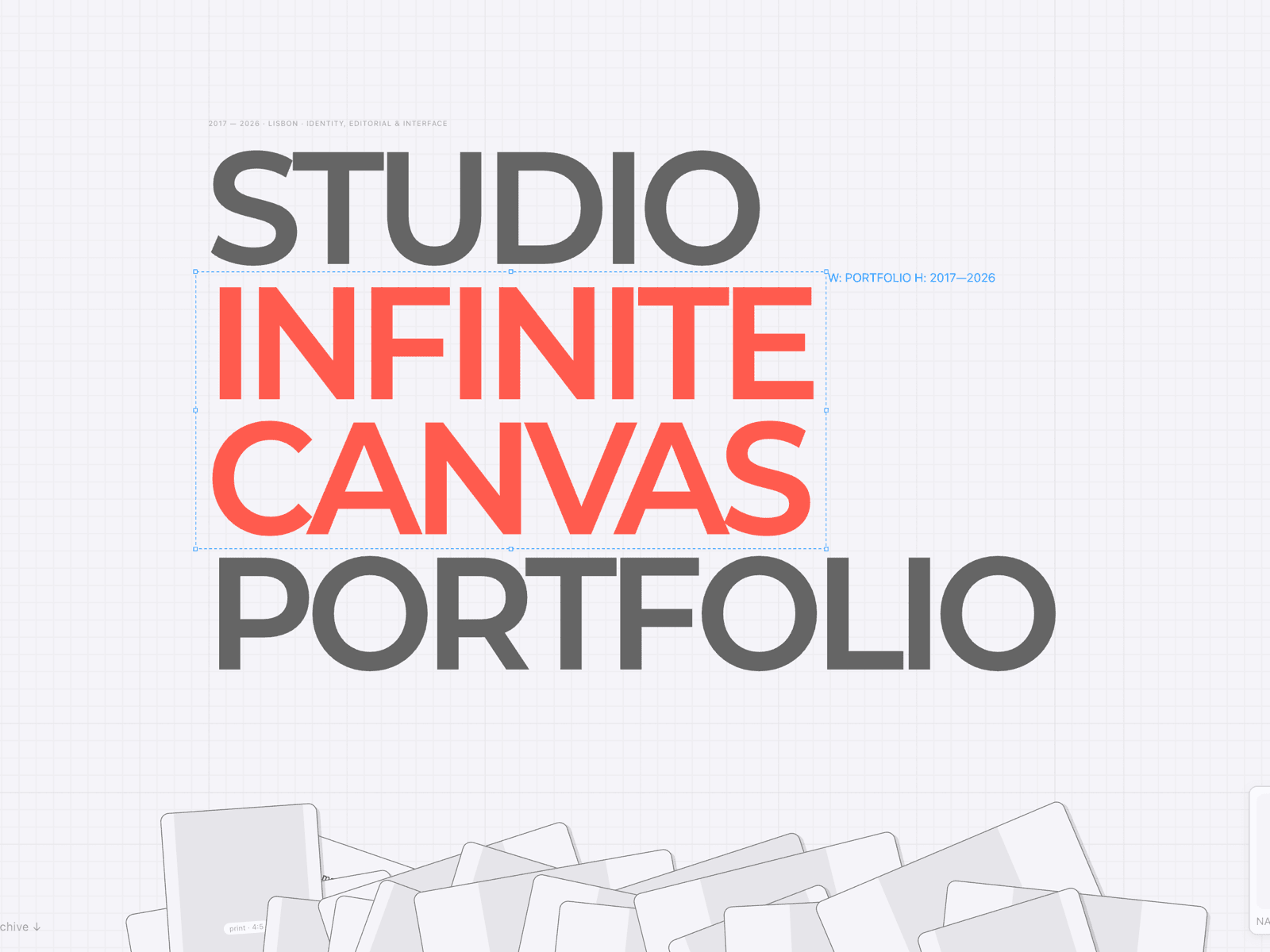
Most portfolios are a stack of pages. This one is a single, continuous canvas.
The intro, every project, the about section, the contact form — all on one infinite surface. Visitors pan across it, zoom into whatever catches their eye, and the work opens right where it sits. No page loads, no back button, nowhere to get lost.
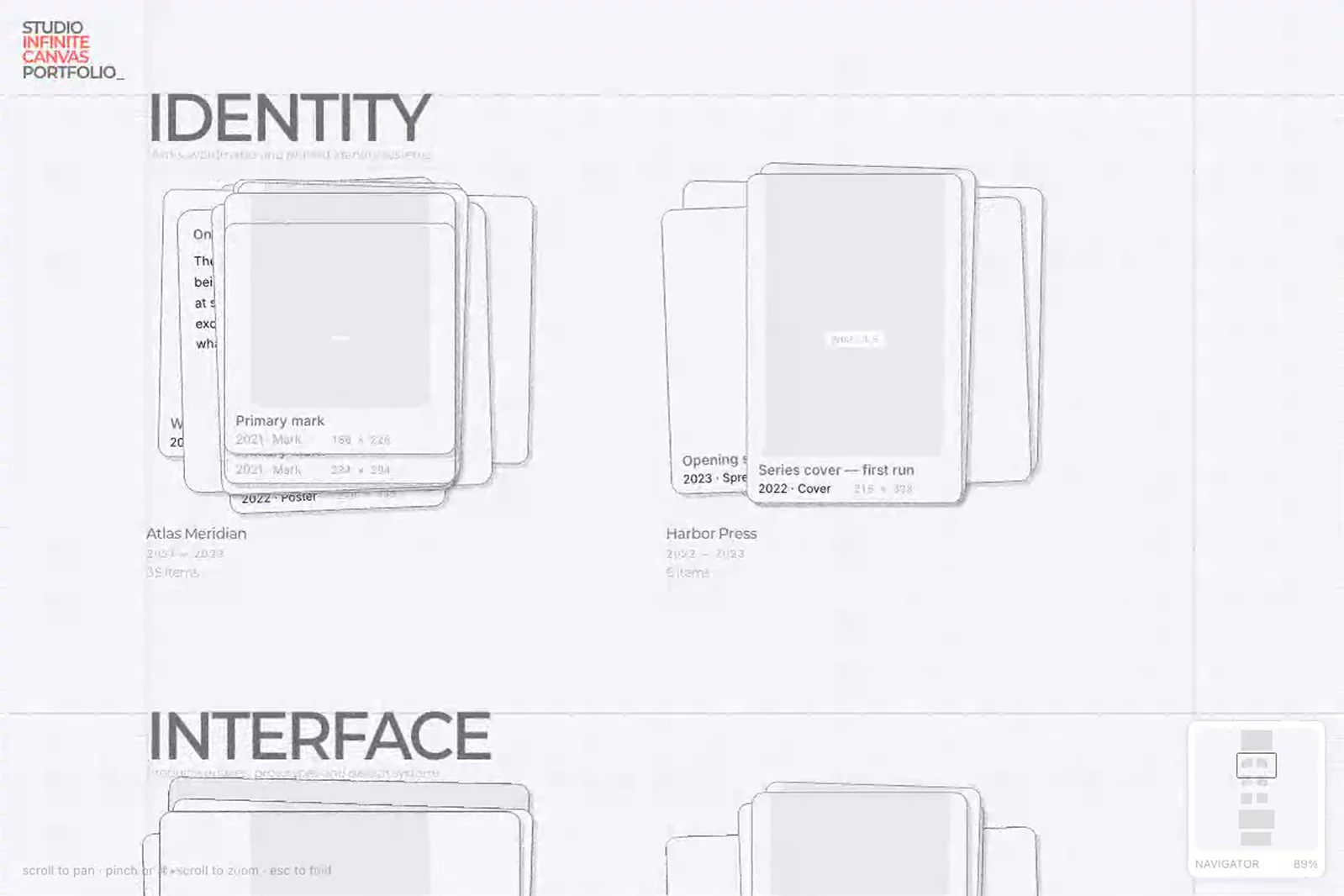
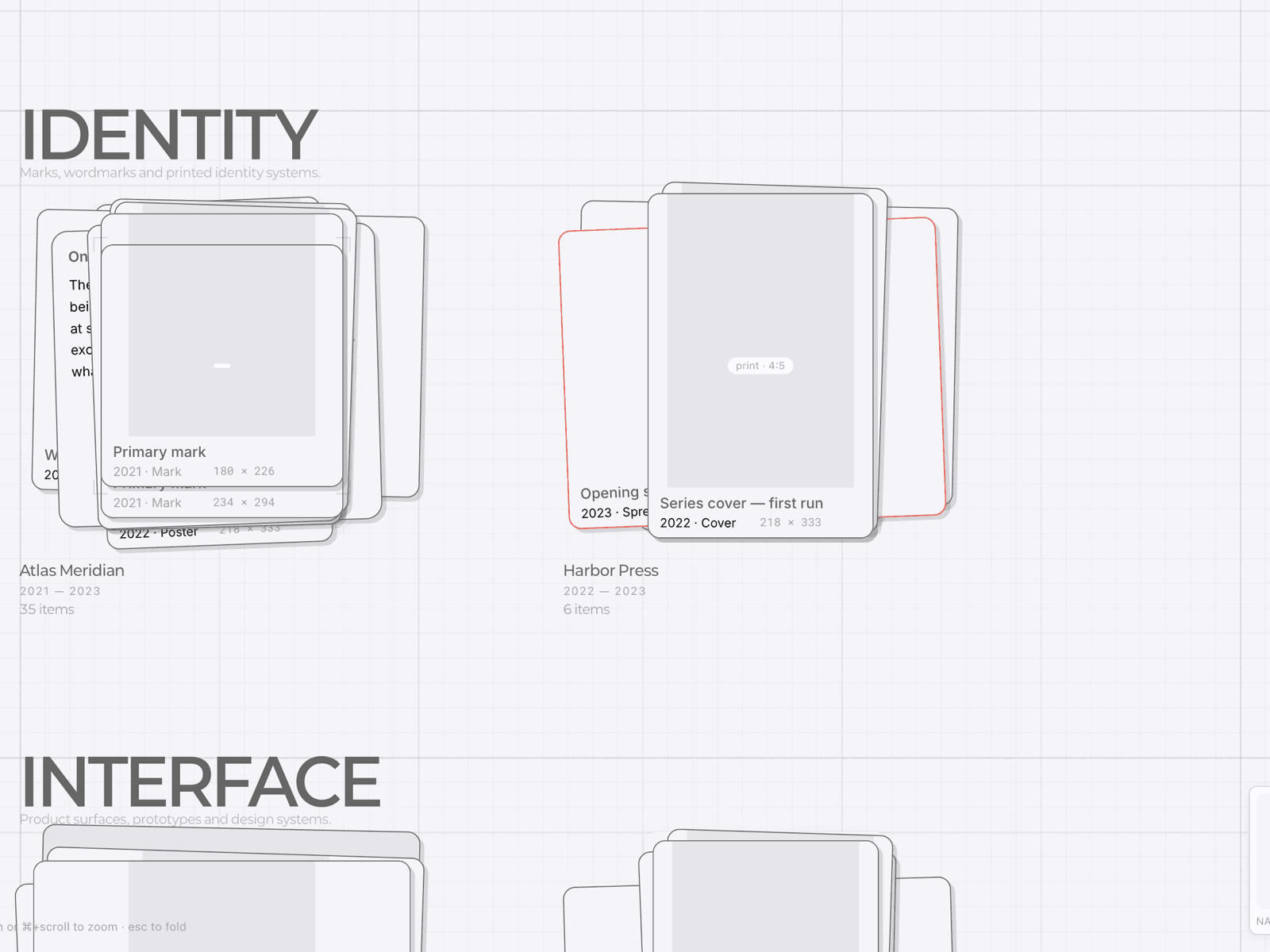
Piles that unfold. Each project sits as a stacked pile on a drafting-paper grid. Click it and the pile unfolds into a grid, card by card, on a staggered spring — the same motion every time, so the whole site reads as one system.
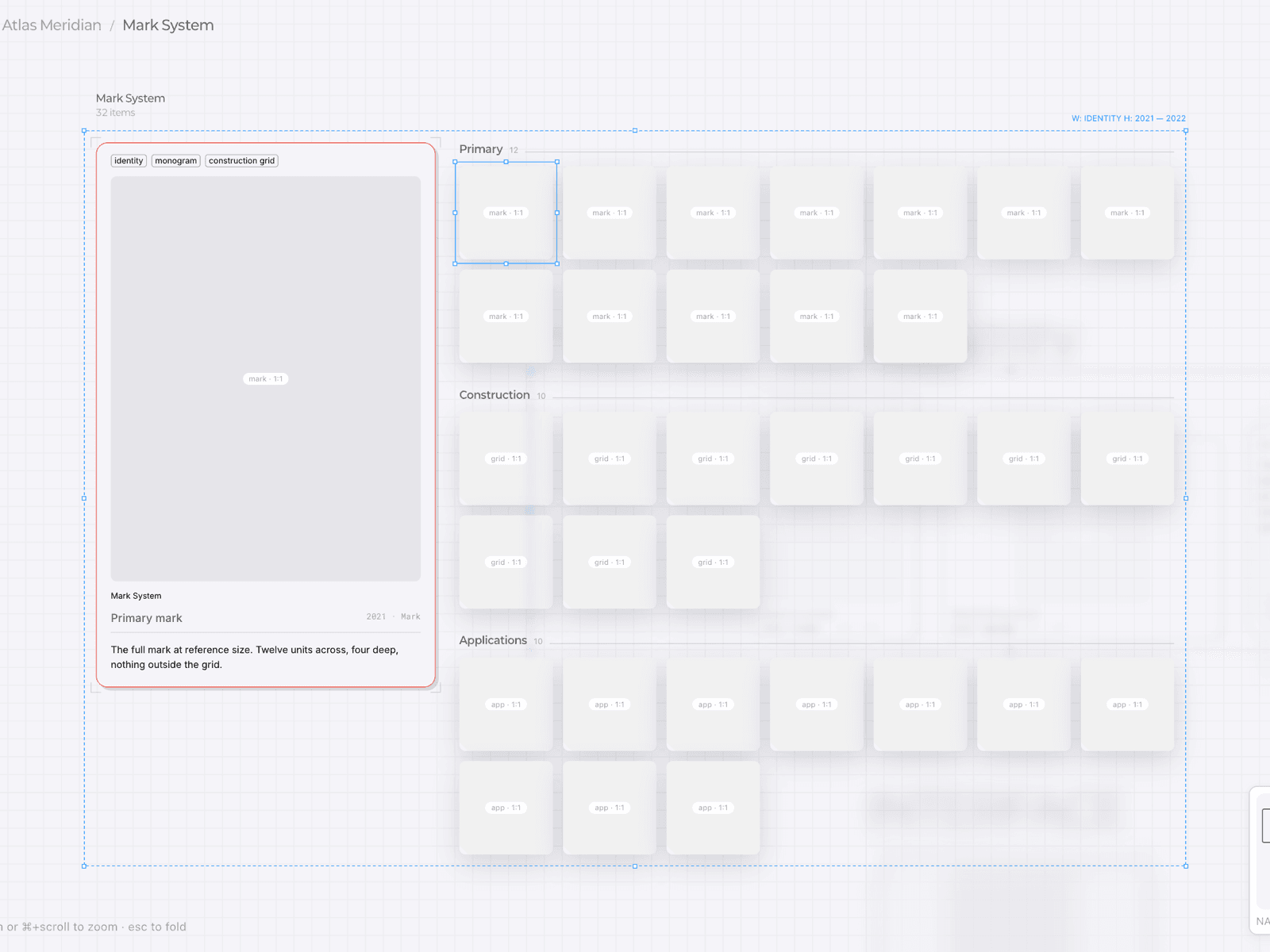
A catalog spread, not a slideshow. Open a project and the canvas resolves into a spread: a large viewer on the left, a grouped and tagged thumbnail grid on the right. Click any thumbnail and the viewer swaps in place — no modal, no reload, nothing jumps.
It reads like the file the work was made in. Dashed bounding boxes with dimension labels, zone headers, a live navigator with a zoom percentage. Studio furniture, not marketing furniture.
Real on phones. Under 768px the catalog collapses into a fixed viewer over a scrolling list, and pan and zoom become touch gestures with momentum.
What you can edit. All content lives in the Framer CMS: Gallery Sections, Groups and Cards for the archive, plus Site Texts (hero, about, contact) and CV Entries. Adding a project is adding a CMS item — pick its group and the canvas updates itself, no code required. Eight property controls handle image base, stagger, spring, dim opacity, intro style, deep links, accent color and fonts. The canvas mechanics ship as one fixed code component — everything above it is yours.
Changelog
1.1
Catalog grid now adapts to the viewport: 5 columns on wide screens, 3 on laptops, 2 on narrow windows. Thumbnails and captions stay readable instead of zooming out.
Camera fits to width first, so long catalogs scroll instead of shrinking.
Idle auto-recenter no longer fires while a project is open — you can read without the view jumping back.


