
About Webflow Import
Migrating a site from Webflow to Framer? Export each CMS collection as CSV in Webflow, drop all the files into this plugin at once, and your content lands in Framer CMS in one pass: blog posts, authors, categories, team, projects, with the links between them intact.
Made for Webflow's export
Multi-references and multi-image fields as Webflow exports them (several values in one cell, by slug or name)
Galleries become Framer gallery fields
Every collection in one import, in the right order, even collections that point at each other
Drafts stay drafts, archived items are skipped
Webflow's own columns (Collection ID, Item ID, Created On and so on) are left out
Option fields get their options created for you
Rich text keeps its images and YouTube or Vimeo videos, and Webflow's empty spacer paragraphs are removed
Images and files (PDFs and the like) can be copied into Framer, so nothing breaks when you cancel Webflow
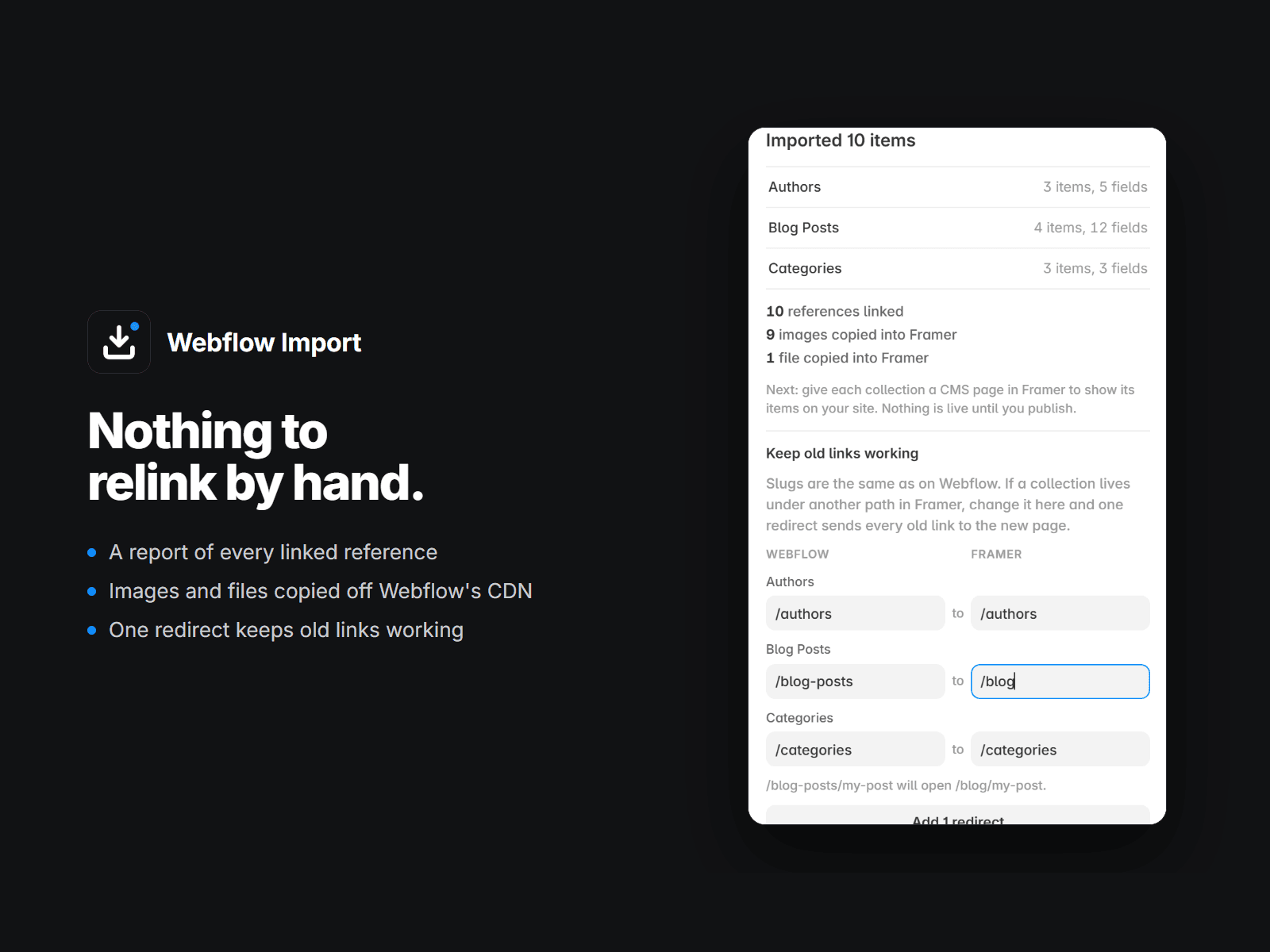
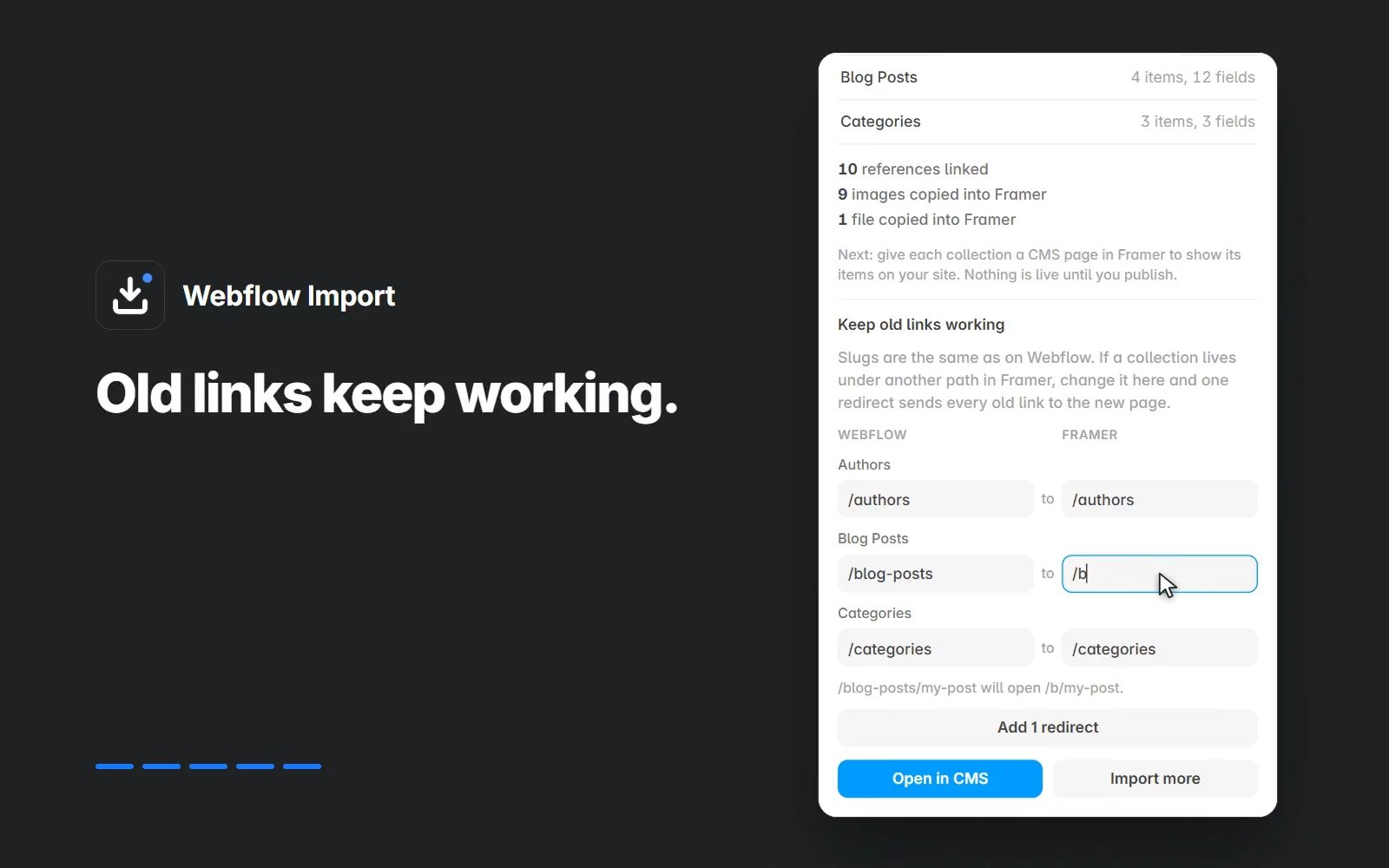
Old links keep working: give a collection a new path in Framer and one click adds a redirect for all its items
Your Webflow 301 redirects come along too, pointed at the new paths. Redirects need a Framer plan that includes them.
How it works
In Webflow, export every collection you need (CSV).
Drop all the CSVs into the plugin.
Check the fields it detected. Change a type, point a reference at another collection, or skip a column.
Import. You get a report: items, fields, linked references, anything it could not match.
Nothing is written until you press Import. No export at hand yet? "See it on a sample" shows the review on a small made-up blog first.
Free and paid
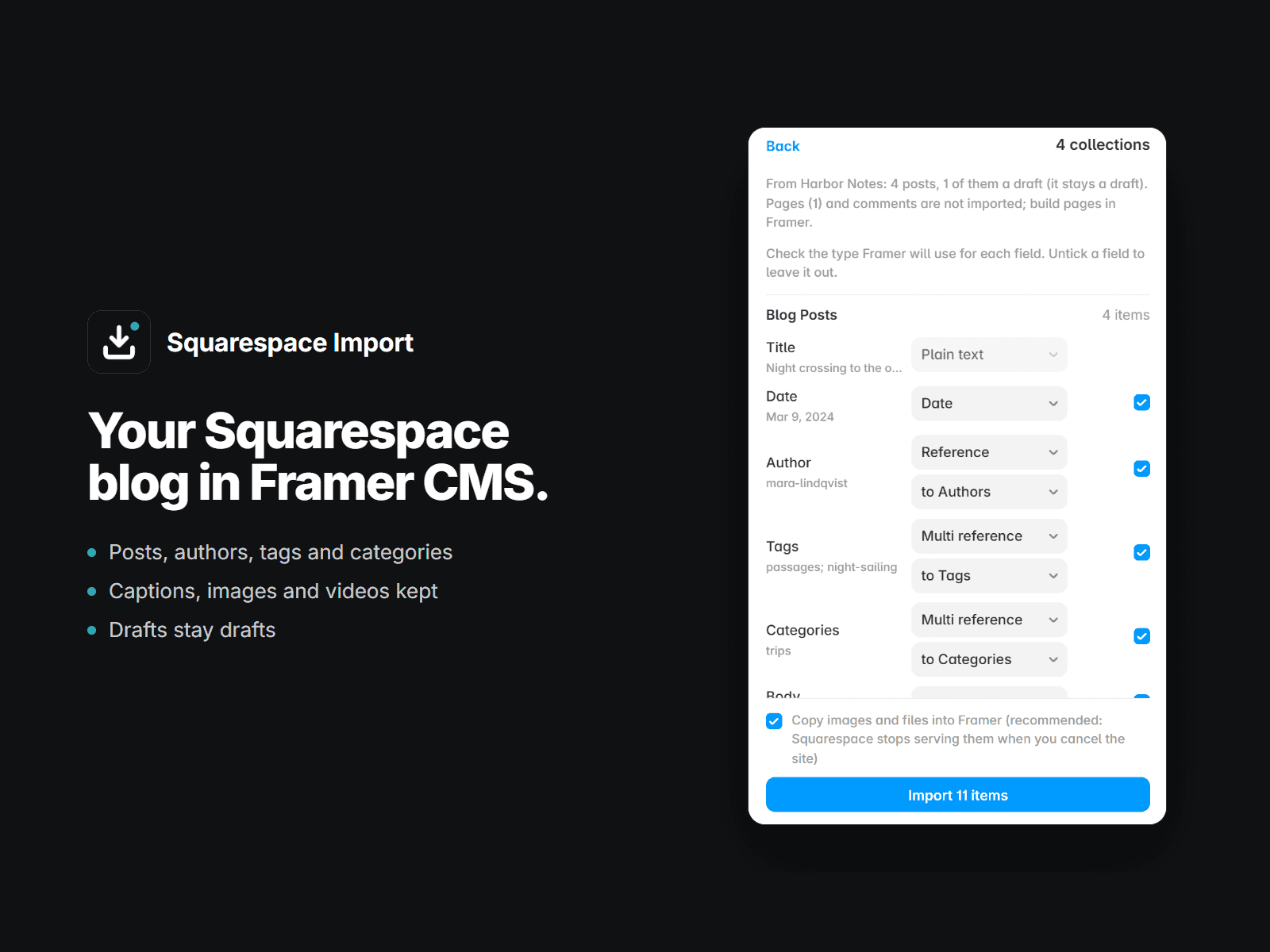
Free: the first 25 items of every collection, all field types included, so you can check the result on your own content. A one-time license removes the limit: $49 for one project, or $99 for unlimited projects (agencies). The same unlimited key also works in our Squarespace Import.
Questions: plainwaretemplates@gmail.com, replies within a day.