About Tactile
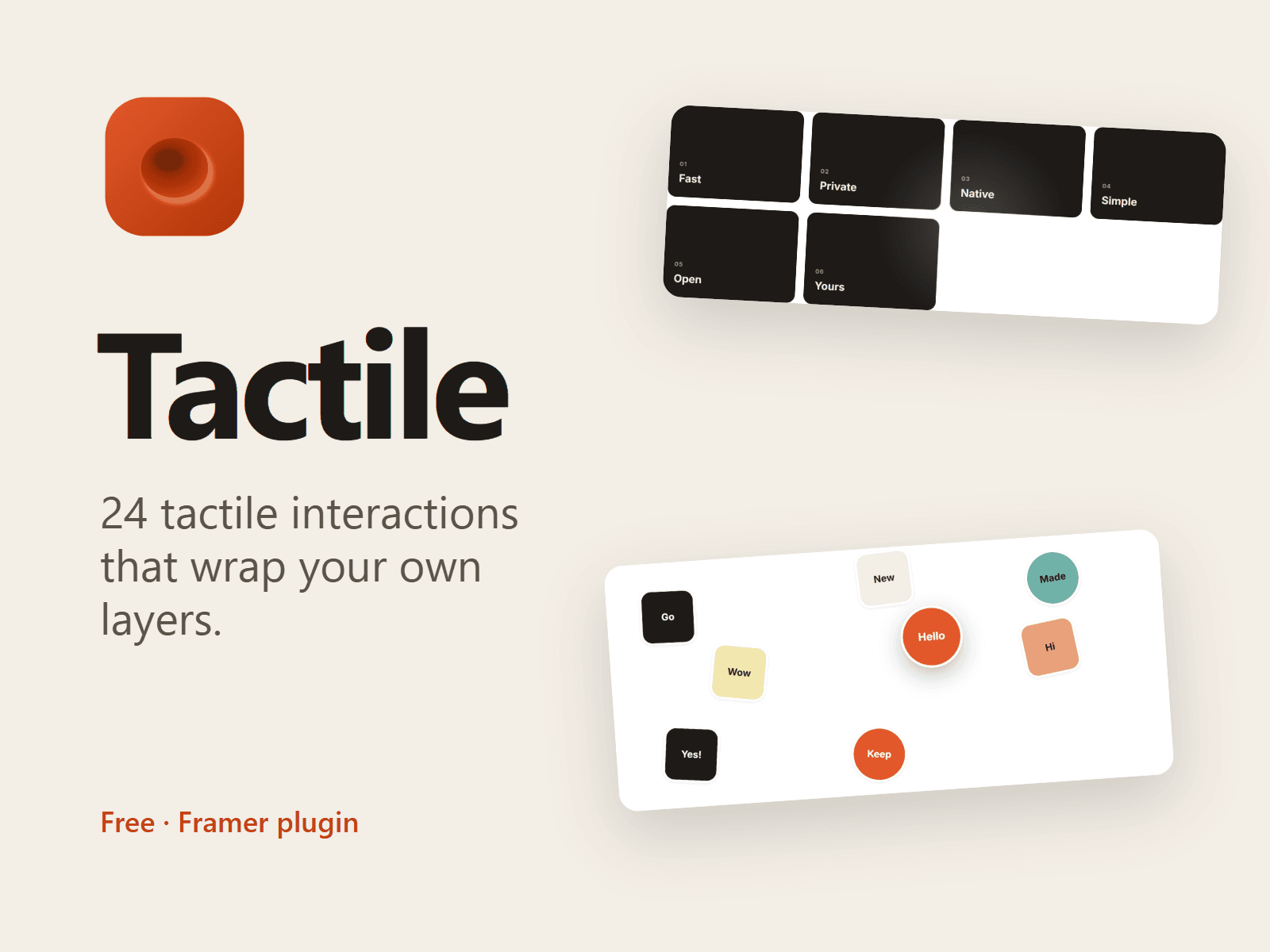
Tactile is a free interaction library plugin for Framer that lets you add physical, hand-made motion to your own layers without writing code.
Pick an interaction, press Insert, and it lands next to your selection as a native Framer code component. Then connect your own layers to its slot in the right panel: your buttons, cards, pills, photos and CMS items stay fully editable, styled by your colour styles and text styles.
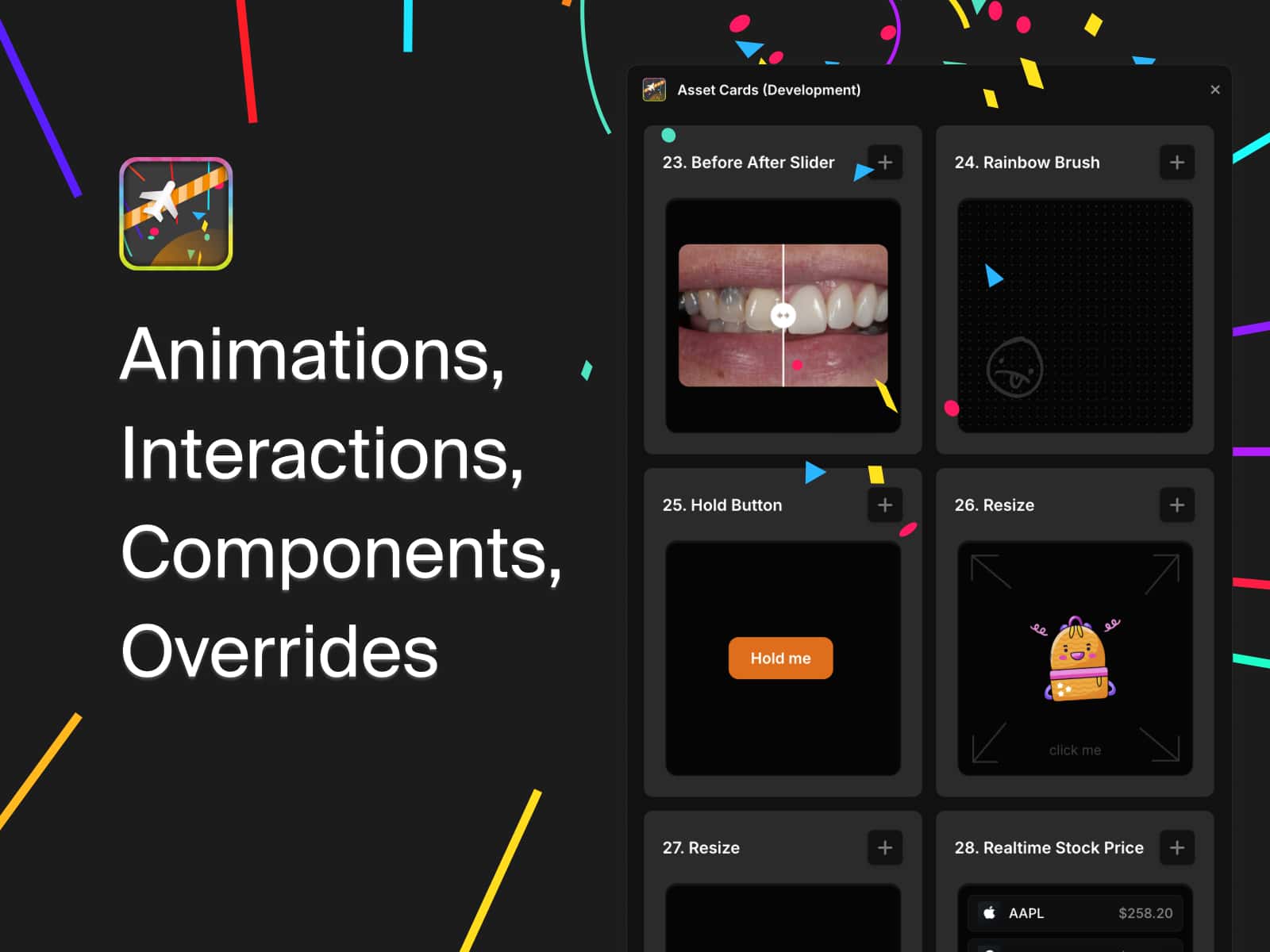
24 interactions
Magnetic: a layer leans toward the cursor on a spring
Scroll Ink: words turn from a whisper into ink as you scroll
Physics Pile: tags and pills drop, tumble and can be thrown
Elastic Columns: columns trail the scroll and snap back
Pluck Line: a divider you can pull like a string
Path Marquee: text or logos riding a curve
Tilt & Glare: cards that tilt with a light glare
Rolling Counter: odometer and seven-segment numbers
Draw On: handwriting, underlines and circles that draw themselves
Develop: a filmstrip that develops from negative to sharp
Strike & Replace: a struck word swaps for the right one
Part: a lens that opens where the cursor points
Velocity Carousel: a draggable carousel whose slides lean into the swipe
Draggable Masonry: a masonry wall of cards you can pick up and move
Cursor Trail: your images follow the cursor and fade out behind it
Sticker Wall: layers scattered like stickers you can lift and move
Velocity Marquee: a looping row that speeds up with the scroll and flips when you scroll back
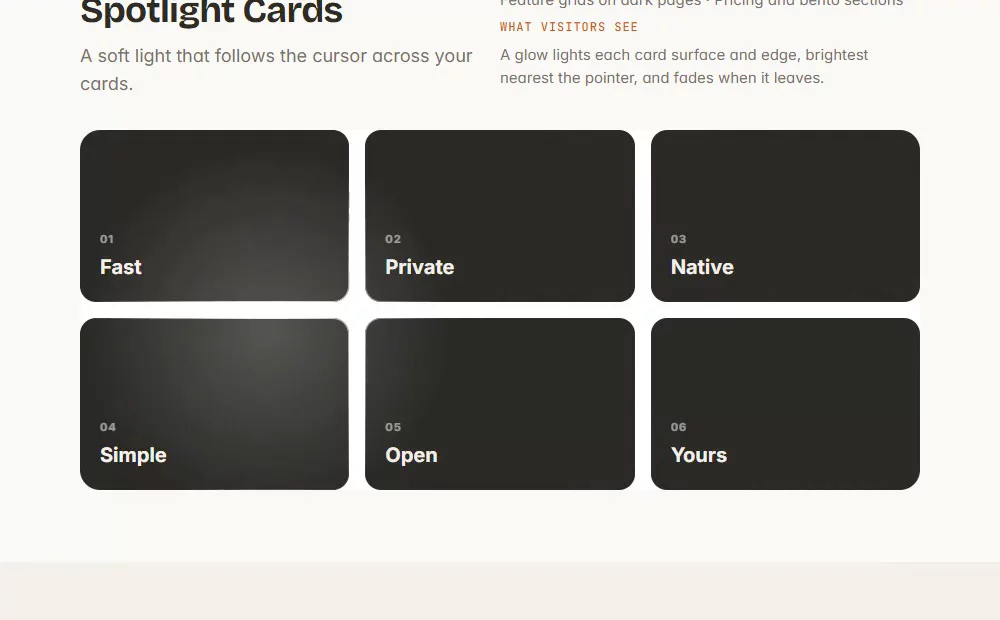
Spotlight Cards: a soft light follows the cursor across a card grid
Text Scramble: text that resolves from noise into your words
Scroll Video: a video you scrub with the scroll wheel
Parallax Depth: wrap a layer so it drifts at its own depth
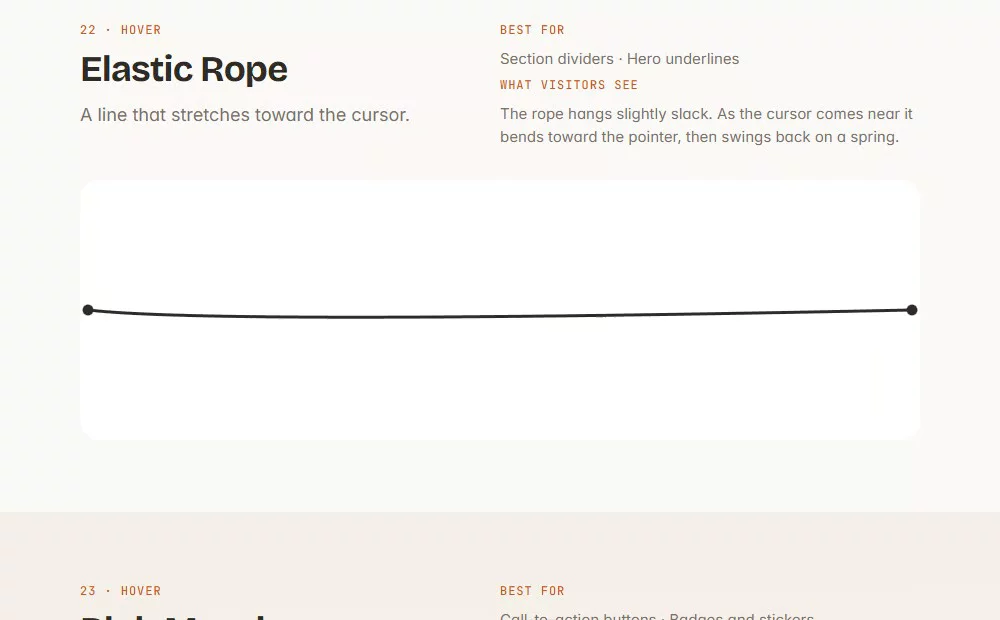
Elastic Rope: a line that stretches toward the cursor and snaps back
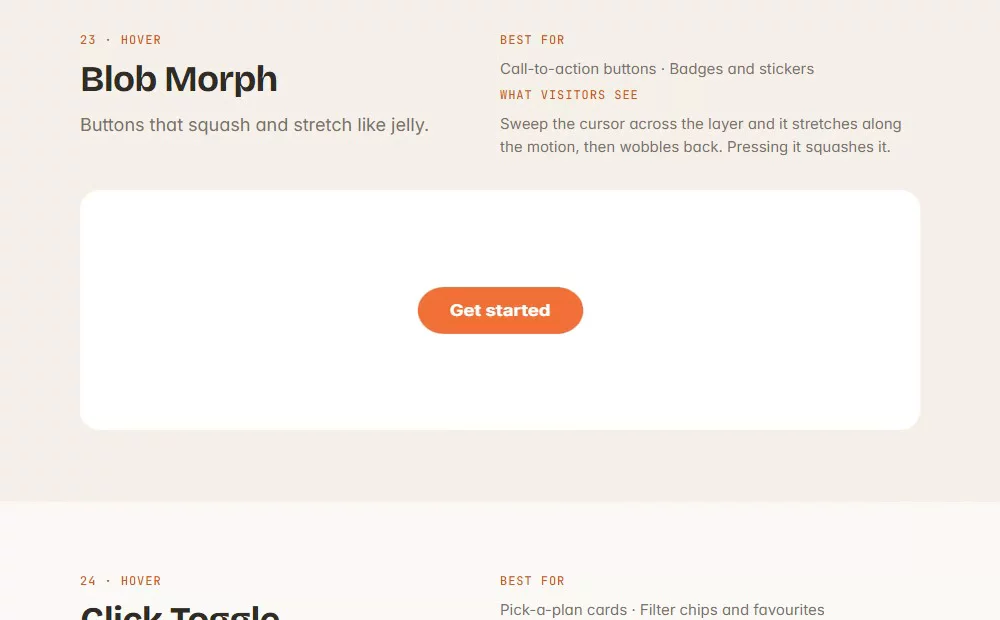
Blob Morph: buttons that squash and stretch like jelly
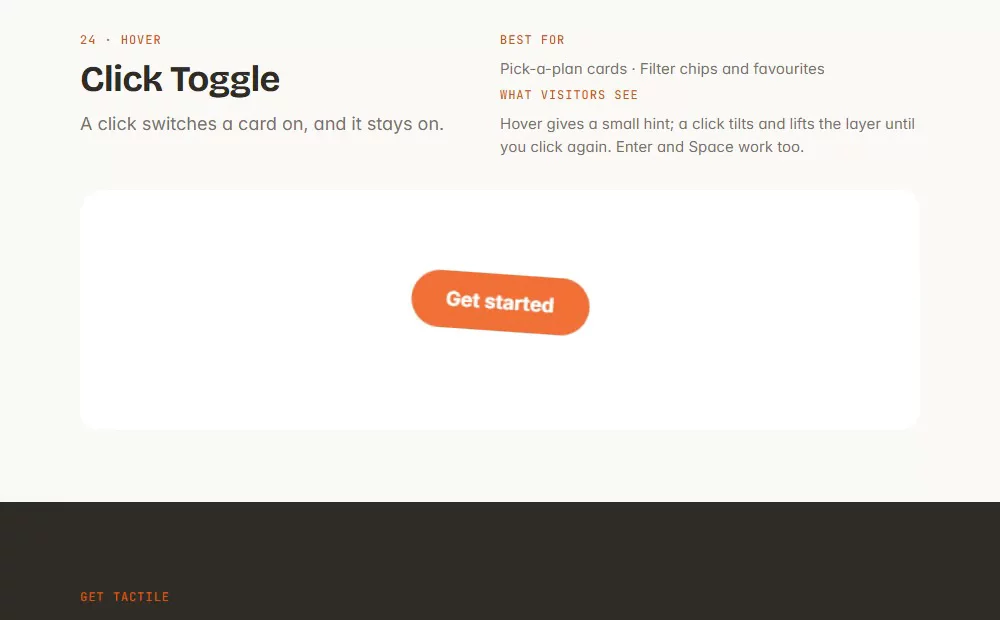
Click Toggle: a click switches a card on and it stays on