About GetFoxChat
Add an AI chat operator to your Framer site in two minutes.
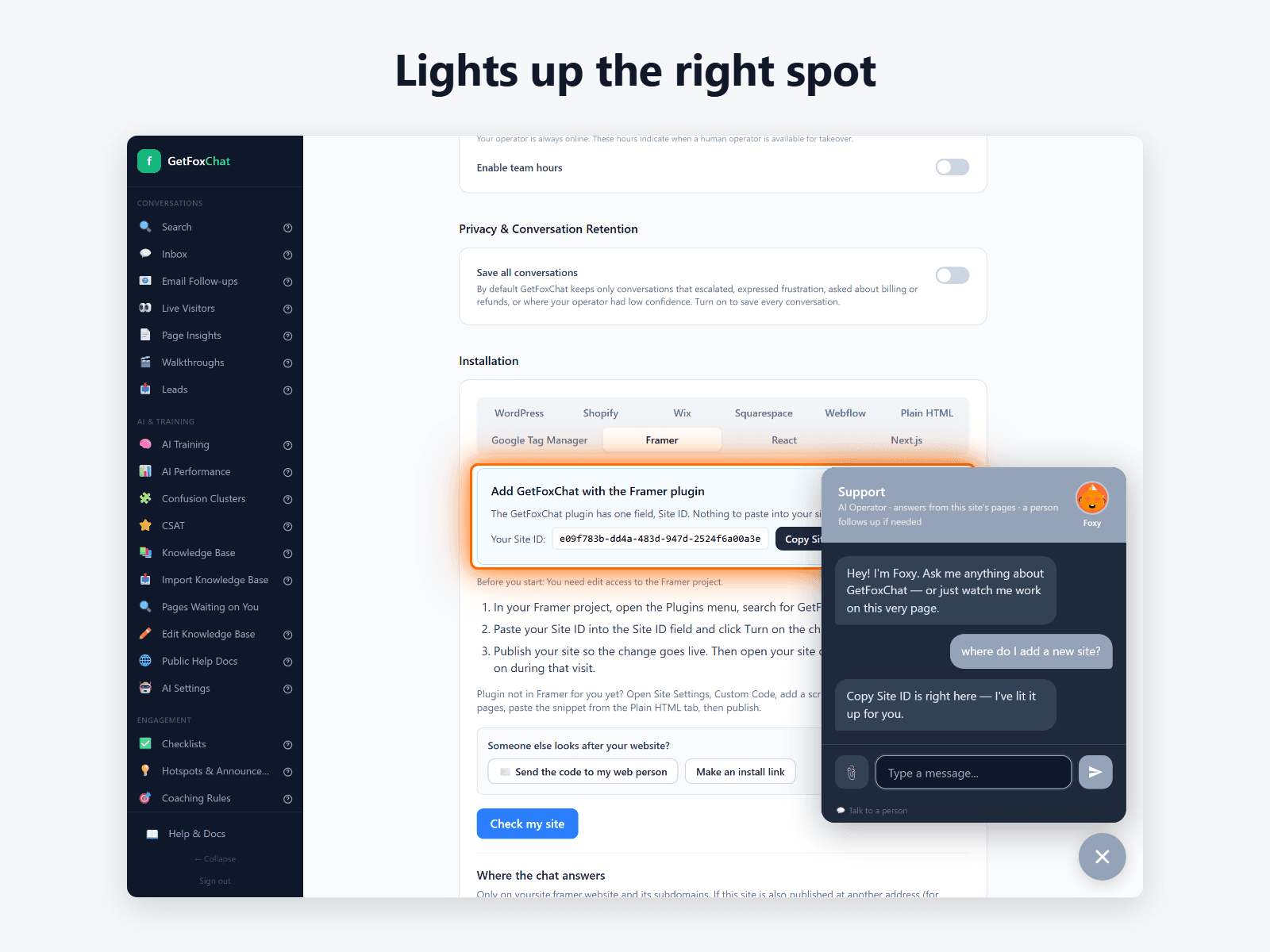
GetFoxChat reads your published site and learns your pages. When a visitor asks where something is, it doesn’t just answer: it takes them there and lights up the exact button, section or form on the page. It answers questions in plain language, any time of day, and hands the conversation to you when it can’t help. ALmost never, since it builds it's own KB and keeps refining it.
How it works:
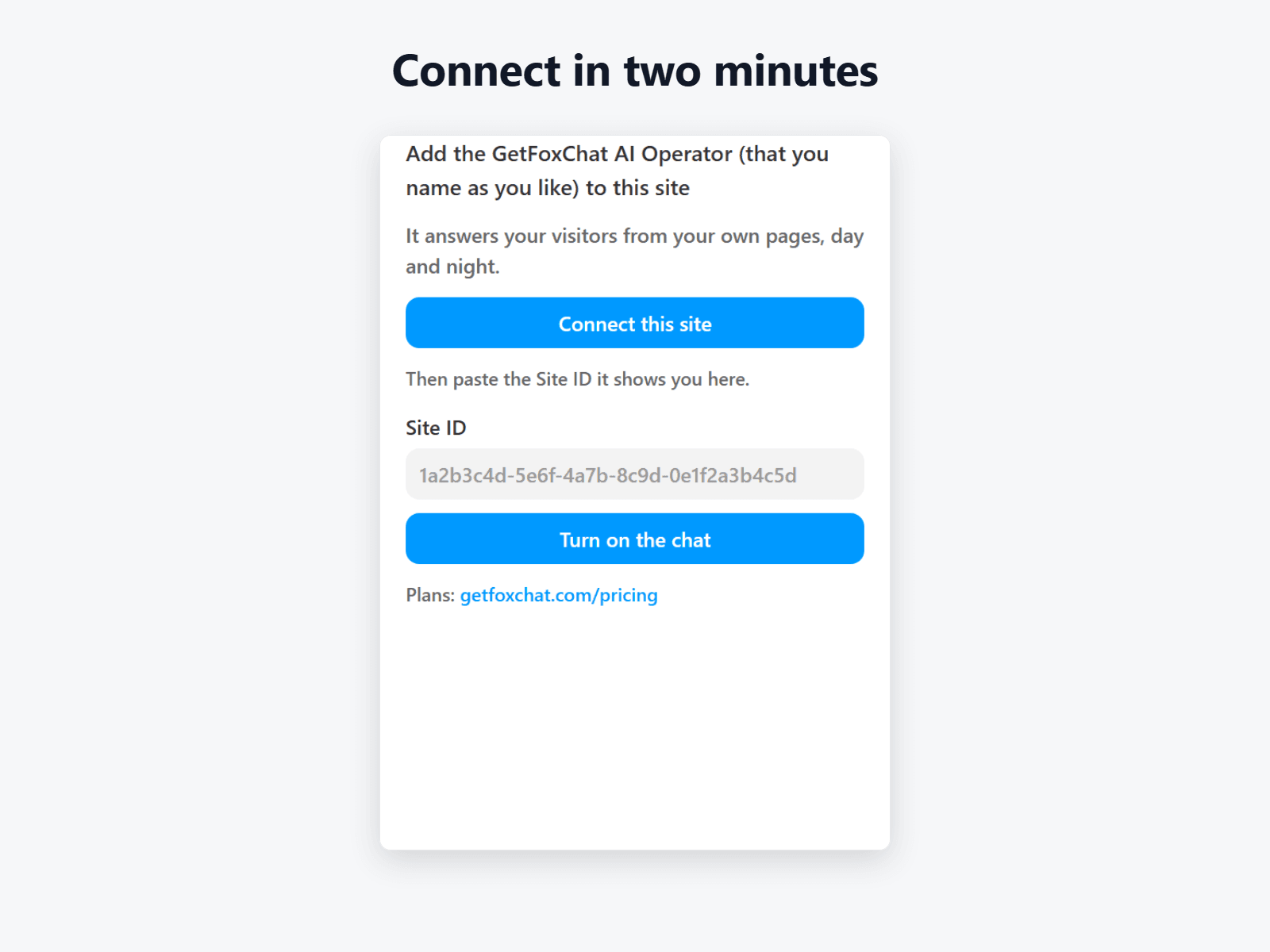
Click “Connect this site” and sign in or create your GetFoxChat account.
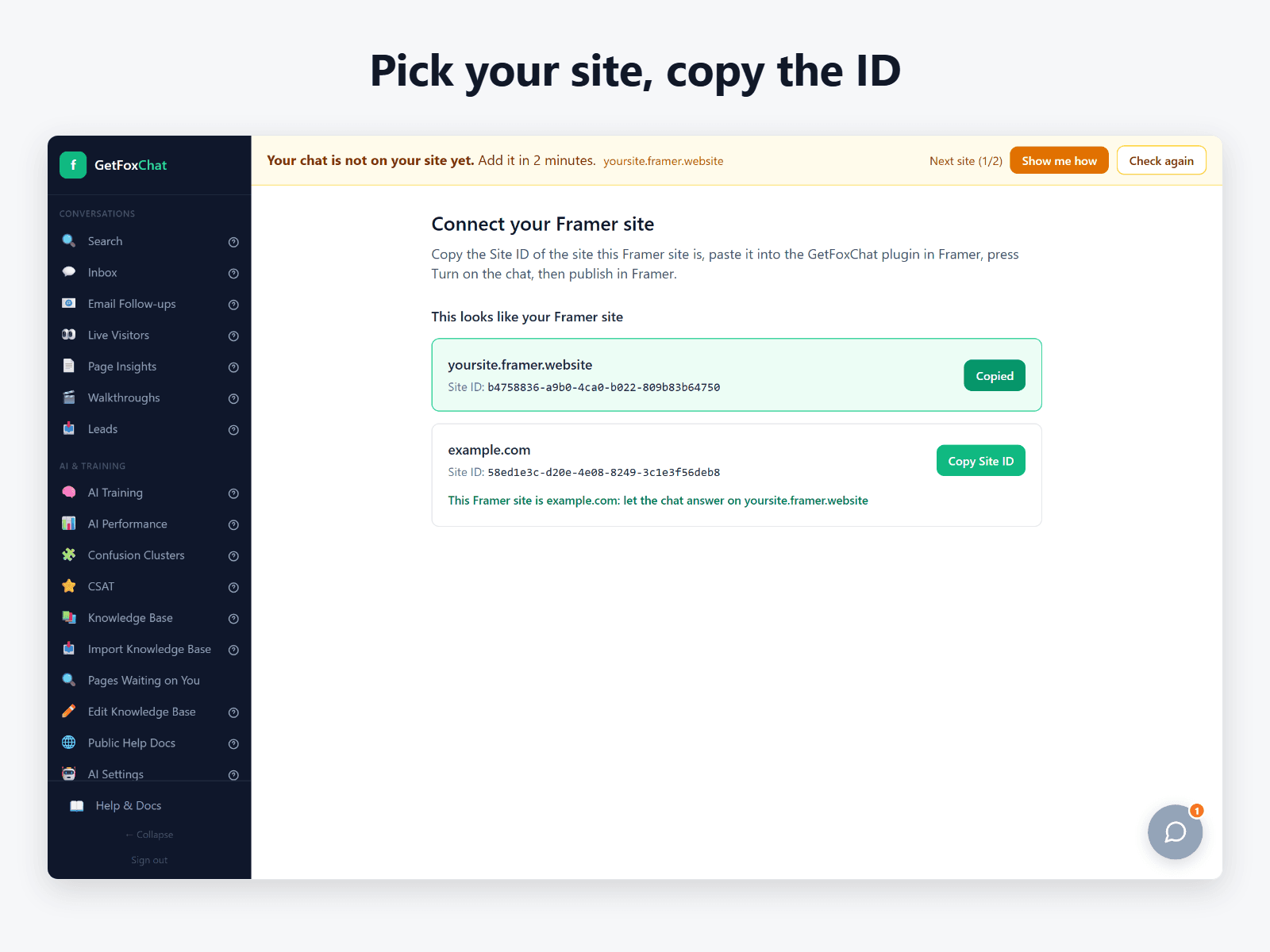
Copy your Site ID and paste it into the plugin.
Click “Turn on the chat”, then publish your site.
Your AI Operator starts as Foxy. Rename it and give it your own avatar in Settings. Your chat only answers on your own site’s addresses.
The plugin is free to install. The chat needs a GetFoxChat plan; see https://getfoxchat.com/pricing