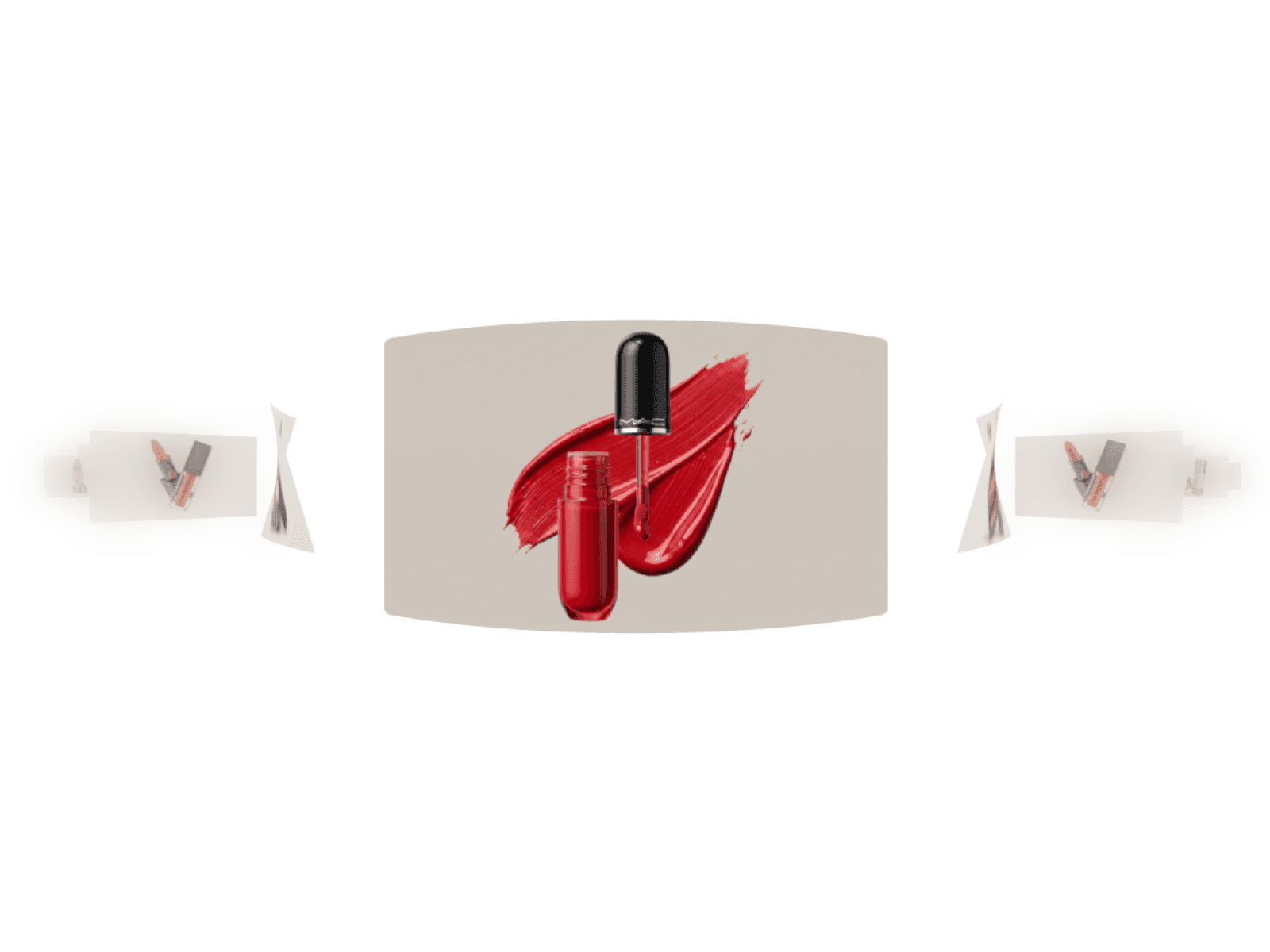
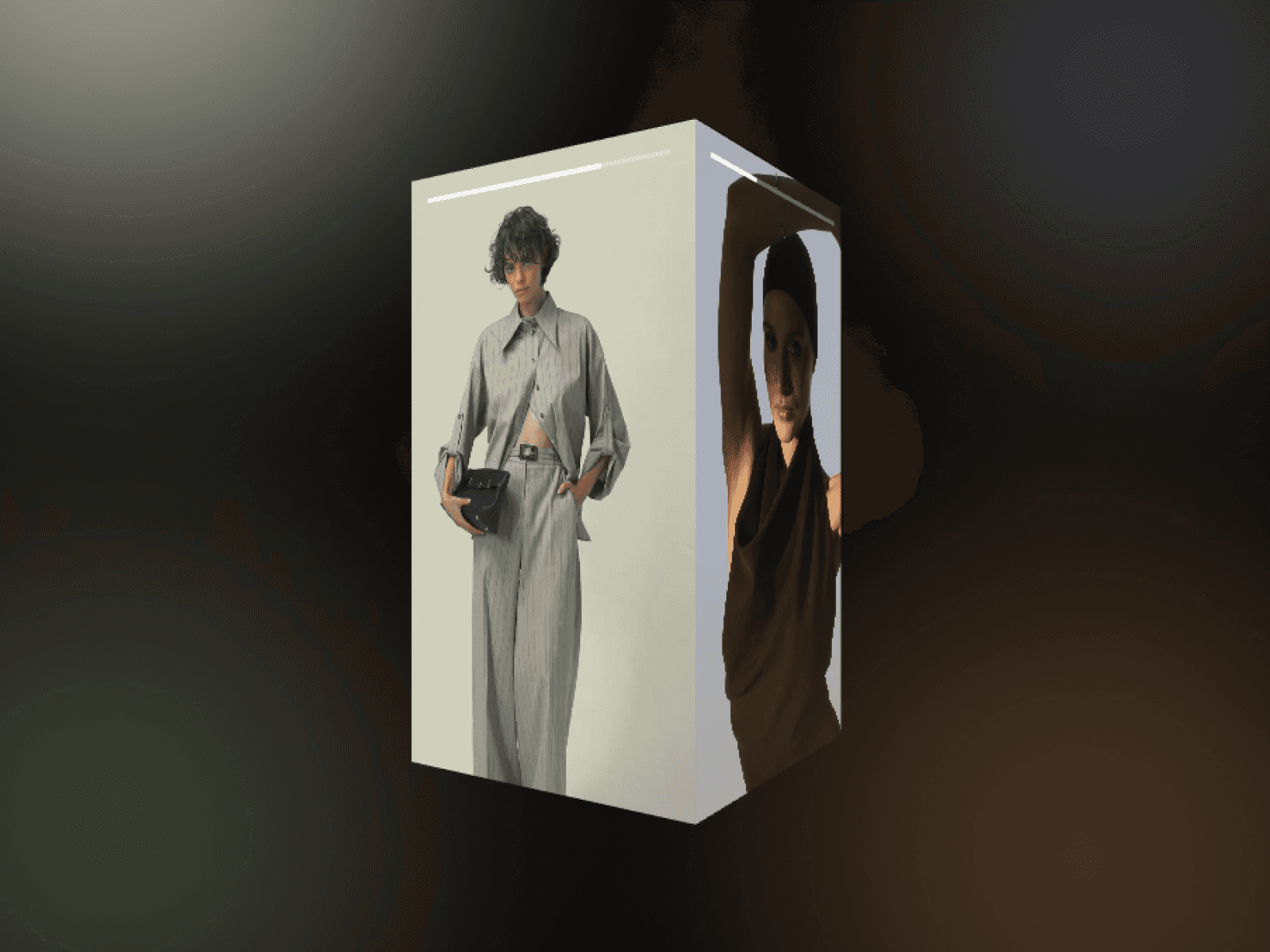
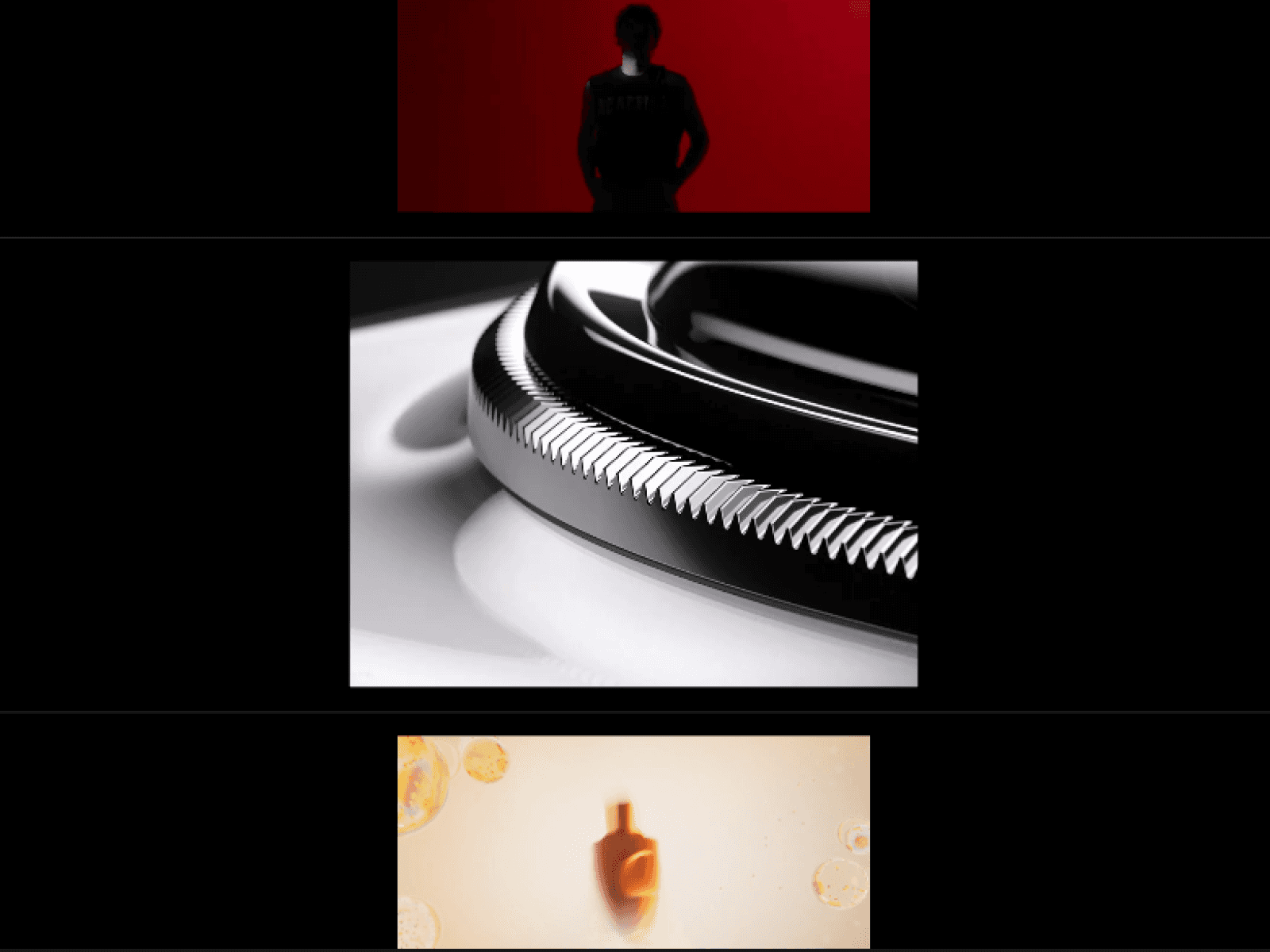
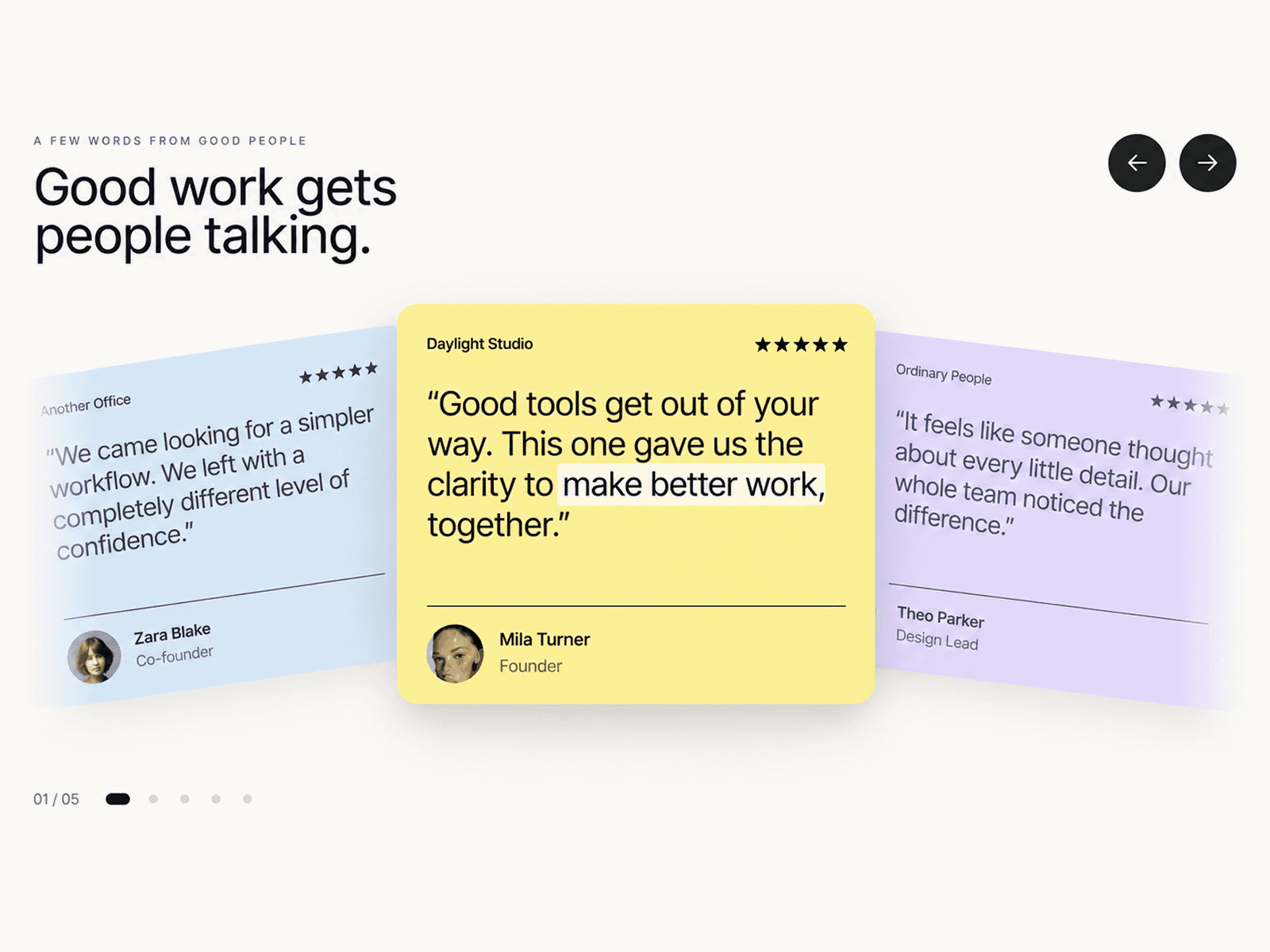
About WebGL Image Ribbon
Create an endless 3D media ribbon with dynamic center expansion, fluid momentum physics, and ultra-smooth WebGL rendering to elevate your site's visual storytelling.
Features
Endless looping 3D ribbon with seamless boundary wrapping
Dynamic center burst expansion with customizable focus zones
Organic vertical scatter algorithm driven by seed controls
Momentum-based drag, swipe, and horizontal wheel interaction
Smooth exponential velocity damping for fluid glide physics
Adaptive canvas resolution and WebGL context restoration
Fully accessible keyboard arrow navigation and reduced motion support
Zero-friction layout scaling across mobile, tablet, and desktop
Lightweight Three.js plane rendering with optimized draw calls
Built-in fallback states and instant live canvas previewing
Customization Options
Center image size and ribbon thumbnail size
Image spacing along the ribbon axis
Focus burst width and expansion falloff
Vertical scatter spread distance
Center horizontal and vertical focal point
Autoplay toggle, scroll speed, and direction
Drag, mouse wheel, and smoothing glide physics
Random seed arrangement for distinct layouts
Background color, container corner radius, and pixel ratio
How to Use
Drop WebGL Image Ribbon onto your Framer canvas
Upload your image assets directly into the Images property
Set your ribbon spacing, thumbnail scale, and center burst size
Adjust drag smoothing and autoplay speed to match your brand feel
Tweak container background, corner radius, and canvas scale
Publish your site for high-performance interactive 3D media
Use Cases
Creative agency portfolio showcases
Fashion and luxury lookbooks
Photography and visual art exhibitions
Modern SaaS product feature ribbons
Mobile app UI screenshot carousels
Interactive client logo and proof strips
Editorial magazine galleries
Hero header interactive media banners