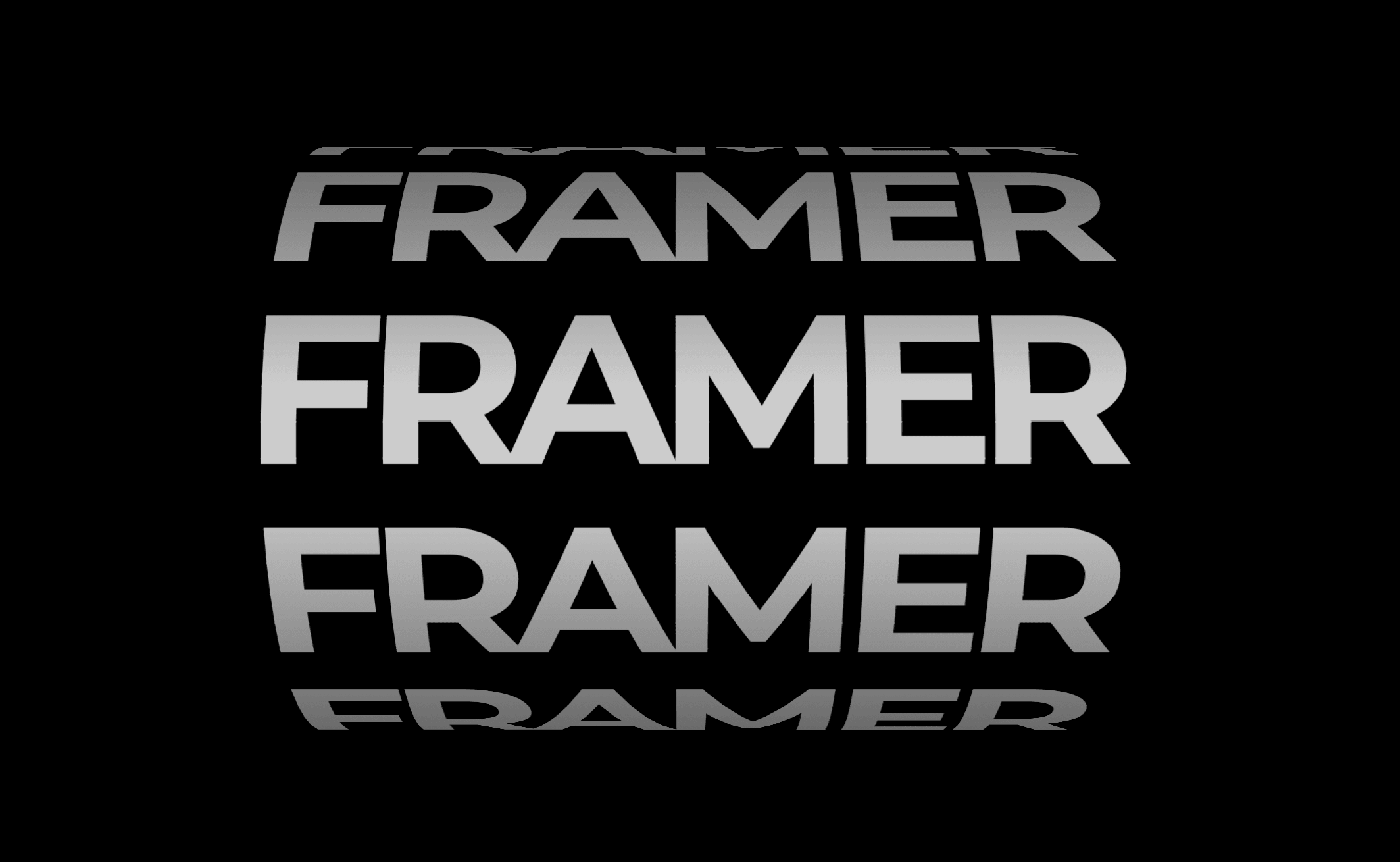
About Parallax Text Image
✨ Key Features
Flexible Layout
Works in any container size - from small badges to full hero sections
Supports Fixed, Fill Width, and Fill Height in Framer
Perfectly responsive on all devices
Sticky positioning compatible
Advanced Text Controls
Three text directions: Horizontal, Vertical, and Diagonal
Adjustable text size (20-500px) for any scale
Custom font family and weight support
Text gap control for perfect spacing
Color and opacity customization
Alternating scroll directions for depth effect
Smart Image Handling
Image scale control (10-200%)
Three fit modes: Contain, Cover, Fill
9-point positioning system (top-left to bottom-right)
Border radius up to 1000px for any shape
Image opacity control for subtle effects
Drop shadow for professional depth
Animation Modes
Scroll Mode - Text animates as users scroll (parallax effect)
Static Mode - Perfect for screenshots and presentations
Adjustable animation speed (0.1-10x)
Parallax intensity control for dramatic or subtle effects
Rows alternate direction for dynamic depth
Perfect For
Portfolio hero sections
Product showcases
Landing pages that wow
Creative studio websites
Fashion and lifestyle brands
Photography portfolios
Agency presentations
🎯 Pro Tips
Best with transparent backgrounds - Use remove.bg or similar tools to remove image backgrounds for the cleanest effect
High contrast works best - Dark text on light background or vice versa creates maximum impact
Try diagonal mode - For modern, edgy designs that stand out
Adjust parallax intensity - Higher values (2-3) create more dramatic motion
Use sticky positioning - Keep the effect visible as users scroll your page
Experiment with opacity - Lower image opacity (0.7-0.8) can create dreamy, ethereal effects
🚀 Quick Setup
Drag component onto your Framer canvas
Upload your image (transparent background recommended)
Customize your text
Adjust size, colors, and animation speed
Done! Your viral effect is live