About Tabulatum Transition
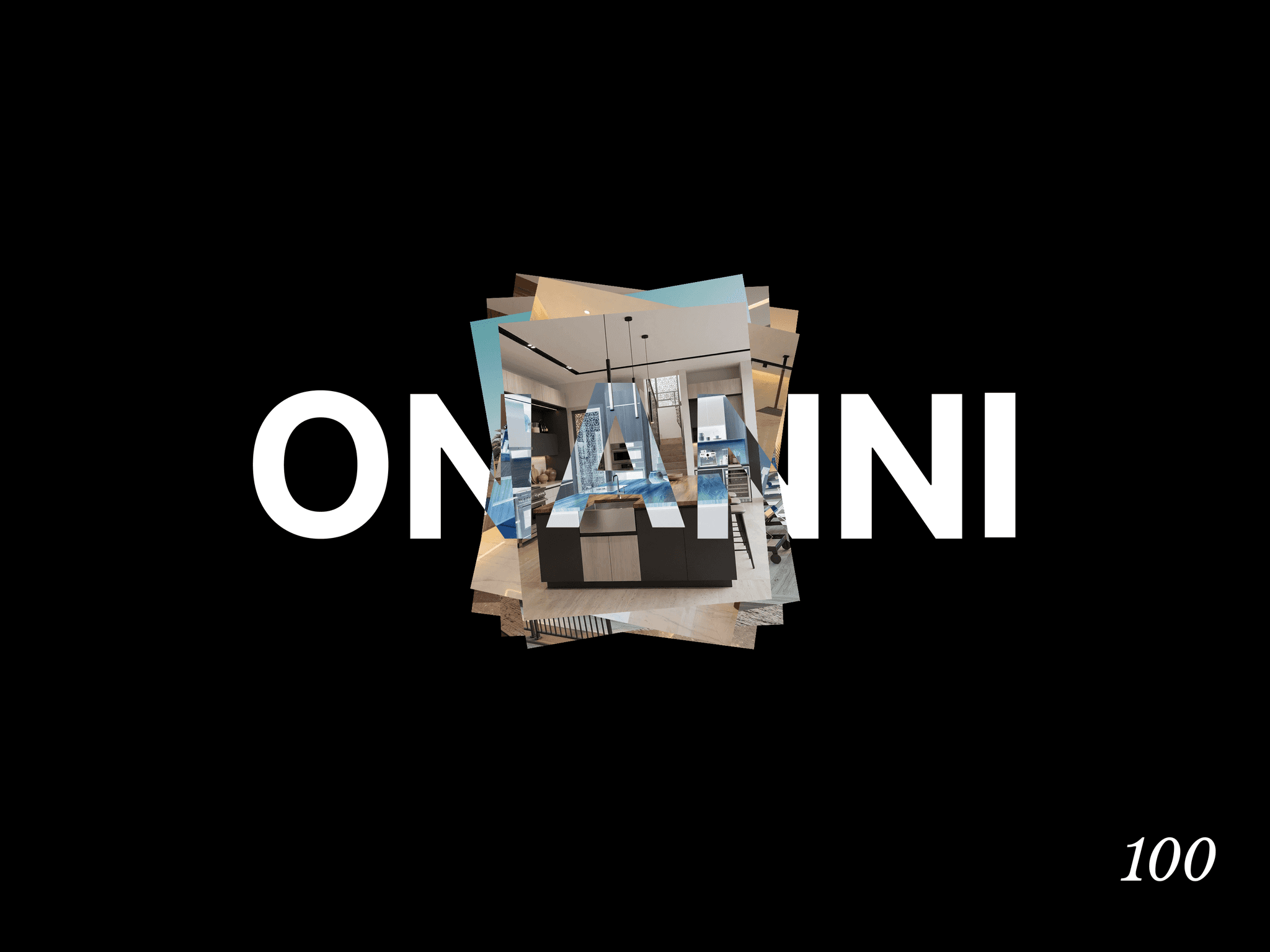
A full-page transition that covers the screen in a stack of sliding blocks and reveals your brand mark as visitors move between pages no router, no page rebuild required. Drop it once, anywhere on your site.
Tabulatum adds a polished, animated cover-and-reveal transition between pages the kind of effect usually reserved for hand-coded portfolio sites as a single drop-in component. Click any internal link and the screen sweeps shut behind a staggered stack of blocks, carries your logo or brand name up through the cover, then wipes open again on the destination page. No custom code, no page templates to edit, no router setup.
Features:
Four sweep directions — Left, Right, Top, or Bottom, so the wipe matches your site's layout and motion language
Brand reveal built in — show animated text or upload a logo image; both rise into view with the cover and drop away with the reveal
Full typography control — font family, weight, size, and letter-spacing via Framer's native font picker
Adjustable rhythm — control row count, duration, and stagger to dial in anything from a snappy wipe to a slow cinematic reveal
Color control for the block fill and brand text/logo
Smart link handling — automatically skips modified clicks, external links, downloads, and anchors so it only intercepts real in-site navigation (with an optional CSS selector to exclude specific links entirely)
Zero layout impact — a fixed, pointer-events-safe overlay that never interferes with your canvas editing or page content
Responsive by default — brand text and logo scale and wrap cleanly on any screen size
Setup:
Drop one instance of Tabulatum anywhere on each page (a global header/layout component works well). No other configuration is required it activates automatically on internal link clicks.