About Spatial Carousel
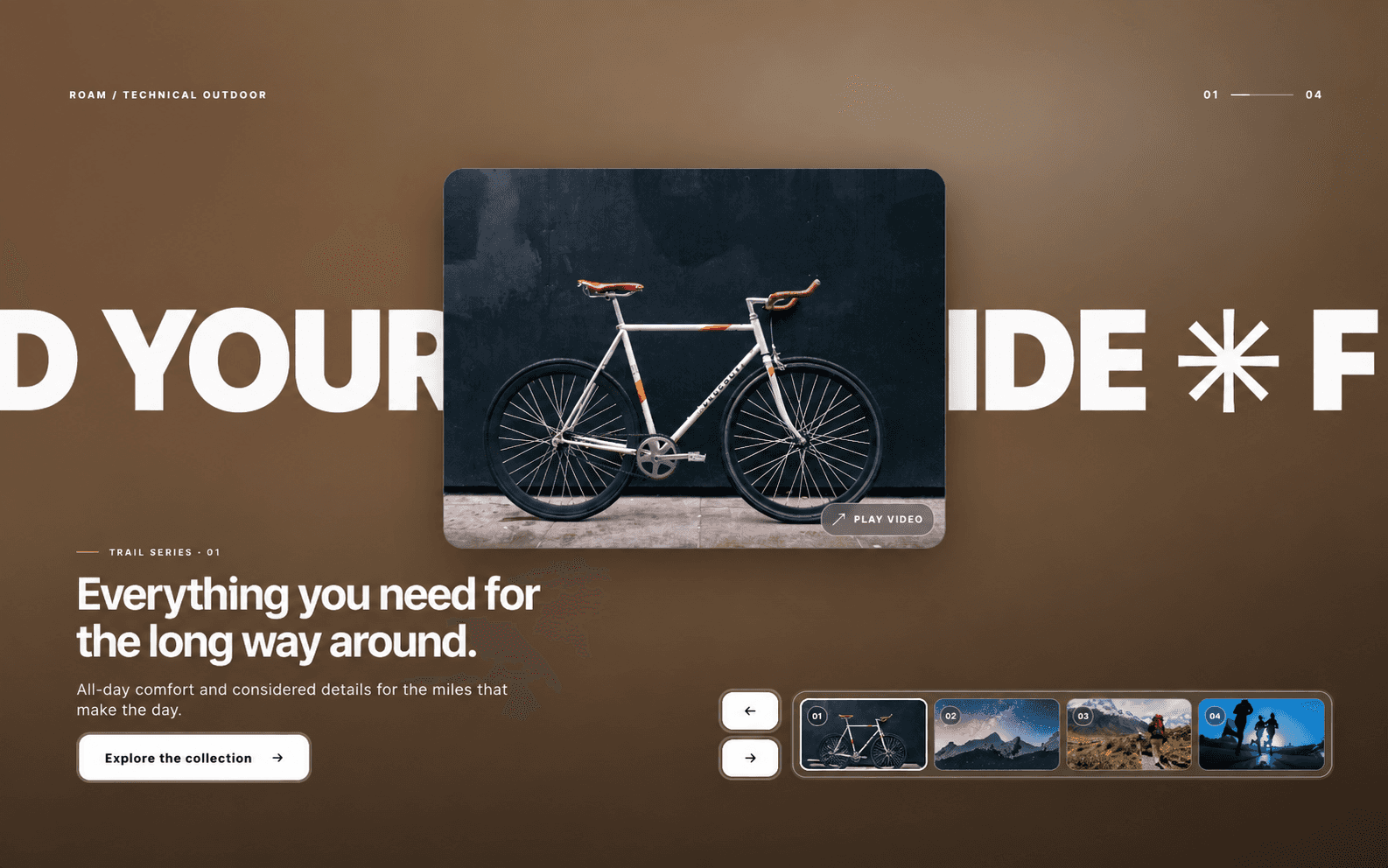
Spatial Carousel maps native vertical scrolling to multi-directional component movement. By pinning a main container to the viewport, it captures scroll progress and distributes connected child components along a customized 2D trajectory. Because the movement relies entirely on mathematical X and Y transforms, you can configure the items to move horizontally, vertically, or at diagonal angle based on the parameters you set.
Property Configuration
Layout & Trajectory
V Gap: Sets the vertical spacing between each connected item.
H Spread: Sets the horizontal spacing. (Note: Adjusting the ratio between V Gap and H Spread dictates the specific diagonal angle of the scroll path).
Visual Focus
Scale Drop: Determines the percentage by which inactive items shrink as they move away from the active index.
Fade: Controls the opacity reduction for items outside the immediate center of focus.
Rotation: Applies a continuous Z-axis rotation to items as they progress along the scroll path.
Timing & Physics
Scroll Dist: Defines the exact amount of viewport height (vh) the user must scroll to transition from one item to the next.
Friction & Stiffness: Controls the underlying Framer Motion spring physics, determining how rigidly the items track to the scroll position and how much momentum they carry.
Practical Applications
Directional Sliders: Building horizontal or diagonal carousels that progress via mouse-wheel or trackpad scrolling rather than drag gestures.
Step-by-Step Timelines: Displaying sequenced information or roadmaps where each sequential item snaps to the center of the viewport.
Stacked Galleries: Creating overlapping image or card layouts that fan apart dynamically as the user navigates down the page.