About SEO FAQs
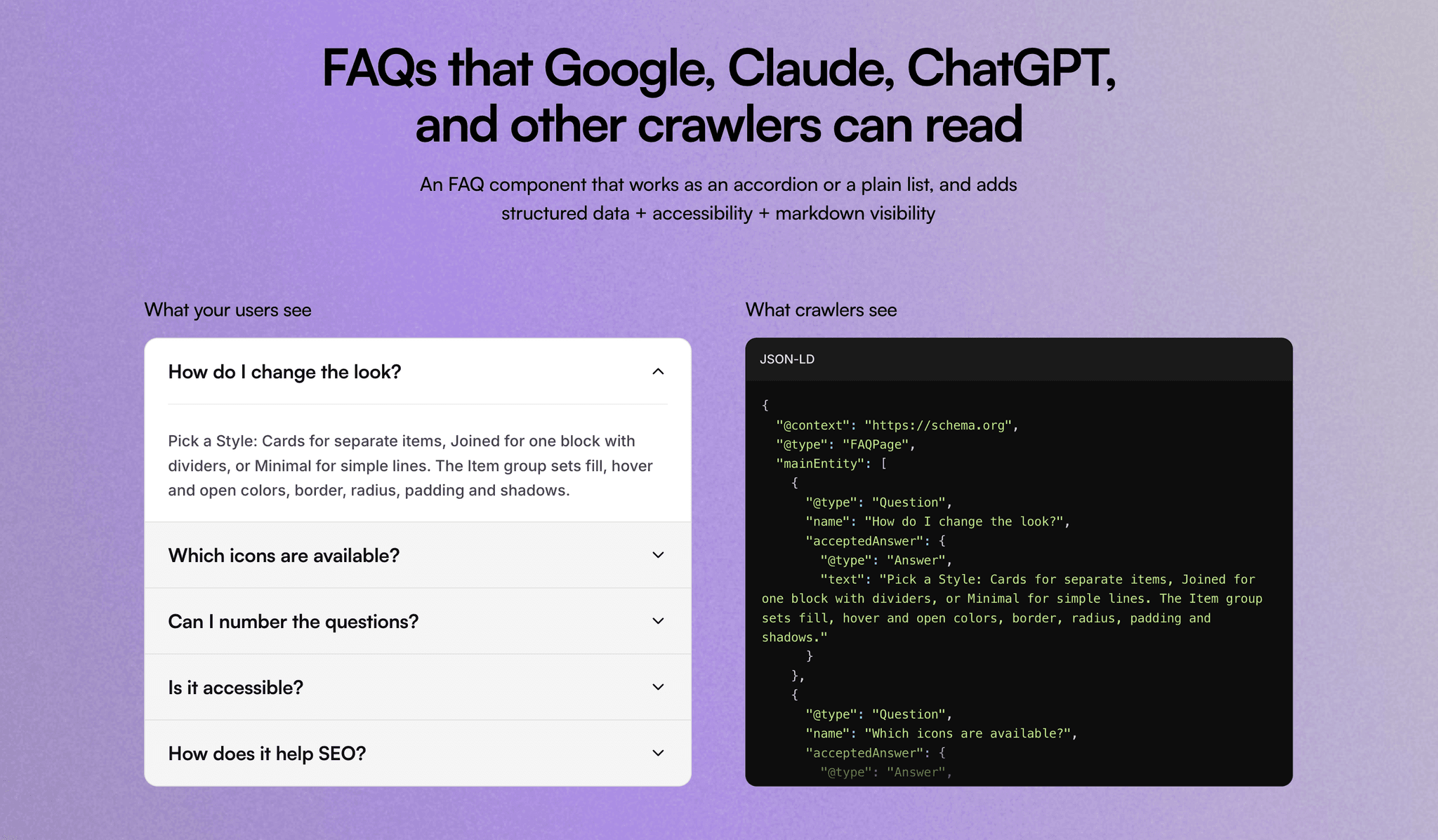
A FAQ section you can drop onto any page and style from the properties panel. It adds FAQPage JSON-LD structured data automatically, so search engines and AI chatbots can read your questions and answers. Closed answers stay in the page, so their content is never hidden from crawlers. Each question is a real button that screen readers announce as open or closed.
Features
Two content sources: type items in the properties panel, or bind a CMS Rich Text field
Accordion or list: show questions as expandable items or all at once
Three styles: Cards, Joined (one block with dividers) or Minimal (lines only)
Open behavior: one answer at a time or several, starting with none, the first or all open
Icons: chevron, plus/minus, plus that turns into an ×, arrow or none, on the left or right, with an optional circular background
Full styling: separate fonts for questions and answers, colors for open and closed states, hover fill, border, radius, padding and shadows
Numbering: optional 01, 02… or Q / A labels
SEO: FAQPage structured data, which you can switch off if the page already has it
Accessibility: proper button and region roles, keyboard navigation, a focus ring you can recolor, and a setting for the question's heading level (H2, H3, H4 or P)
Animation: the open/close transition is editable with Framer's animation control
How to use
Add FAQ Accordion to your page.
Edit the sample questions under Items, or set Content to Rich Text and bind a CMS field. In the field, use headings for questions and paragraphs for answers.
Choose a Style and Icon, then adjust colors and fonts in the Item, Icon and Text Colors groups.
Originally created for RevU. See this live on revu.co