About Scroll Team Section
Show your speakers, team or lineup with motion people will remember.
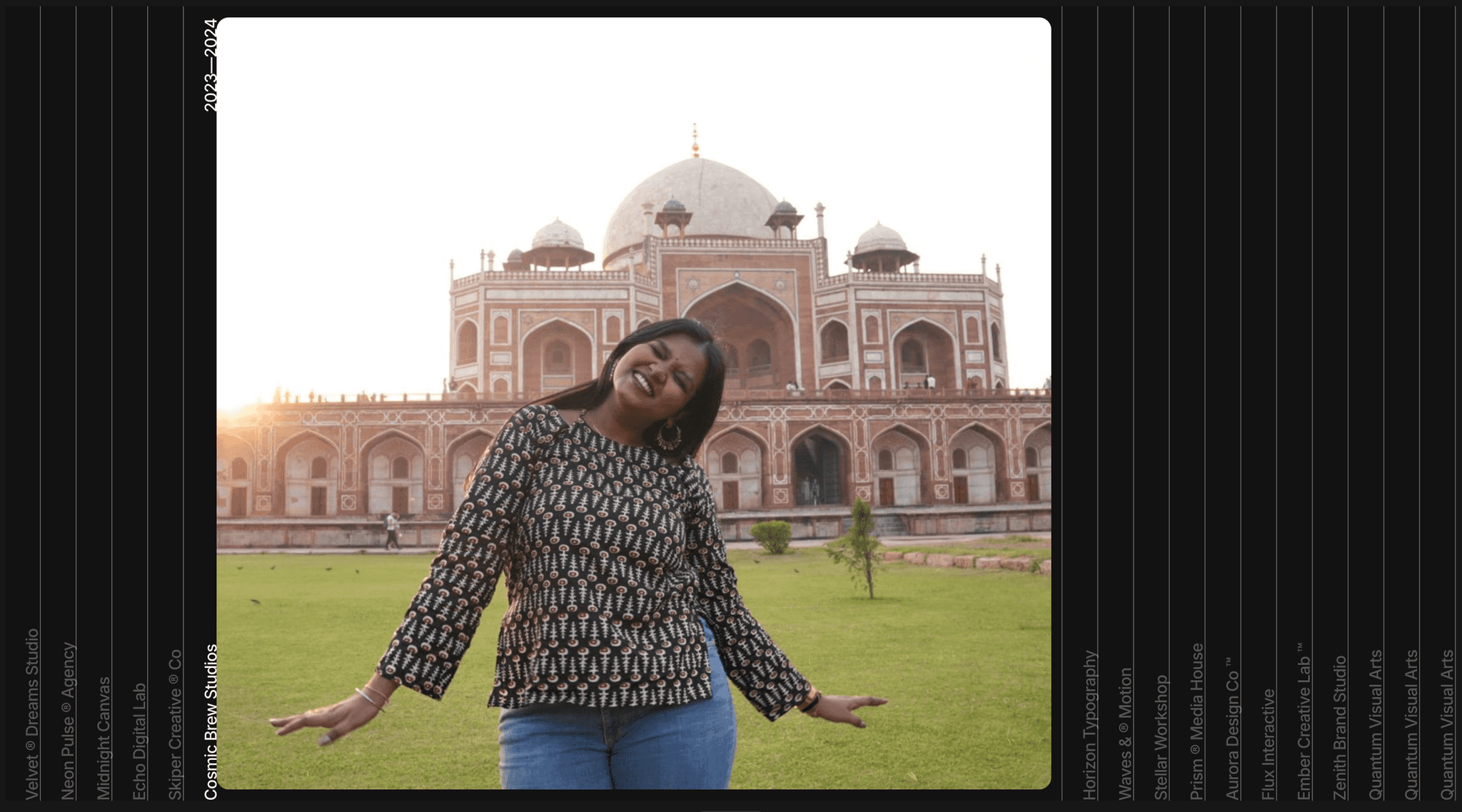
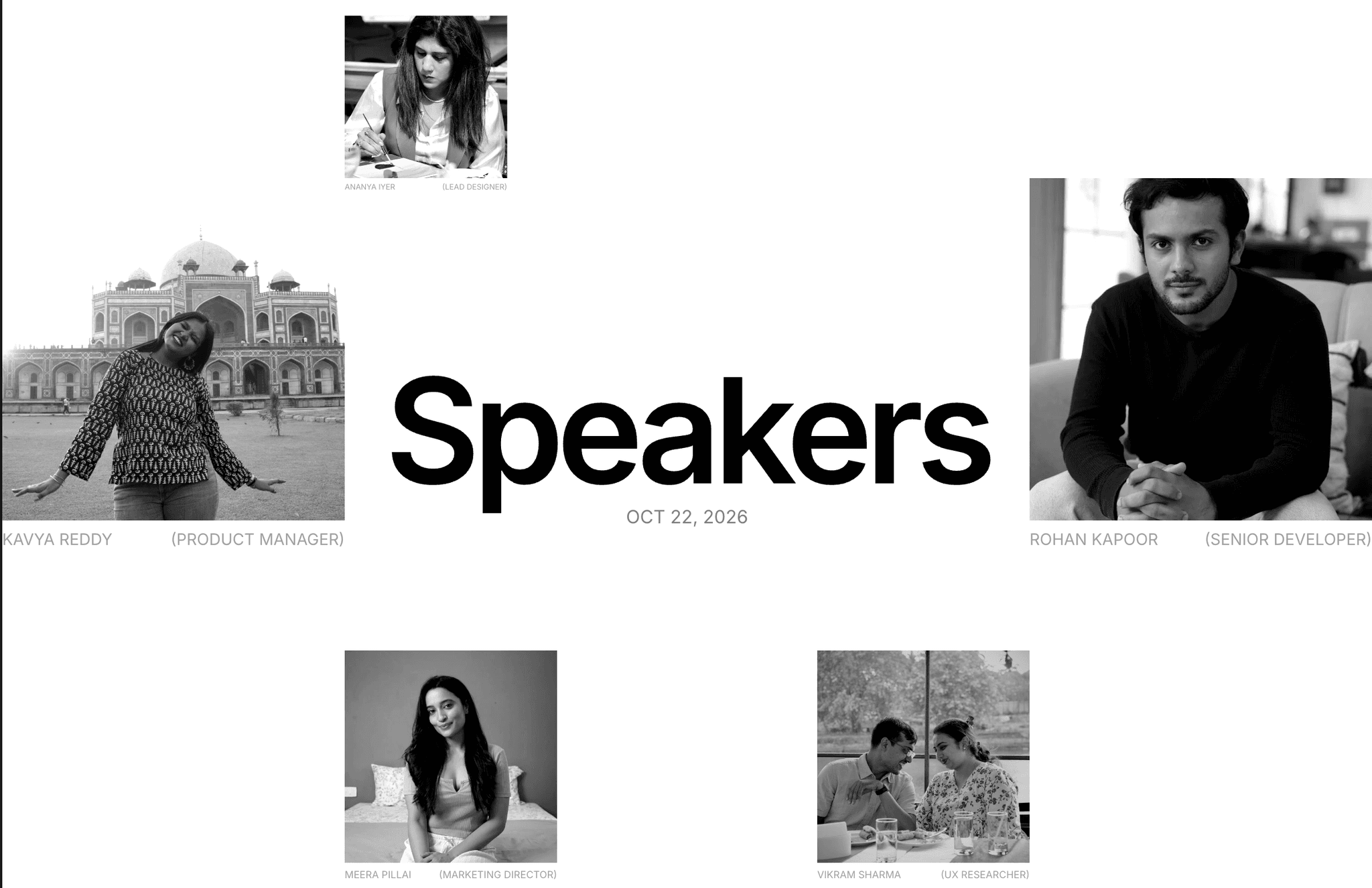
Speakers is a responsive section for event pages, conference sites, agency team pages and portfolios. A large headline stays pinned in the middle of the screen and inverts over the images as you scroll (exclusion blend). Below it, a staggered grid of black-and-white portraits grows in from the corners, holds at full size, then shrinks away.
Everything is built from normal Framer layers. Swap photos, names and roles from the right-hand panel, with no code and no digging through layers.
Features
Scroll-linked motion: each portrait grows, holds and shrinks as it moves up the screen, anchored to its corner
Pinned headline with an inverting blend that reads on light backgrounds and over photos
17 speaker slots with Image, Name and Role controls on the section itself
Section controls: Title, Date, Label, Show Label, Background colour
Fully responsive: Desktop 4-column stagger, Tablet 4-column compact, Phone 2-column zigzag
Editorial black-and-white photo treatment with a subtle hover zoom
Native Framer layers plus one small scroll override. Nothing is locked inside a code component.
Inter typography, lightweight, no external libraries
How to use
Paste the Speakers Section onto your page and set its width to Fill.
Select it and set the variant to match your breakpoint (Desktop / Tablet / Phone).
In the right panel, change the Title and Date, then each Speaker N Image / Name / Role.
Publish. The scroll motion runs on the live site and in Preview.
Tip: square or portrait photos with the face near the centre crop best.
Suggested category and tags
Category: Components → Sections (or Team)
Tags: team, speakers, scroll, animation, grid, event, conference, portfolio, parallax, editorial, black and white, responsive