About Scene Fold
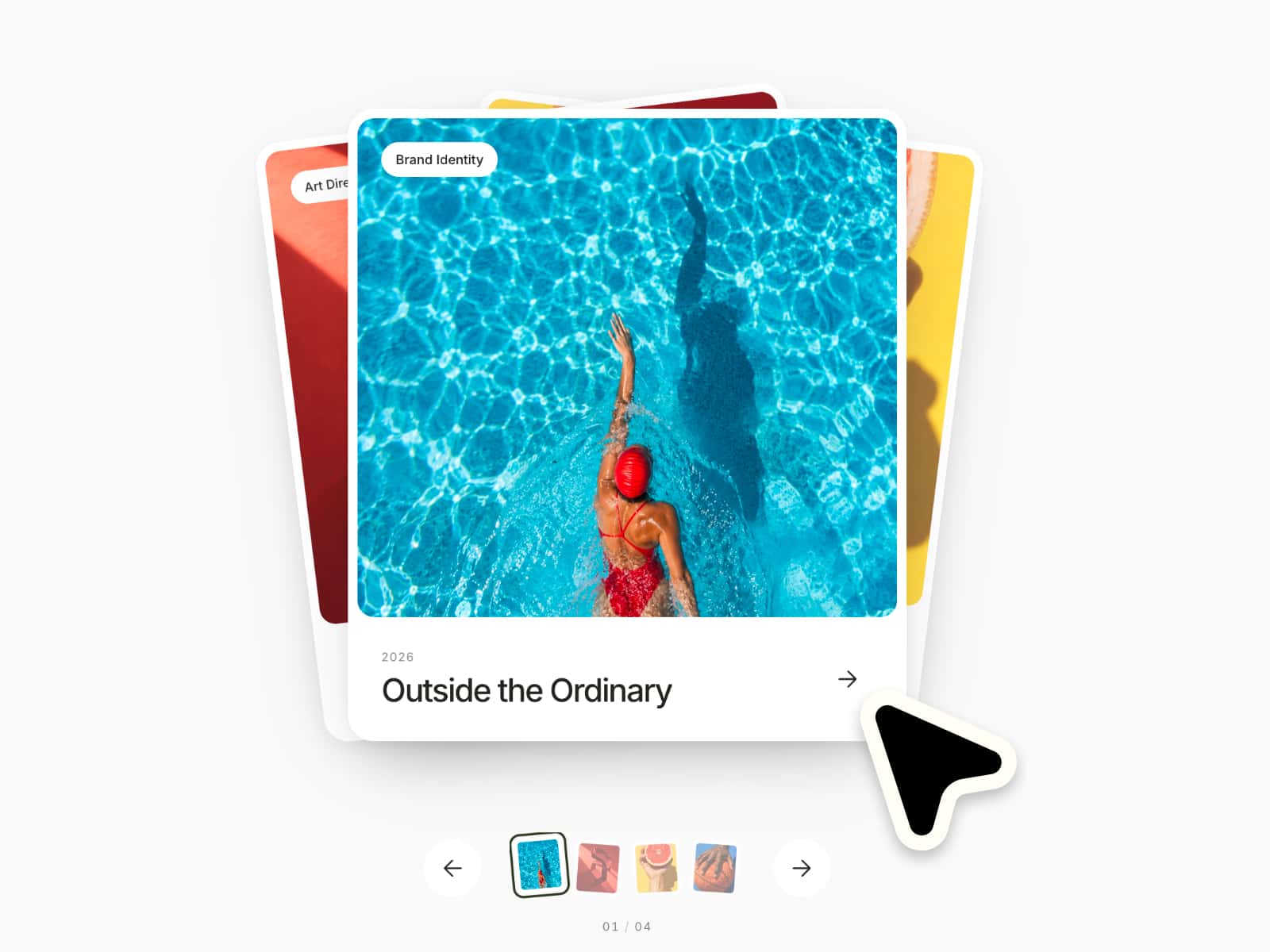
Scene Fold turns a sequence of photographs into a gallery you can fold by hand. Drag horizontally and the connected panels follow your movement, revealing the next image. Captions and navigation sit below the photograph.
The interaction
Drag forward or backward and reverse direction during the gesture.
Use previous and next buttons or the left and right arrow keys.
Return to a full, continuous image when the transition finishes.
Keep navigation without the 3D fold when reduced motion is requested.
What you can edit
Up to 12 scenes, with an image, title, detail and optional title link.
Horizontal and vertical focal points for each image, plus Fill or Fit.
Panel count, perspective, settling time, colors, fonts and radius.
Delivery and requirements
One purchase includes the installation URL, the self-contained component source and English documentation. Scene Fold is built for Framer, with a separate static Canvas and export view. It needs no external runtime package, API key or backend. CMS binding, video, autoplay and component slots are not included. Demo photographs are credited external examples, not assets sold with the component.
License and support
The single-site commercial license covers one website or end product for you or one client. Modification within that project is allowed; resale, redistribution, source sharing and multi-project use are not.
Contact hello@usesolvekit.com for setup questions or product defects. No fixed update schedule or future major version is promised. Digital purchases are normally final after access or download, subject to applicable law; contact support if the product is defective or materially different from this listing.