About Two-step Mega Menu
Details
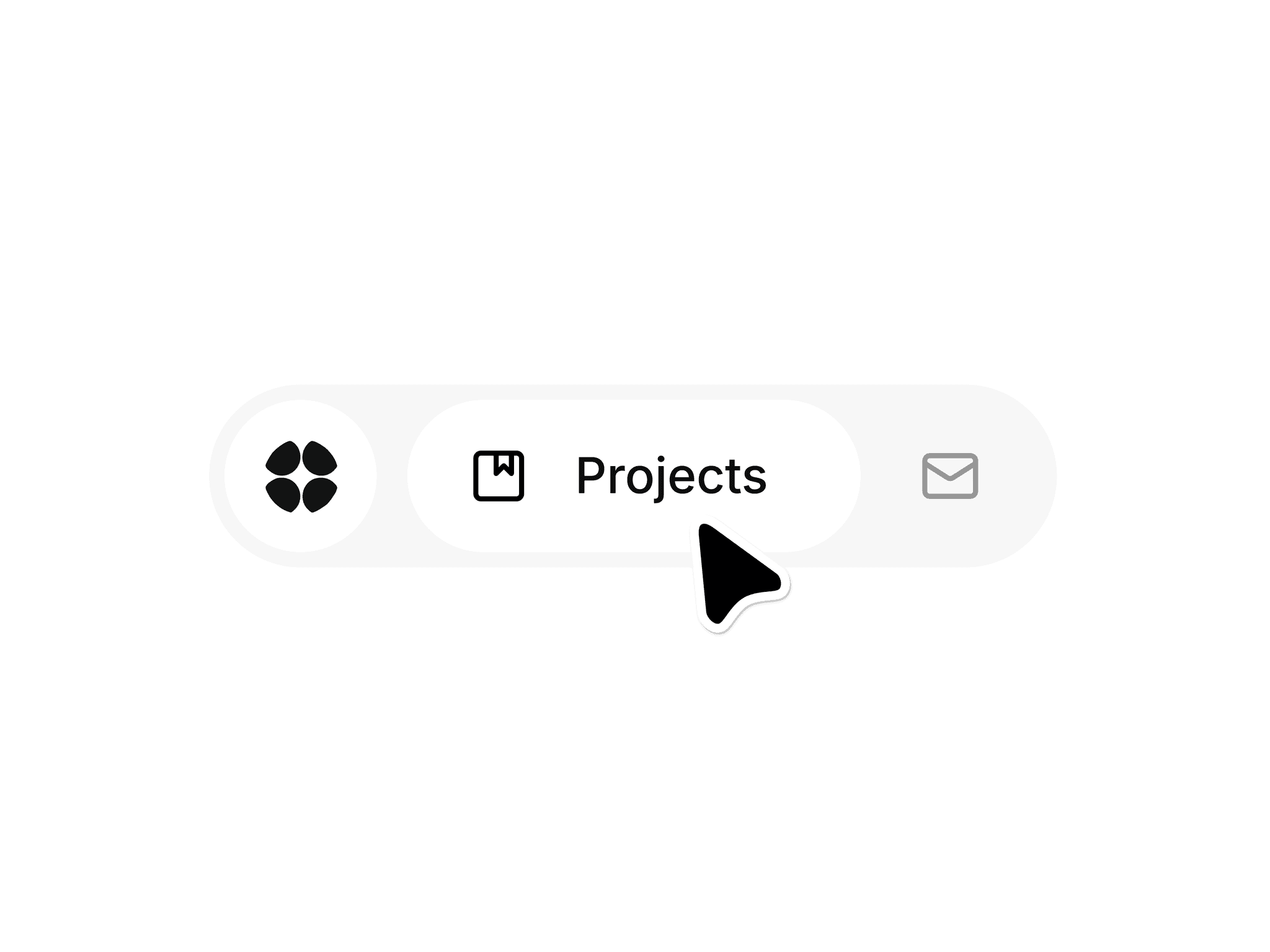
Osmo Menu expands first, then drops into a mega menu. The grouped structure keeps navigation clear and scalable for SaaS products. Each group can carry its own context through a tagline, while badges and numbers add extra meaning where needed.
Everything is controlled through simple variables like colors, backgrounds, corner radius, logo, and link behavior. Leave fields empty to disable links and keep the menu minimal.
How it works
Set the menu to fixed position and pin it top, left, and right on desktop with spacing like 16px.
On tablet and mobile, switch to the “Mobile” variant and adjust spacing if needed.
Features
Two-step open animation
Up to 14 links
3 grouped sections with individual taglines
Optional third group can be disabled
Optional number value per link
Optional tag badge per link
Social links: Instagram, LinkedIn, YouTube, X, Framer
Smooth in and out animations
Dedicated mobile variant
Fully customizable via variables
Auto-hide unused links
Credits
This component is highly inspired by Osmo Supply. Go show them some love (X).