About Optical Glass Button
Optical Glass Button
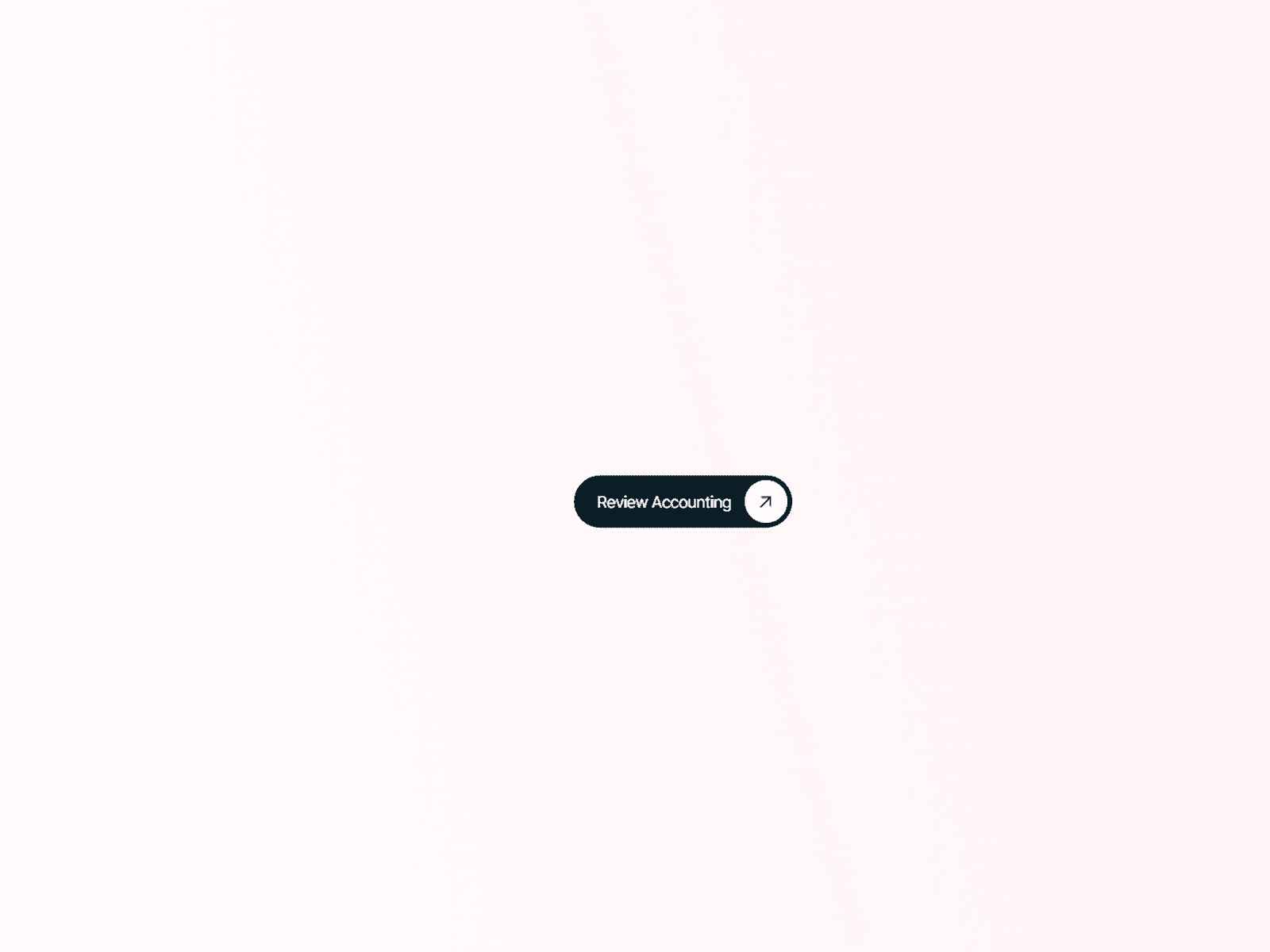
A premium animated glass CTA with moving optical edge light, curved shading, soft internal illumination, and a beautifully slow hover response.
Instead of applying a basic glassmorphism blur to a button, Optical Glass Button builds the effect from multiple layers of light. Bright reflections travel across the top and bottom edges while darker curved shading creates depth around the sides. Hovering lifts the button, illuminates the glass from within, and releases a soft colored glow beneath it.
Key Features
• Animated optical edge lighting
• Buttery-smooth hover and rest motion
• Custom label and typography
• 20 built-in SVG icons
• Upload your own SVG icon
• Icon positioning: top, bottom, left or right
• Adjustable padding and corner radius
• Glass fill and transparency controls
• Curved dark edge shading
• Optional border masking
• Inner light and inner shadow controls
• Optional secondary soft highlight and shadow
• Custom two-color hover glow
• Adjustable hover lift and animation speeds
• Reduced-motion support
• Static-renderer optimized for Framer
• Responsive sizing
• Optional mini playground for showcasing the effect
Setup
Drop the component onto your canvas, set your label and link, then resize it to fit your layout. Use the main controls for quick styling or open the optical controls to fine-tune lighting, shadows and motion.
For the best effect, place it over light gradients, imagery, soft neutral backgrounds, or contrasting dark sections.
The structure closely matches the format used by Marketplace listings such as Text Reveal: short positioning statement, setup/instructions, controls, and key features.