About LottiePlus
Fast Lottie player with controls
LottiePlus is a Lottie player for Framer that stays fast and gives you full control.
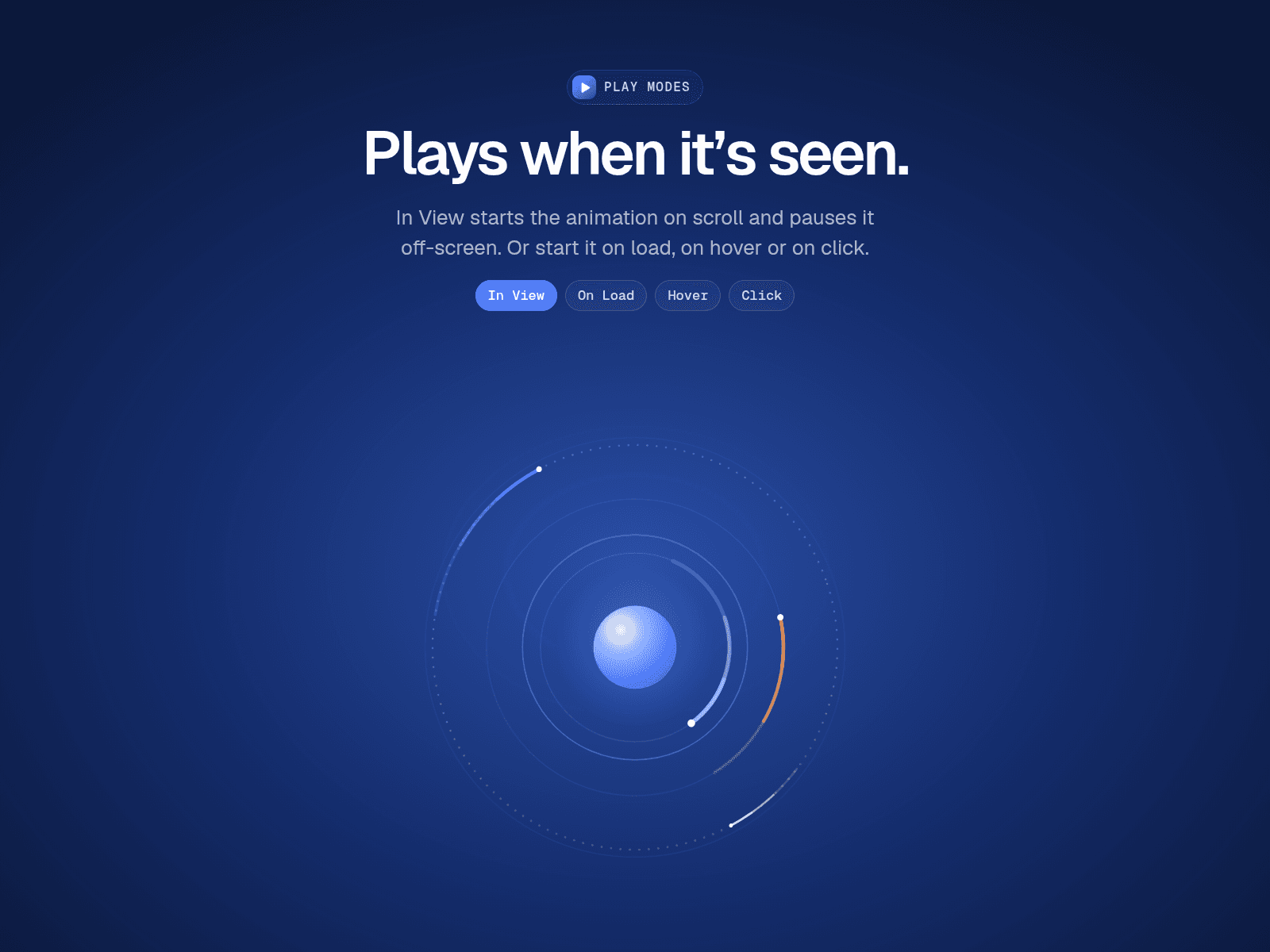
Drop in a .json or .lottie file (or paste a URL) and choose how it plays: when it scrolls into view, on load, on hover or on click. Replay it once or every time it appears, and reverse back to the first frame when it leaves the view or the cursor, so the next play starts without a jump.
Animations pause automatically when they scroll off-screen, so pages with many Lotties stay smooth. On the canvas you see a real frame of your animation, not a placeholder.
Features
.json and .lottie files (with embedded images), from a file or a URL
Play: In View, On Load, Hover, Click or Off
Replay once or every time, pause or reverse on leave
Offset: choose how far into the screen the layer must scroll before it plays
Speed 0.1–5x, Forward or Reverse, Loop, start position
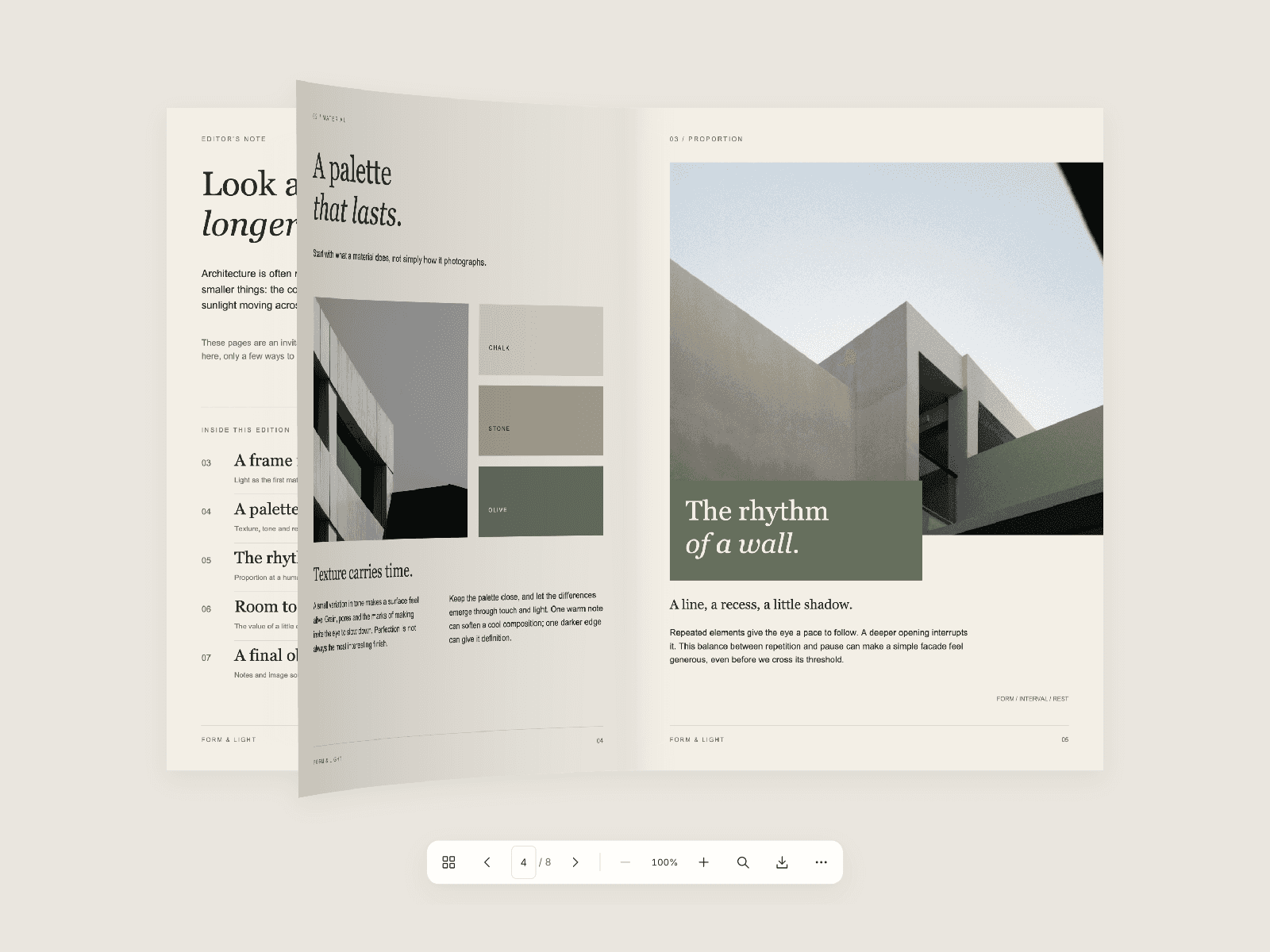
Optional on-site controls: play/pause, frame scrubber, frame counter and speed buttons
Background: None, White, Dark or any color, plus corner radius
Fit, Fill or Stretch, SVG or Canvas rendering
Respects reduced motion
How to use
Add LottiePlus to your page.
Upload a .json or .lottie file, or paste a link.
Pick how it plays, then fine-tune speed, direction and controls.