About Location Globe-CMS
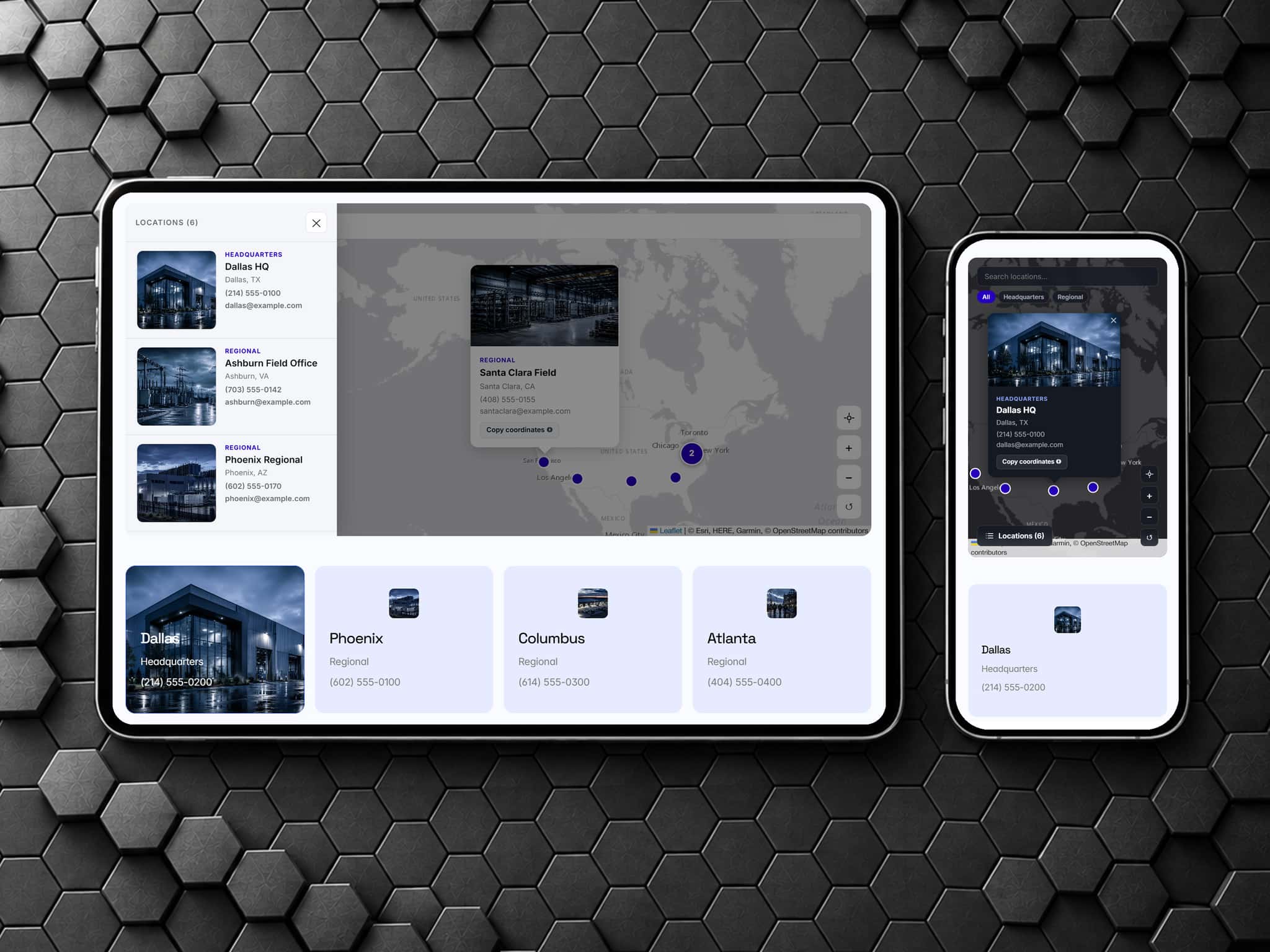
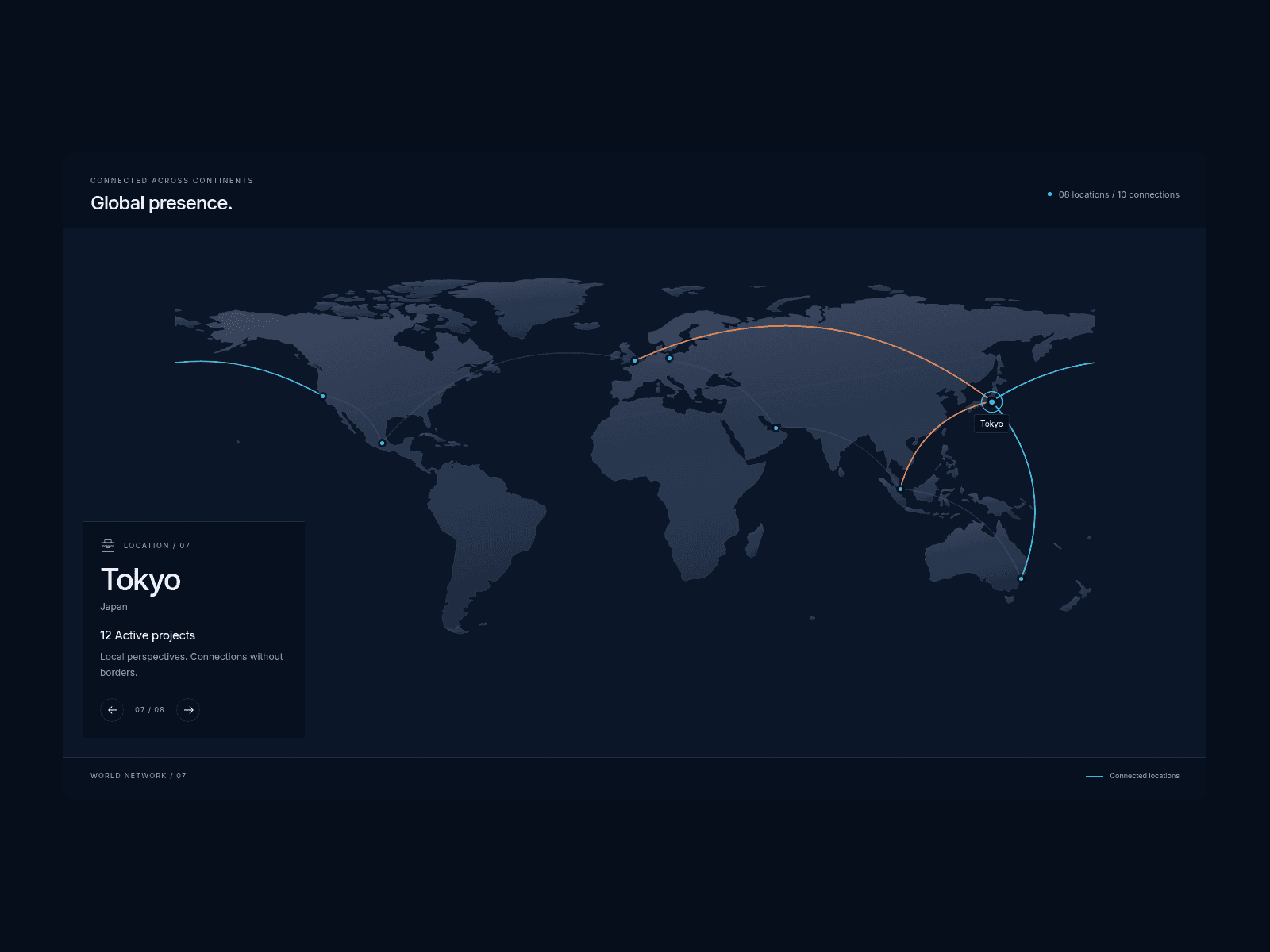
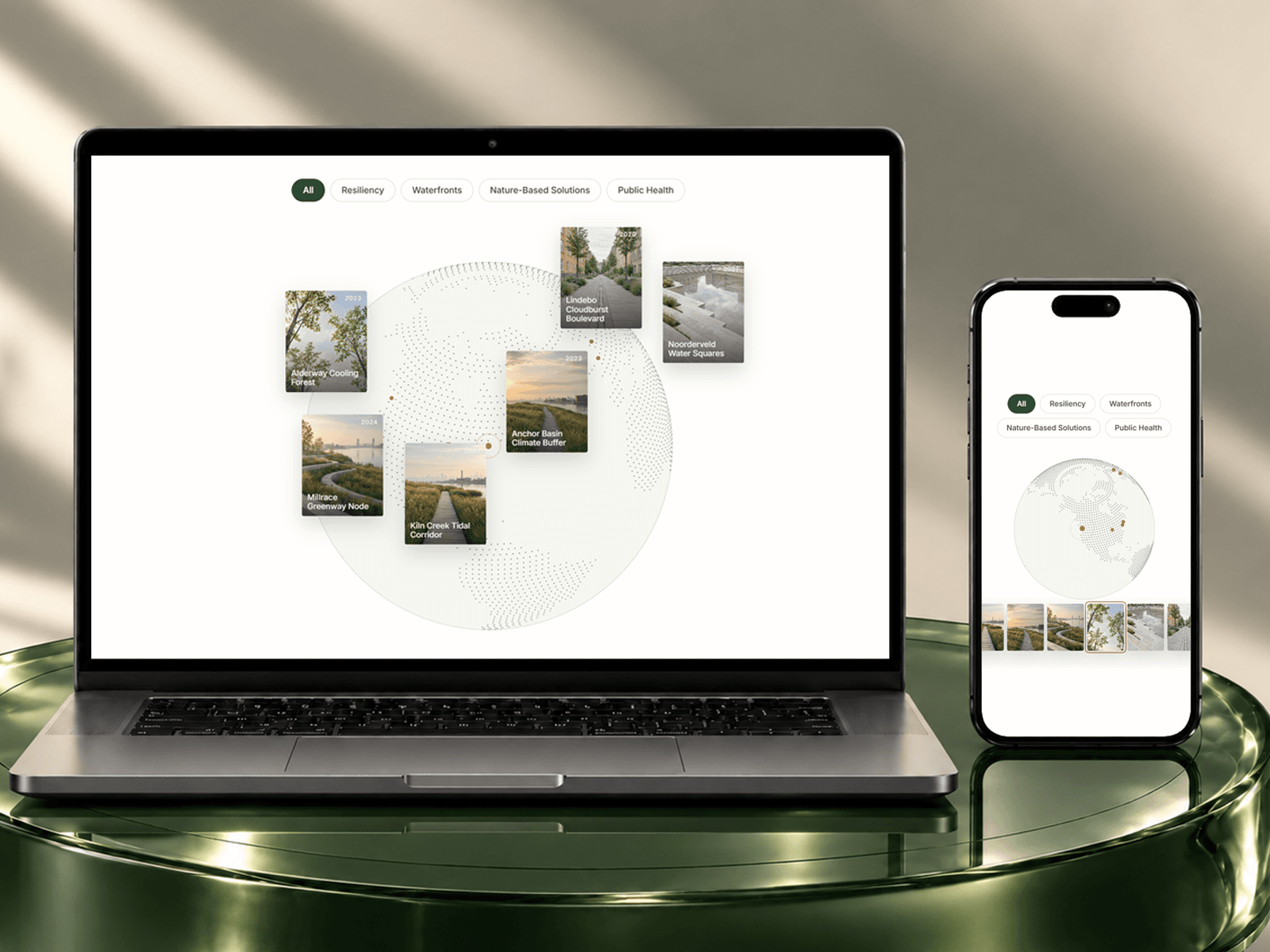
Location Globe is a dotted globe that tours your projects, pinning a photo or video thumbnail beside each one. Visitors drag, hover, tap, or filter to explore. Use it two ways: type projects in by hand, or bind your Projects CMS so new entries appear automatically. No API keys. No monthly fees.
Your purchase includes the companion component at checkout - Globe Pin, an invisible marker that feeds your CMS projects to the globe.
Everything it does
Manual and CMS modes - no limit on projects
Filter pills - fully styleable, with an active state; the globe turns to matching projects without resizing
Auto-tour - visits each project, holds on hover, pauses off-screen
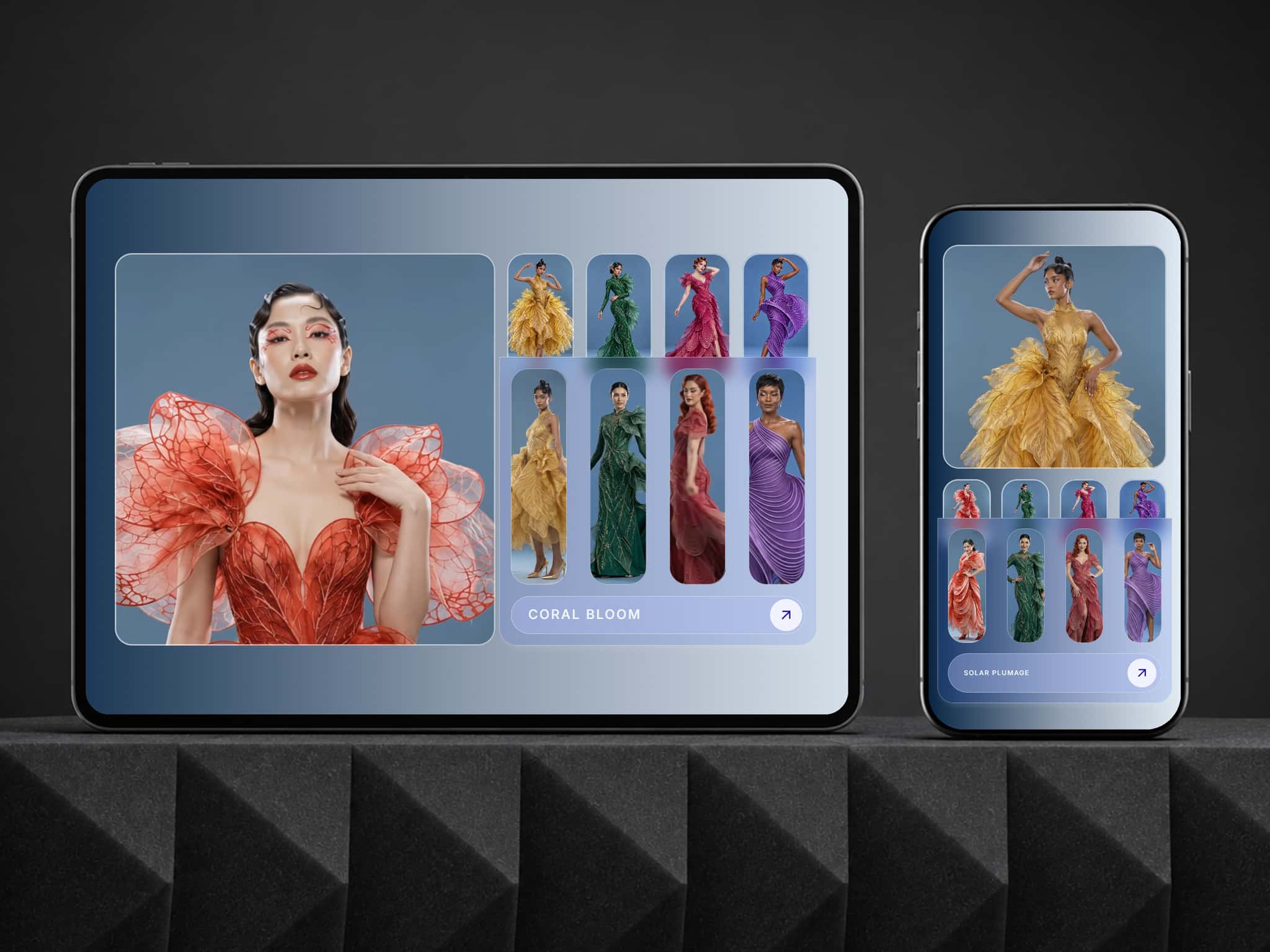
Photo or video thumbnails that follow their pins; video plays on hover or the active card
Smart pin placement - Latitude/Longitude, or an address looked up free
Fit-to-pins zoom or the whole globe
Frosted glass globe - fill, blur, dots, rim, and pin colors
Hover & press effects - scale, lift, image zoom, shadow, ring
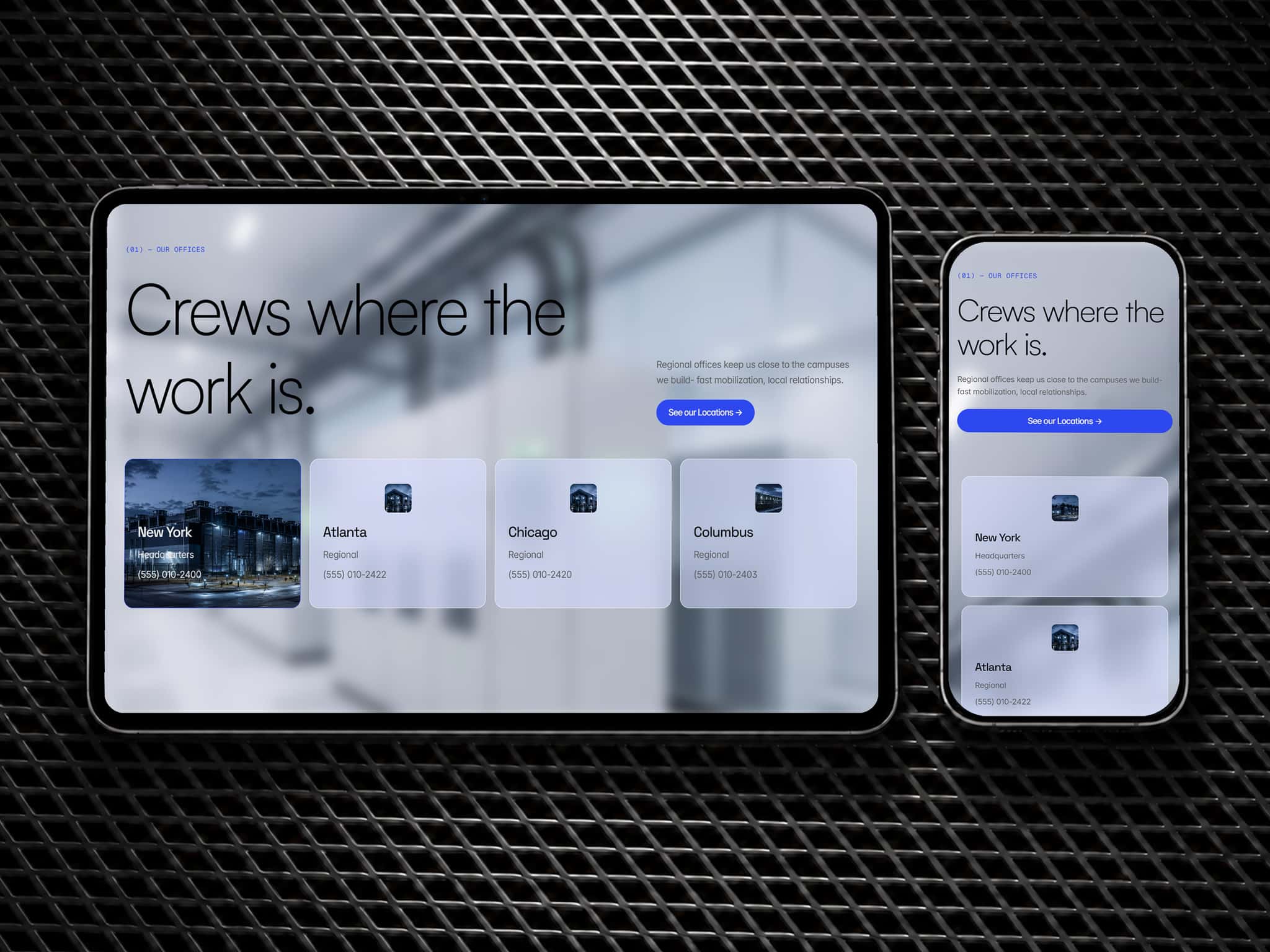
Responsive - Laptop / Tablet / Phone sizes- plus a scroll thumbnail option for phone
Touch-friendly - swipes still scroll the page; one-time swipe hint
Linked cards, editor-friendly still frame, reduced-motion aware
Grouped settings - Filters, Globe, Cards, Hover, Tour, Devices
Built for architects, studios, agencies, and photographers who want a globe to show their projects locations that looks designed, not embedded.
No code required - a step-by-step setup guide (Manual & CMS) is included.
Questions? Email christian@omni2design.com.
🚩Enjoying our work? If you’re new to Framer, sign up for free through our referral link to support Omni2 Design. We may earn a commission if you later subscribe, at no extra cost to you.