About Hover Project List
Hover Project List – Interactive Portfolio Index with Modal for Framer
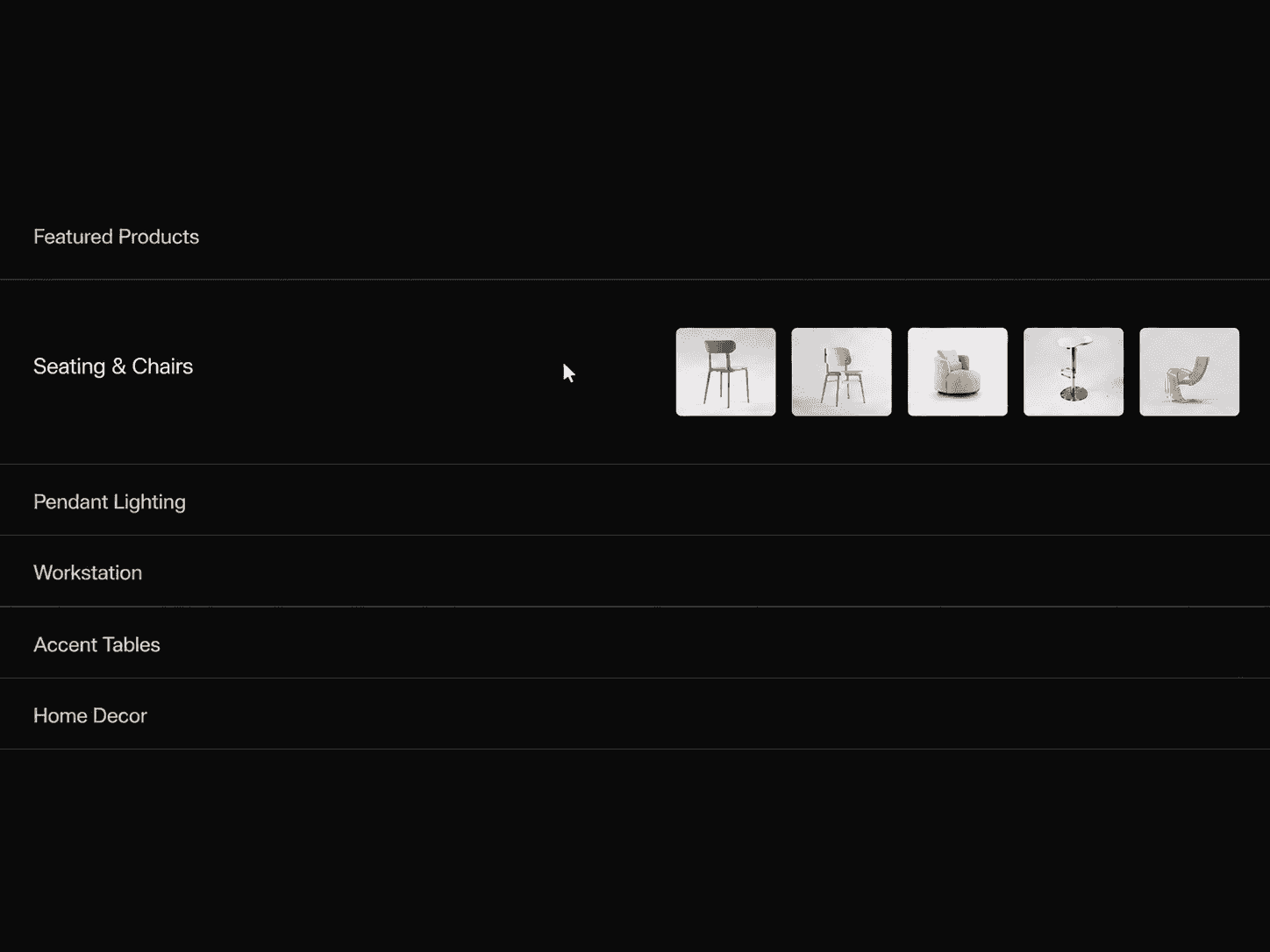
Showcase your work with a clean, interactive project list built for Framer. Hover over any row and a smooth highlight pill glides between projects. Click a row to open a detail modal with the project image, title, category, year, description and link.
Each row shows a thumbnail, title, category and year, with an optional divider between them. The layout is easy to tune from the property panel: row height, gap, padding, thumbnail size and radius, all grouped into simple controls. Style the fonts, colors, dividers, highlight and spring motion, and customize the modal's layout, typography, close button and link to match your brand.
Key features
Gliding hover highlight with adjustable color, radius, overflow, shadow and spring
Click-to-open detail modal with image, meta, description and link
Keyboard accessible, with focus support, Escape to close and page scroll lock while open
Responsive modal that stacks on mobile
Vertically centered rows that work at any height, including full viewport
Static-renderer safe for fast canvas previews and exports
Fully editable project list with image, title, category, year, description and link
Clean, grouped controls and sensible defaults
Perfect for: designer and developer portfolios, agency and studio websites, case study indexes, work pages, and creative project showcases.
Need help setting it up?
If you’re not sure how to use the component or want us to set it up directly in your Framer project, contact us at support@russetsupply.com
Explore More
Russet Supply is a growing collection of ready-to-use Framer components and templates trusted by 500+ users.