About Hover Blur Icon Card
Hover Blur Icon Card – A Service Card That Blurs Its Image on Hover
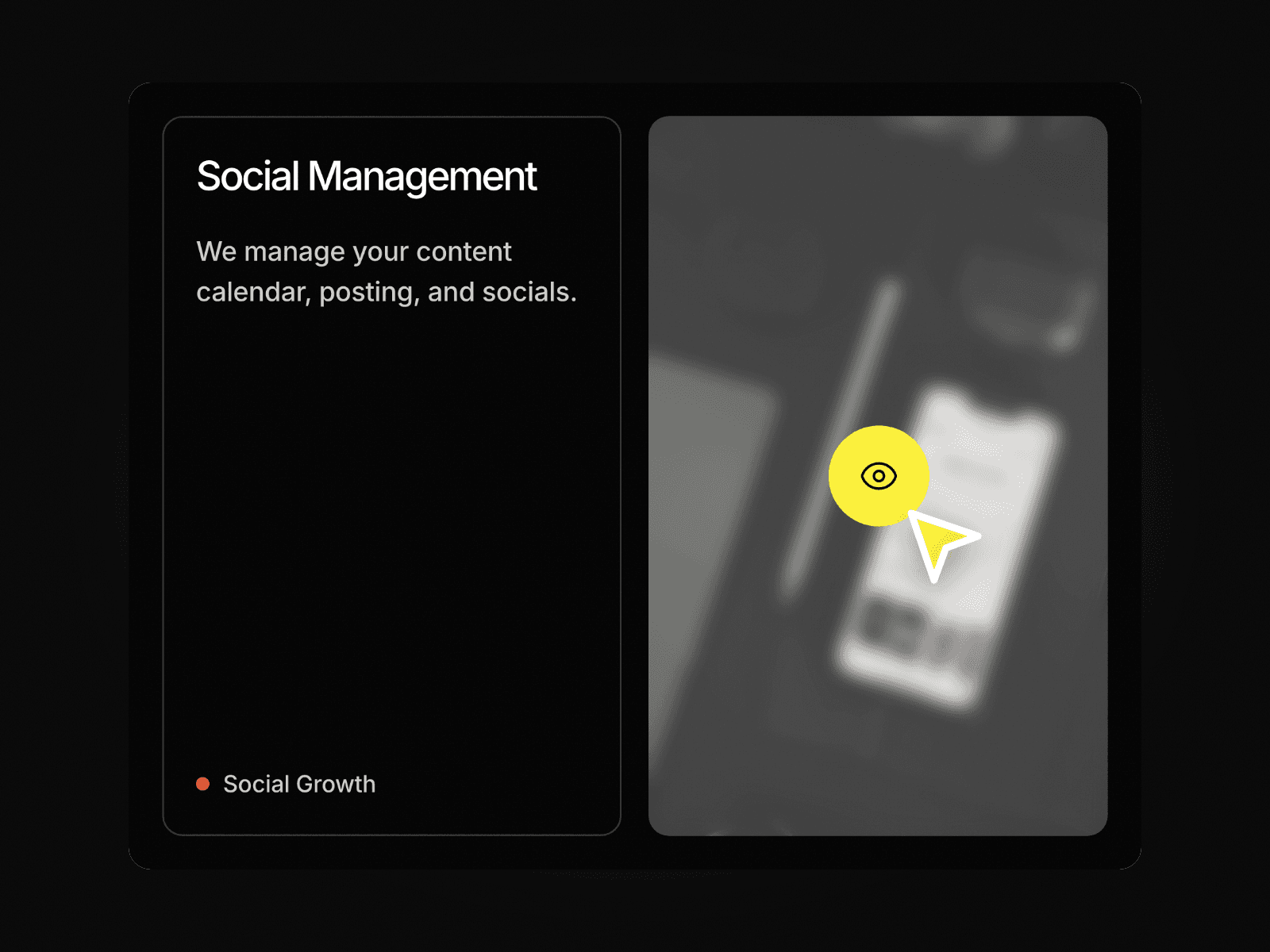
Hover Blur Icon Card pairs a text panel with a tall image. When a visitor hovers the card, the text panel stretches to full height, the image softly blurs and a bright round icon button appears on top of it. It is a clean way to show services, case studies or offers with a clear call to look closer.
How it works
At rest the card shows a title, a short description, a small tag and the image.
On hover the image blurs and an eye icon button fades in over it.
The text panel grows to match the image height, with the tag moving to the bottom.
The whole card can link to any page or URL.
Includes Mobile and Tablet variants.
Easy to customize
Edit the title, description, tag and image.
Change the text colors, the icon button fill and the border.
Drop it into any Framer page and edit it from the properties panel or with your AI agent.