About Haytham Cursor v2.0
About this Component
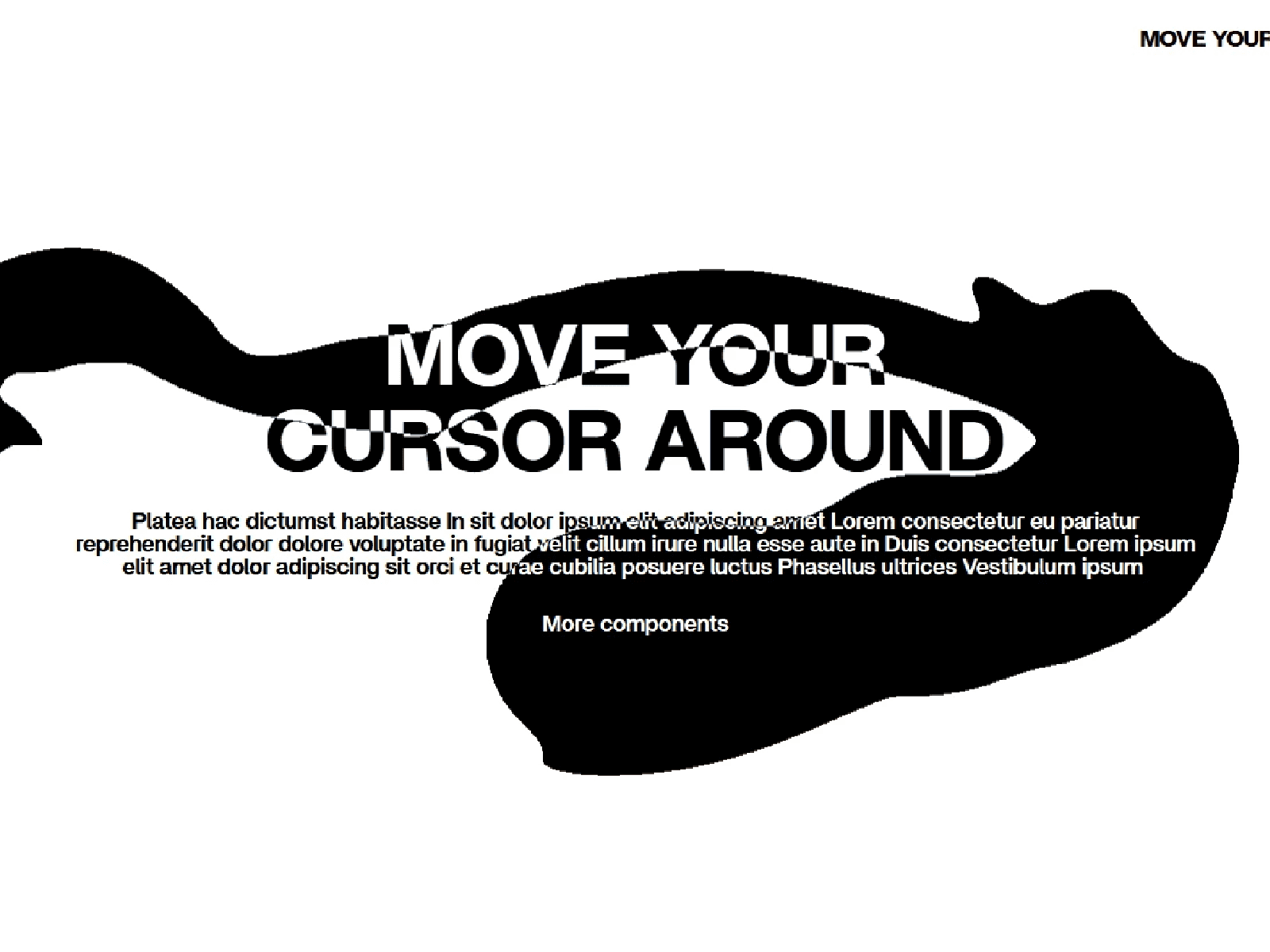
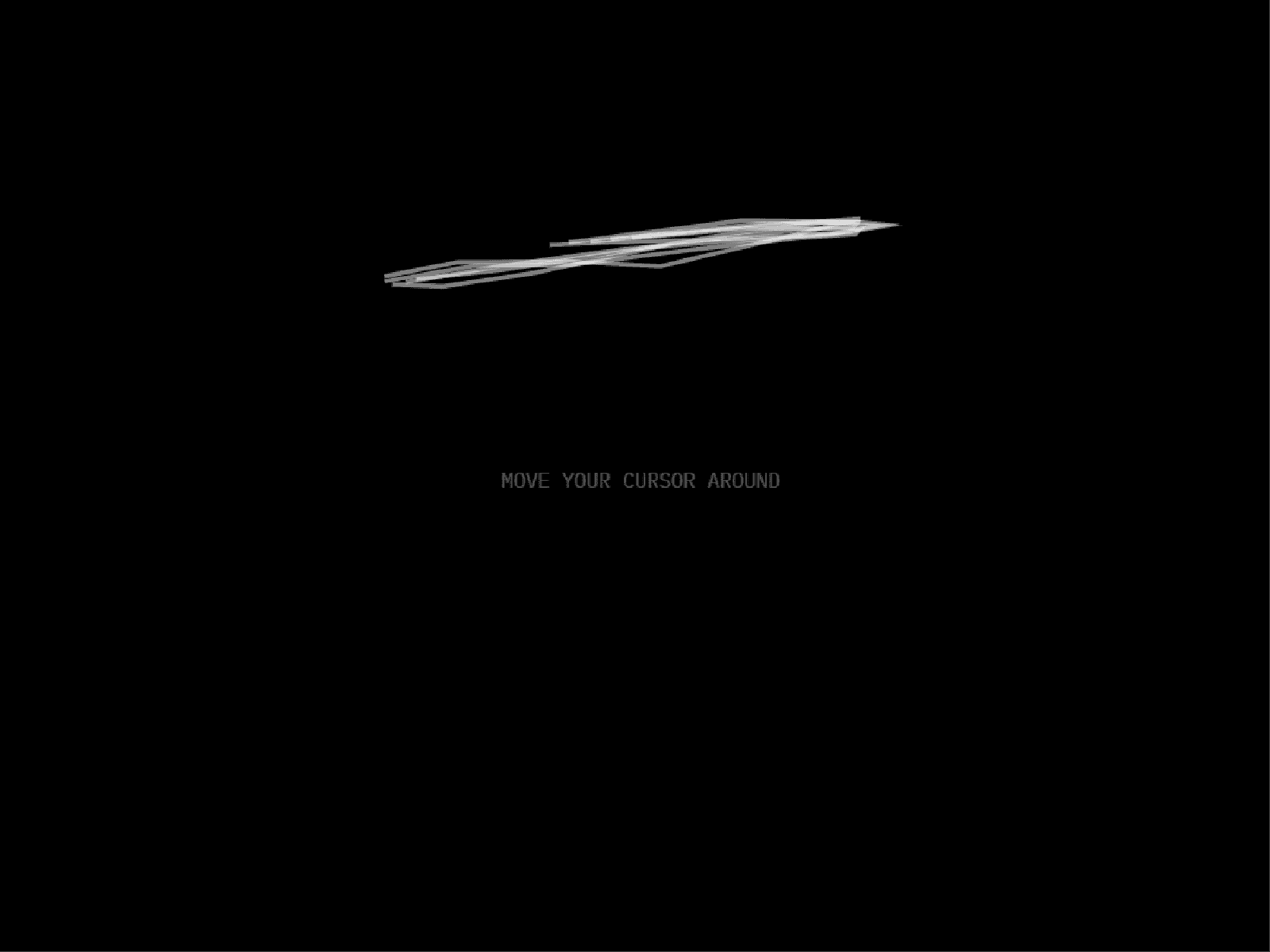
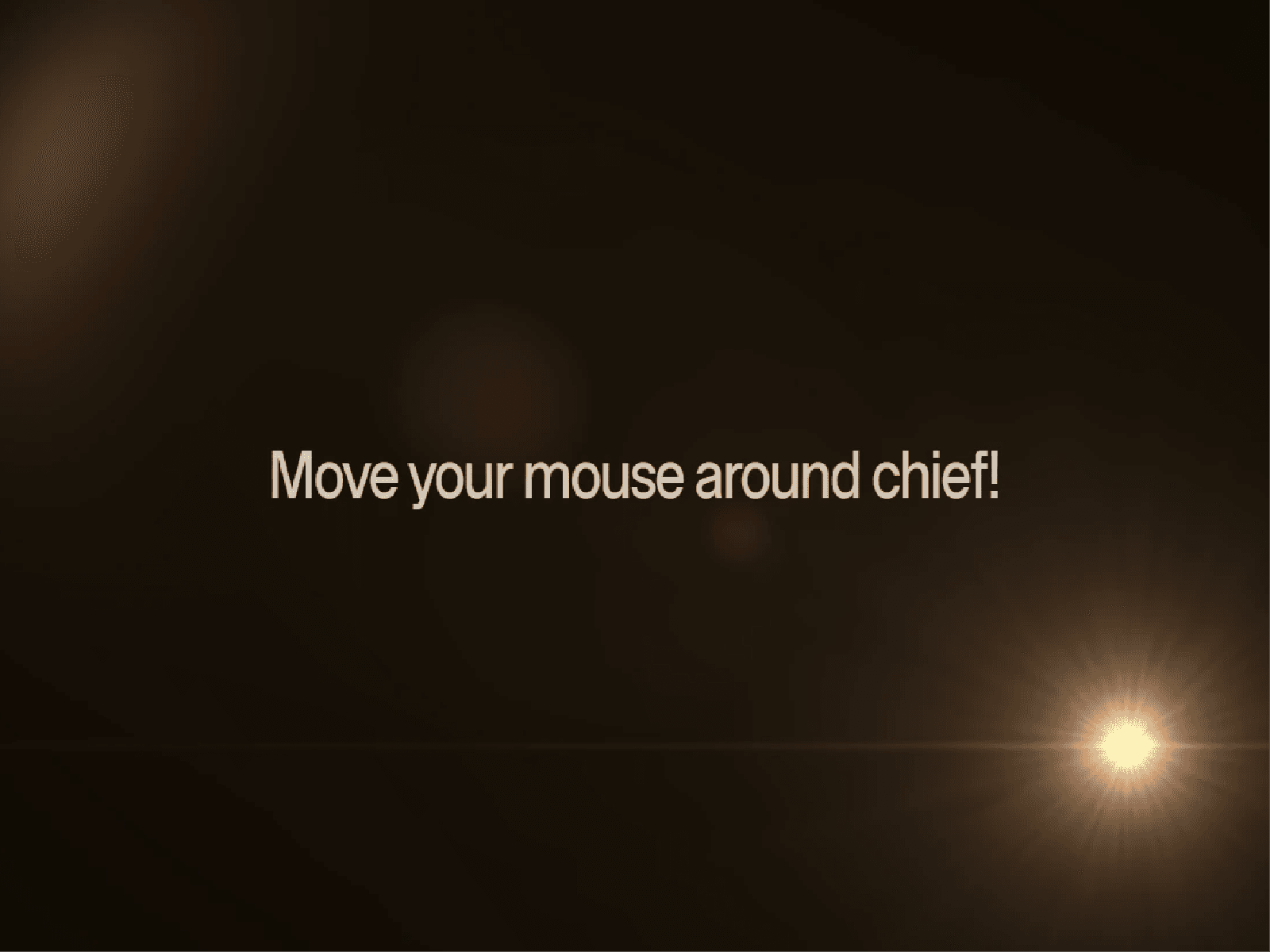
Lens Flare Cursor adds a cinematic WebGL lens flare that follows the cursor in real time. The glow, reflections, horizontal streak, color, intensity, smoothing, opacity, edge fade, and blend mode can all be adjusted directly in Framer.
It’s designed to sit over your existing content without blocking clicks or hover interactions.
Perfect For
Portfolio and agency websites
Cinematic landing pages
Product launches
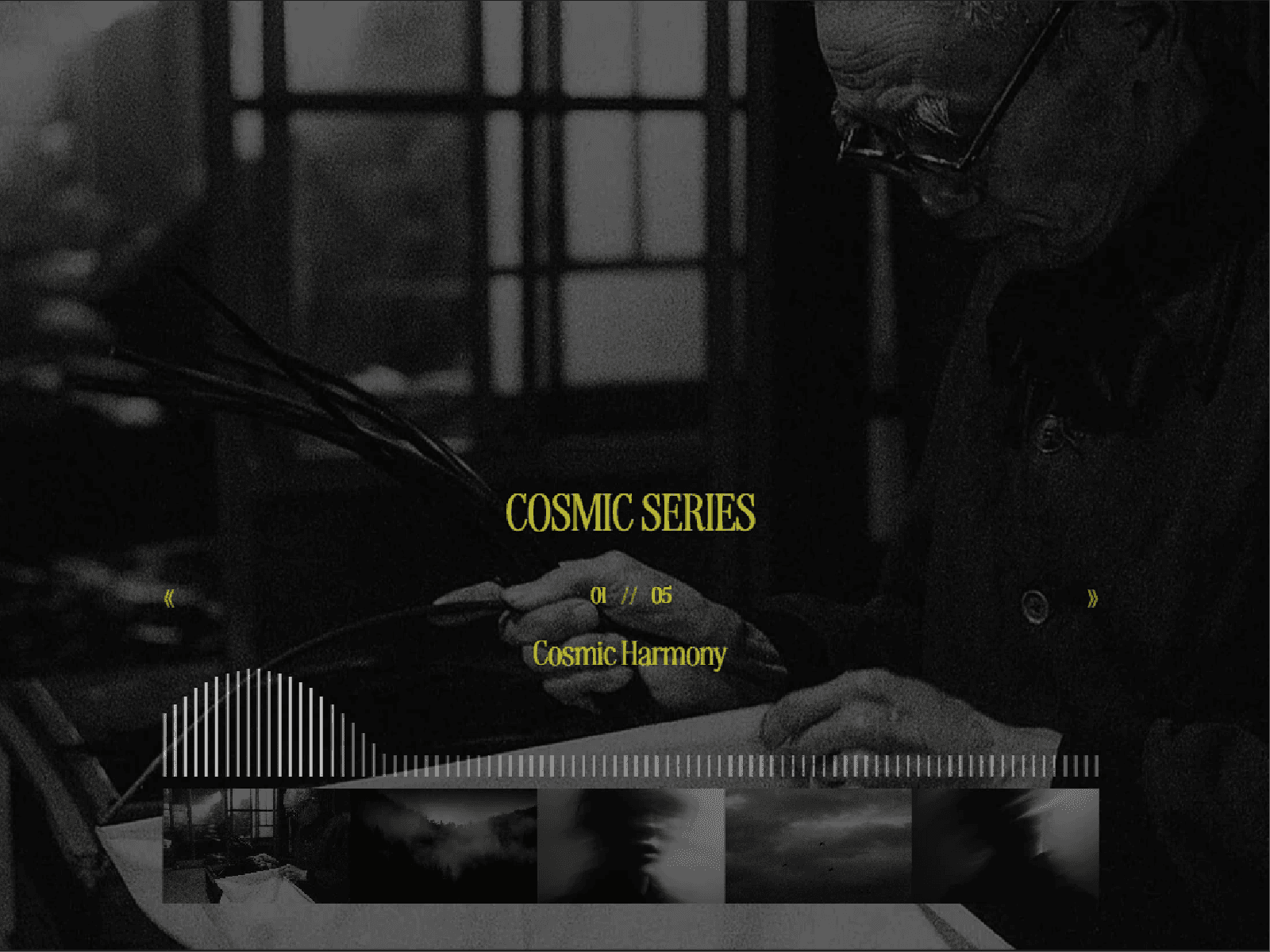
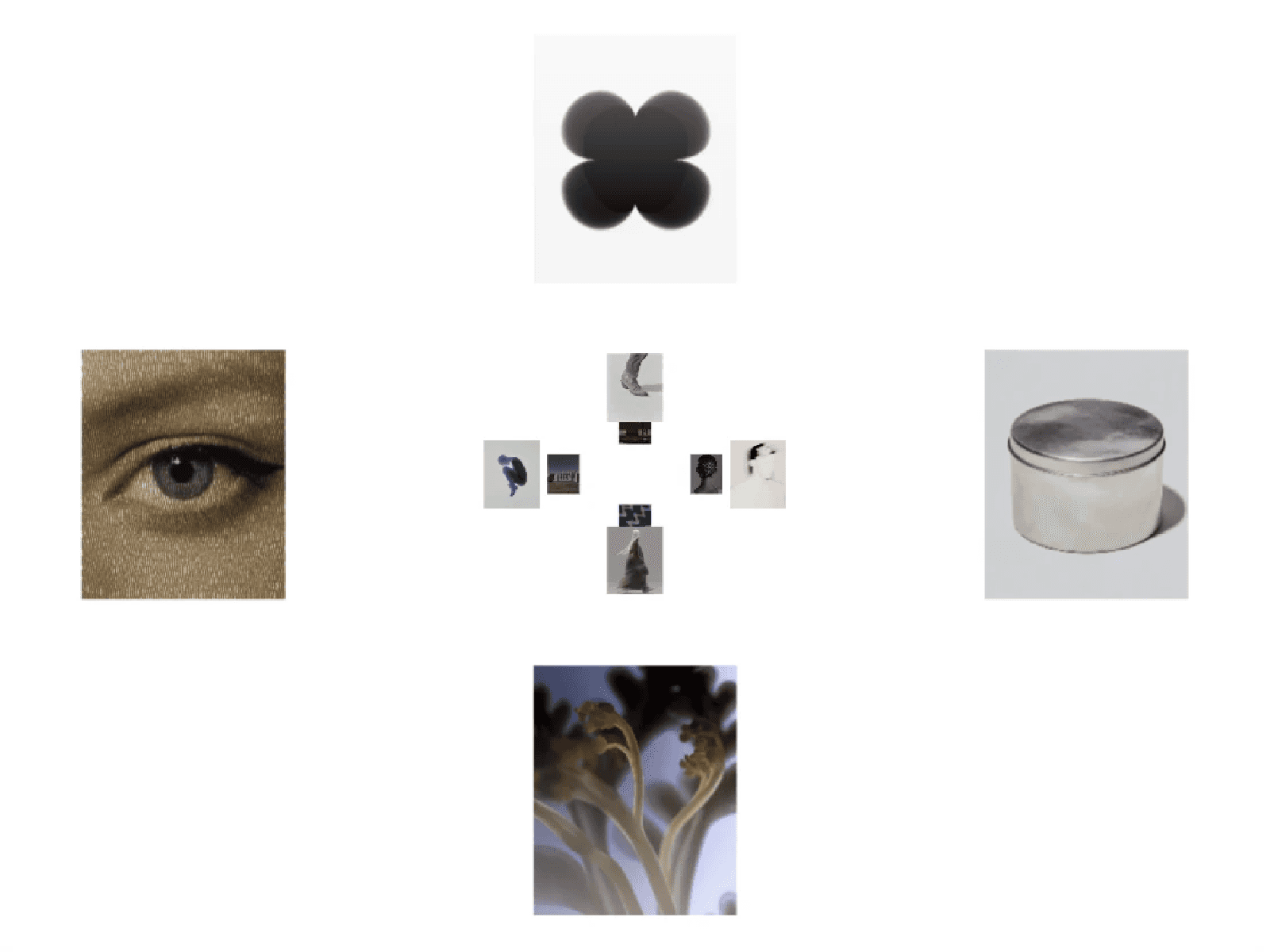
Dark or image-heavy layouts
Interactive hero sections
Experimental web experiences
Key Features
Real-time WebGL lens flare
Smooth cursor-following movement
Custom flare and streak colors
Adjustable intensity and opacity
Horizontal anamorphic light streak
Edge fade control
Screen, Add, and Normal blend modes
Adjustable follow smoothing and noise speed
Optional native cursor hiding
Static Canvas preview
Reduced Motion support
Offscreen and inactive-tab performance pausing
Responsive at any size
No external libraries or runtime dependencies
How It Works
Drop the component onto your canvas, resize it over the area you want to cover, and customize the effect from the property panel. For a full-page cursor effect, stretch it across the viewport and place it above your content using Z-Index.
Questions?
Need help setting it up? Reach out at hasanwali6890@gmail.com.
Refund Policy
All sales are final for digital products. Refunds are only considered for a confirmed critical technical issue that prevents the component’s core functionality from working and cannot reasonably be resolved.
Refunds are not provided for buyer’s remorse, aesthetic preferences, incompatibility caused by custom modifications, or requests for additional features. Any technical issue must be reported with supporting evidence within 14 days of purchase.