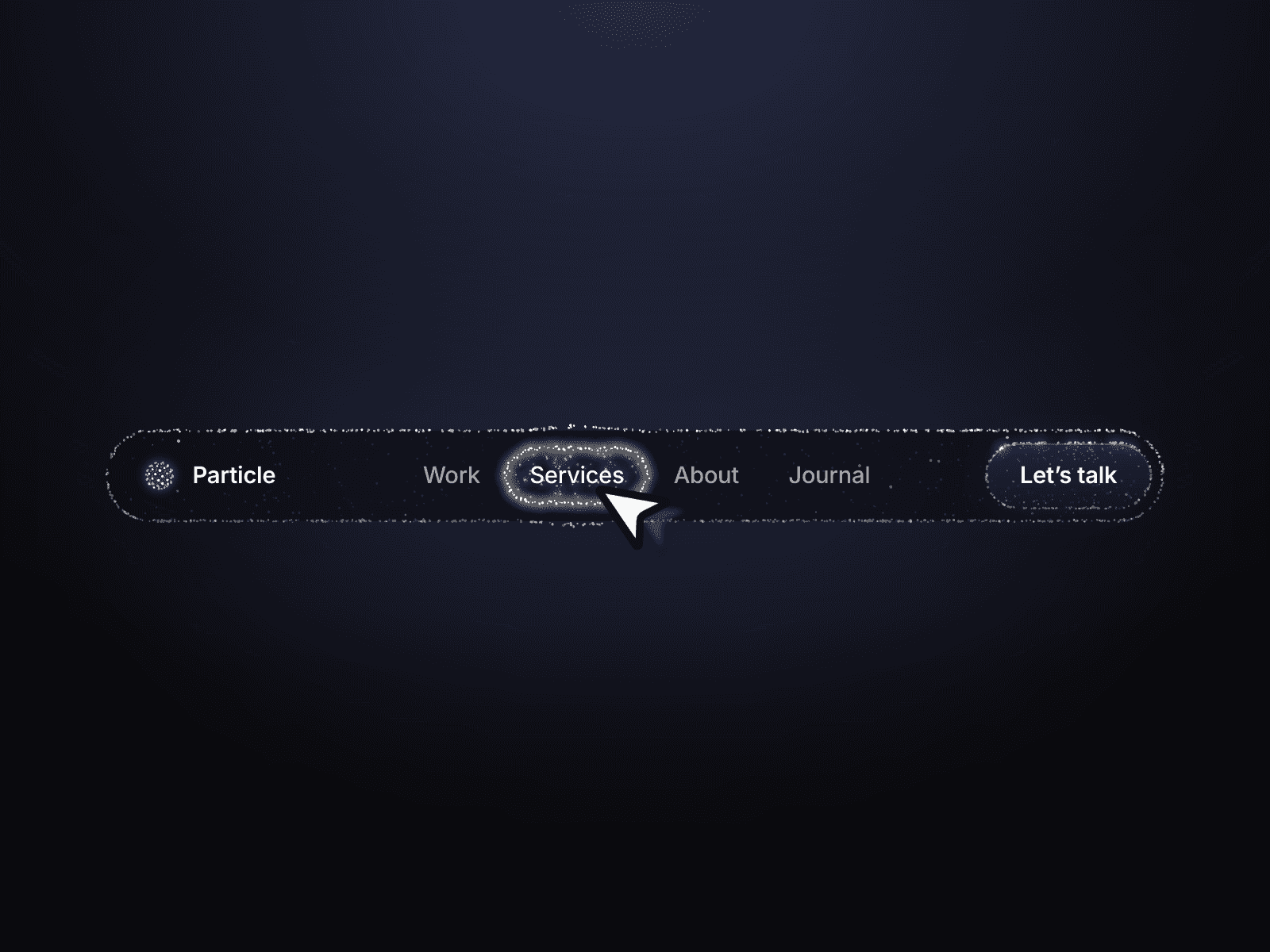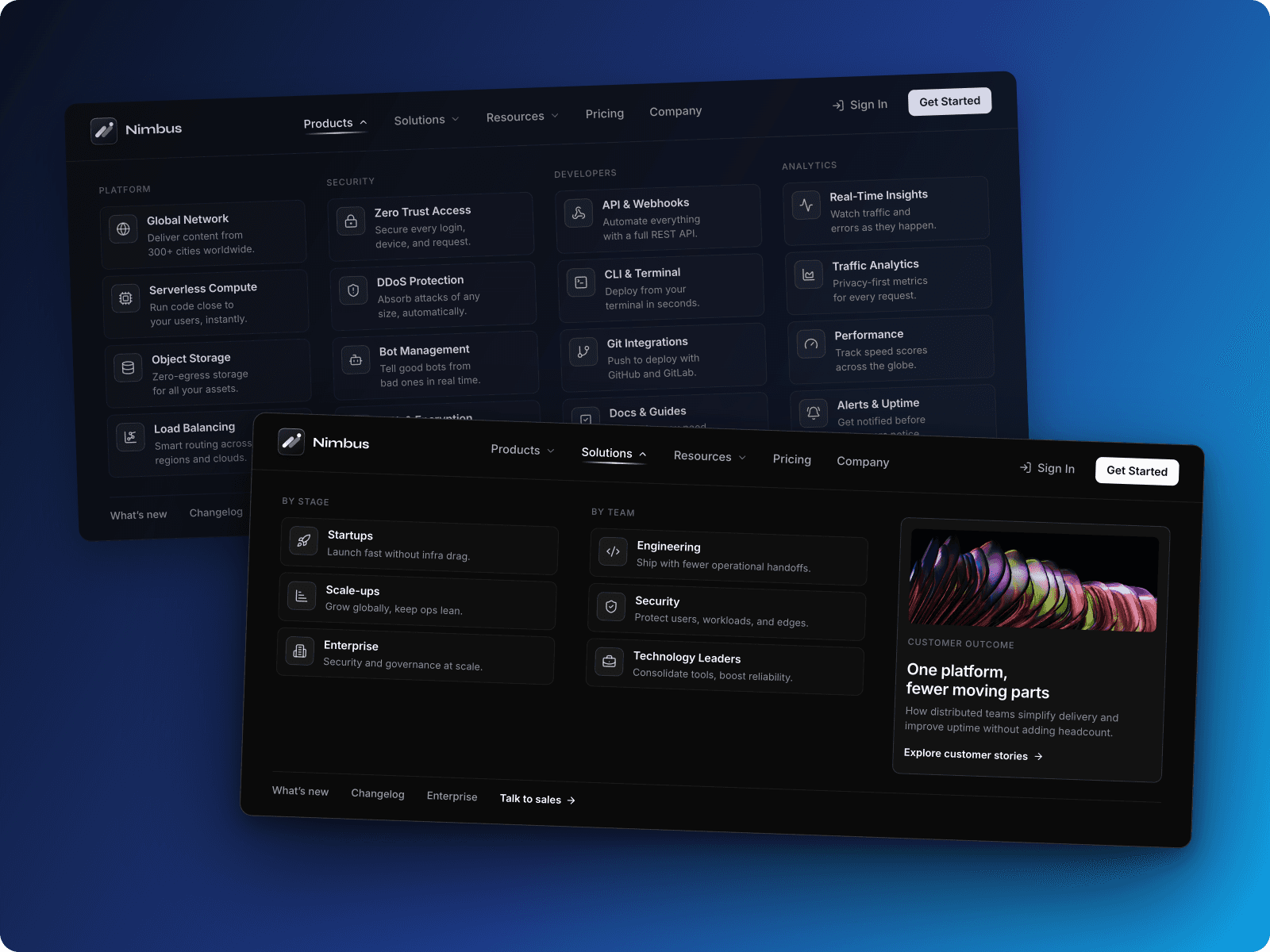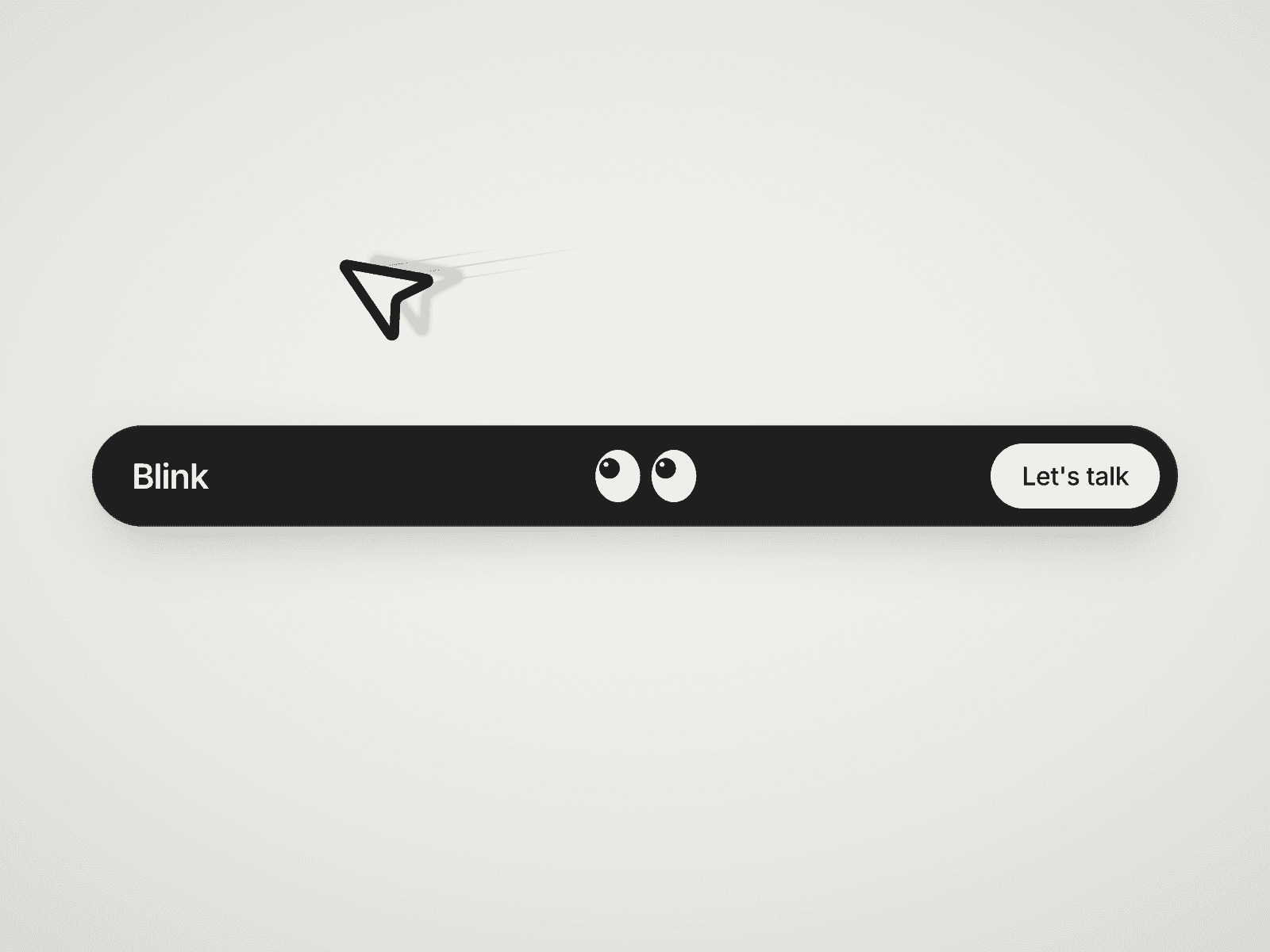
About Dynamic Island Nav
About
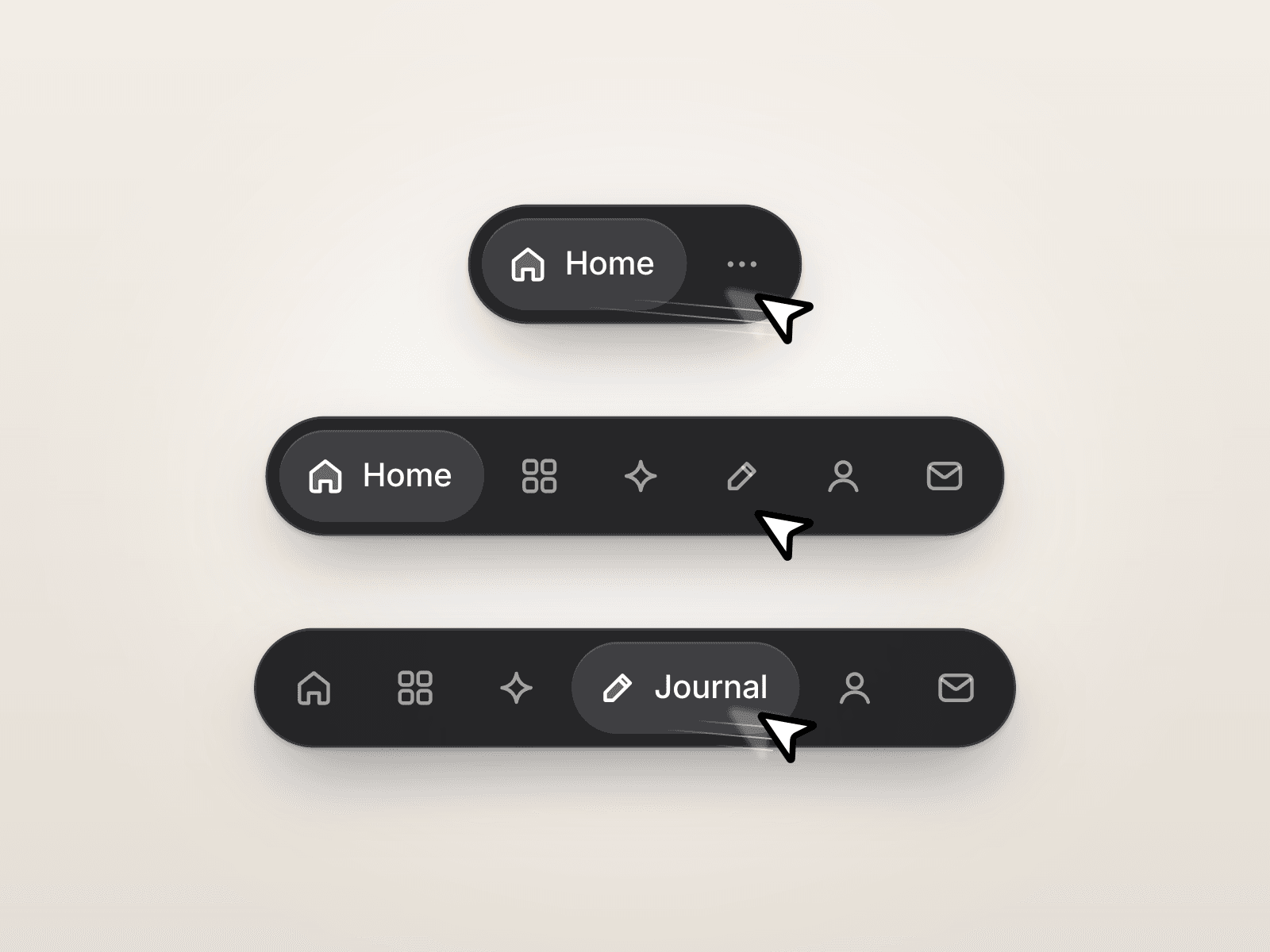
Dynamic Island Nav is a floating navbar for Framer that brings Dynamic Island-inspired motion to website navigation. Icons reveal their labels on hover, while a spring-driven pill glides between links.
Scroll down and the bar folds into the current item; scroll up to bring the full navigation back. Active-section tracking keeps visitors oriented on one-page sites, and page-aware links suit multi-page websites. On smaller screens, the island opens into an animated mobile menu.
What you can customize
Give the island your own identity, from a quiet light header to a bold dark navigation bar. Shape labels, links, section targets and icons, then add an image or text logo. Choose from 30 built-in icons or use custom images.
Fine-tune typography, colors, blur, shadows, radius, spacing and icon sizes. Adjust spring motion, scroll behavior, hover expansion and the mobile breakpoint. Dark, Light, system-matched Auto and Custom themes help it fit your design. Keyboard navigation and reduced-motion support are included. Preview the default, compact or open-menu state directly on the canvas.
Great for (examples)
Keep navigation close without crowding your content:
One-page landing pages with active section links
Freelancer websites with compact icon navigation
App launch pages with a floating header
Editorial sites with multi-page navigation
Long-form product presentations
Event websites with a responsive mobile menu
Share your build
If you ship something cool with it, post it on X and tag me @Matthias_Oel, or send it over. I’d love to see what you create.
Need help?
Questions or feedback? Reach me anytime: matthias@lmvision.de or on X @Matthias_Oel.
Need a matching component?
Carry the interaction from your navigation into your CTA and footer: