About Drag Rail
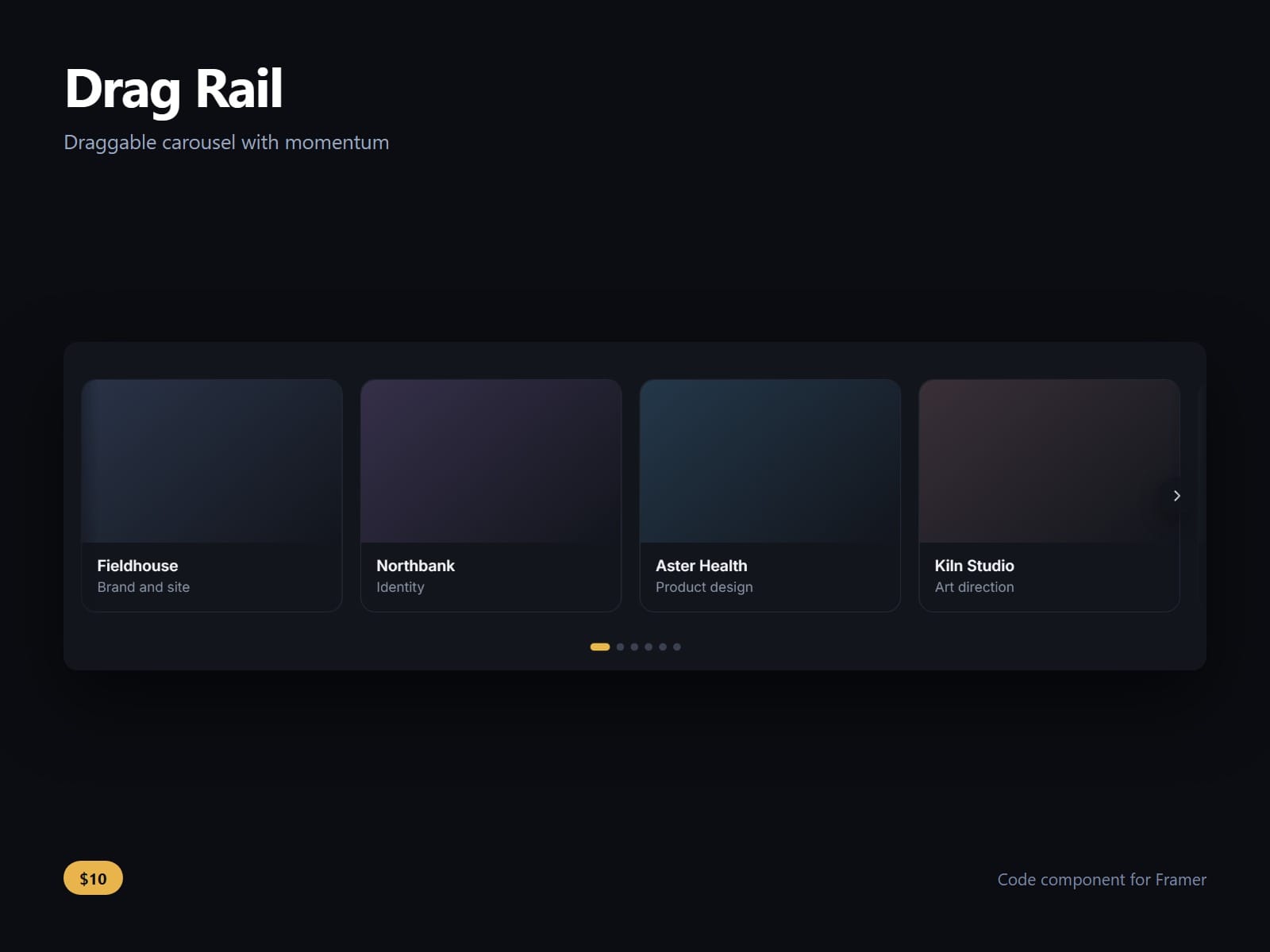
A row of anything, grabbed and thrown. Momentum, a soft end, and a snap onto whichever card the throw was going to land on.
The snap points are measured off the cards themselves, not calculated from a card width times an index, so a rail of mixed-width content lands on a card every time instead of drifting off with each one. Where a throw would come to rest is worked out in closed form the moment the finger lifts, so the rail commits to one card and glides there rather than changing its mind halfway.
Velocity is measured over the last moment of the drag, not the final two pointer events. Two events one millisecond apart turn a two-pixel wobble into a two-thousand-pixel throw, and a finger that stops before lifting should not fling.
It never eats the page scroll. The vertical axis stays with the browser, so a finger dragging down the page still scrolls it, and a trackpad only takes a sideways gesture.
Reachable without a pointer: the rail takes focus, arrow keys step one card and stop at the ends rather than wrapping, and the focus ring is visible. Under reduced motion it moves without the glide.
Drop any Framer frames into the slot, or leave it empty for its own cards. Snap on or off, snap to the start or the centre, glide, end give, trackpad, arrows, dots, edge fade, radius and colours are all controls.
After purchase you receive the component URL. In Framer, press Insert, choose Add Component URL, and paste it.
Licence: yours to use on your own sites and on client sites, commercially, with no attribution. Not for resale or redistribution: do not share the component URL, and do not publish the component or its code anywhere, paid or free. Full terms arrive with your purchase. Questions: me@majedesigns.dev