About Crosshair cursor pro
Crosshair Cursor
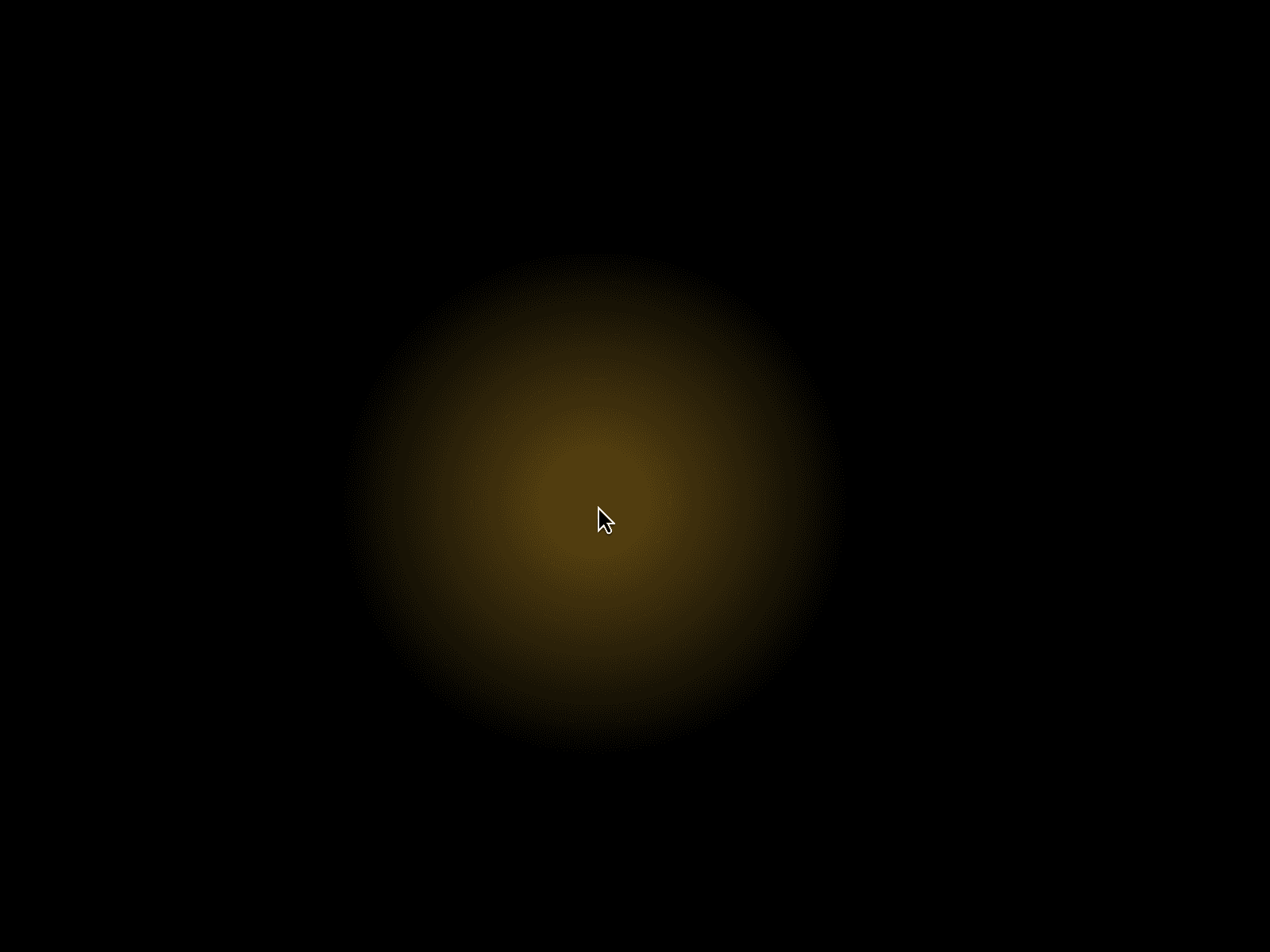
A full-screen interactive crosshair designed to add a precise, futuristic layer of motion to your Framer projects.
The crosshair follows the user's pointer across the entire viewport, with customizable lines, glow effects, center points, click states, and live cursor coordinates.
Features
Full-Screen Crosshair Two responsive lines follow the cursor across the entire viewport, creating a precise crosshair effect.
Custom Line Styles Choose between Solid, Dashed, or Dotted lines to match your design.
Click Interaction The crosshair can change color while the mouse button is pressed, creating instant visual feedback.
Glow Effect Add a customizable glow to the crosshair and center point with adjustable blur intensity.
Center Point Show or hide a center point and choose between Circle or Square shapes. Adjust its size directly from the property panel.
Live Coordinates Display the current X and Y cursor coordinates next to the crosshair. Font size can also be customized.
Smooth Motion Enable spring-based cursor movement for a more fluid and dynamic interaction. Control the motion using Damping and Stiffness settings.
Native Cursor Control Hide the browser's default cursor to create a fully custom cursor experience.
Mobile Control Automatically disable the crosshair on touch devices for a cleaner mobile experience.
Fully Customizable Control colors, thickness, line style, glow, coordinates, center point, motion, cursor visibility, and more directly from Framer's property panel.
Perfect For
Creative agency websites
Designer portfolios
Interactive landing pages
Experimental websites
Digital studios
Gaming-inspired interfaces
Futuristic websites
Award-style websites
Built for Framer
Drop the component into your project and customize everything directly through Framer's Property Controls. No additional setup is required.
Create anything from a minimal precision cursor to a glowing futuristic interface.
Make every movement part of the experience.