About CMS Flow Gallery
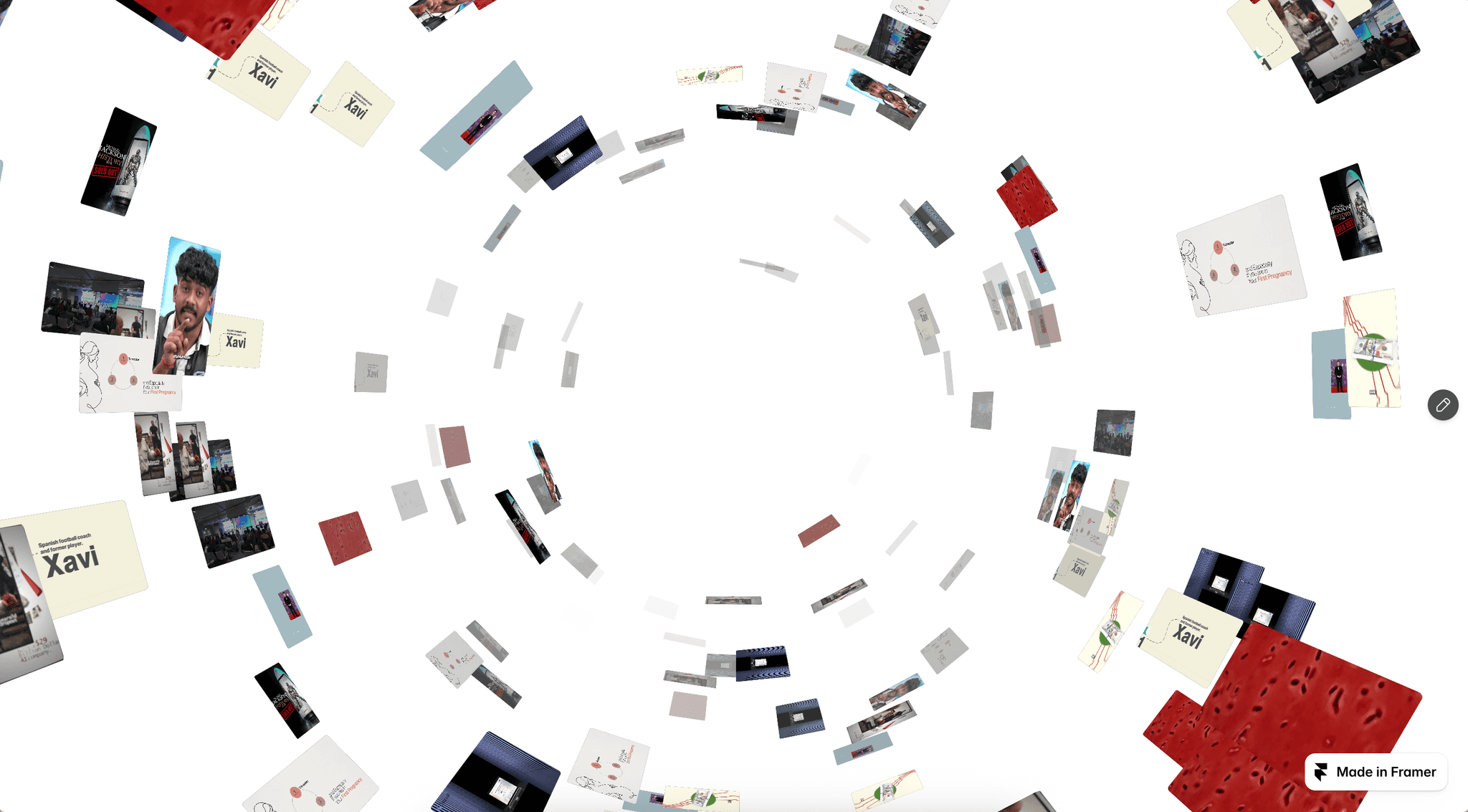
CMS Flow Gallery is an interactive flowing media gallery for Framer that transforms images and videos into a smooth vertical masonry experience. Content moves naturally through responsive columns with drag, mouse wheel, inertia, optional auto flow, and seamless infinite looping.
✦ Key Features
Image & Video Support - Mix images and videos together inside the same gallery.
Responsive Masonry Layout - Automatically adapts from 1 to 6 columns based on the available screen width.
Natural Media Sizing - Choose Natural, Balanced, or Uniform card heights.
Infinite Vertical Flow - Create a seamless continuously looping gallery.
Auto Flow - Keep the gallery moving automatically with adjustable flow speed.
Drag Navigation - Explore media naturally using pointer and touch dragging.
Mouse Wheel Control - Scroll directly through the gallery with smooth wheel interaction.
Smooth Inertia - Customize movement smoothness, momentum, and interaction sensitivity.
Smart Video Playback - Enable autoplay, looping, posters, and optional video indicators.
Built-In Lightbox - Open images and videos in an immersive full-screen viewer.
Viewer Navigation - Browse between media using previous and next controls or keyboard arrows.
Video Sound Control - Enable sound inside the viewer with quick mute and unmute controls.
CMS Links - Connect individual media items to CMS pages or external destinations.
✦ What You Can Create
Portfolio galleries
Photography showcases
Video collections
Agency work
Fashion galleries
Campaign showcases
Product collection
Editorial galleries
Visual case studies
✦ Create a Gallery That Never Stops
CMS Flow Gallery combines responsive masonry, mixed media, infinite movement, smooth interactions, CMS links, and an immersive lightbox to create a gallery that feels fluid, modern, and alive.Keywords: CMS Flow Gallery, CMS Gallery, Flow Gallery, Masonry Gallery, Infinite Gallery, Image Gallery, Video Gallery, CMS Media Gallery, Framer CMS, Portfolio Gallery, Interactive Gallery.