About Aisol Reel Rail
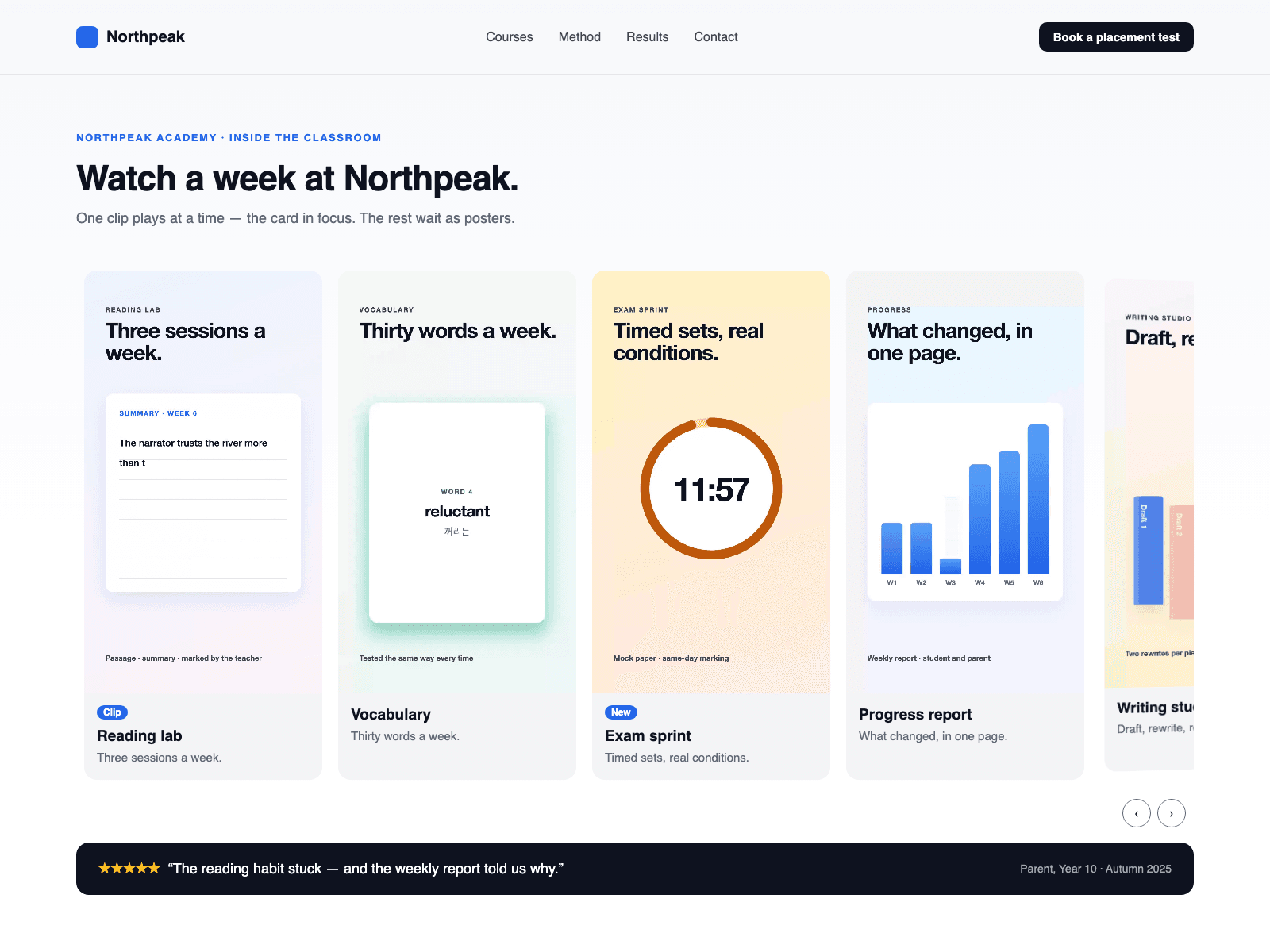
Use it with CMS in three steps: 1. Drop a Collection List into Reels (CMS) and turn off its Pagination. 2. In the item, add a text or link layer named Video holding the file URL, an image layer named Poster and a text layer named Title. A Framer Video layer is also read, but a URL layer avoids loading the video twice. 3. Every item becomes a reel card drawn by the rail (poster and title), and the card in focus plays.
The rail reads each item and draws its own cards, so your list stays untouched. The list is hidden after reading, so a Load more button is not shown. Your item's own layout and hover effects are not shown.
A horizontal rail of video cards. Only the card in focus plays, and playback stops when the rail leaves the screen or the tab is hidden.
Key features
- One clip at a time, including in Button only mode: card in focus, on hover, or with a play button.
- Arrow keys, Home, End and arrow buttons move playback.
- Cards turn and shrink as they leave the centre.
- Reduced motion: no autoplay, every card gets a play button.
- Card links get an accessible name from the reel title.
- The canvas shows posters only; the rail plays in Preview and on the site.
What you control
- Reels (CMS) slot, or hand-made Reels with title, subtitle, badge, video, poster, alt text and link
- Layer names; Fit CMS Media Off keeps each poster's own shape
- Shape, play mode, loop, turn, shrink, card width, gap, radius, arrows
- Heading level, fonts, colours and labels