About Aisol Media Lightbox
Use it with CMS in three steps: 1) Drop a Collection List into Items (CMS) and turn off its Pagination. 2) Name the item's layers Image, Video, Title and Caption (renamable in the properties). 3) Preview or publish: each CMS item becomes one tile that opens in the viewer.
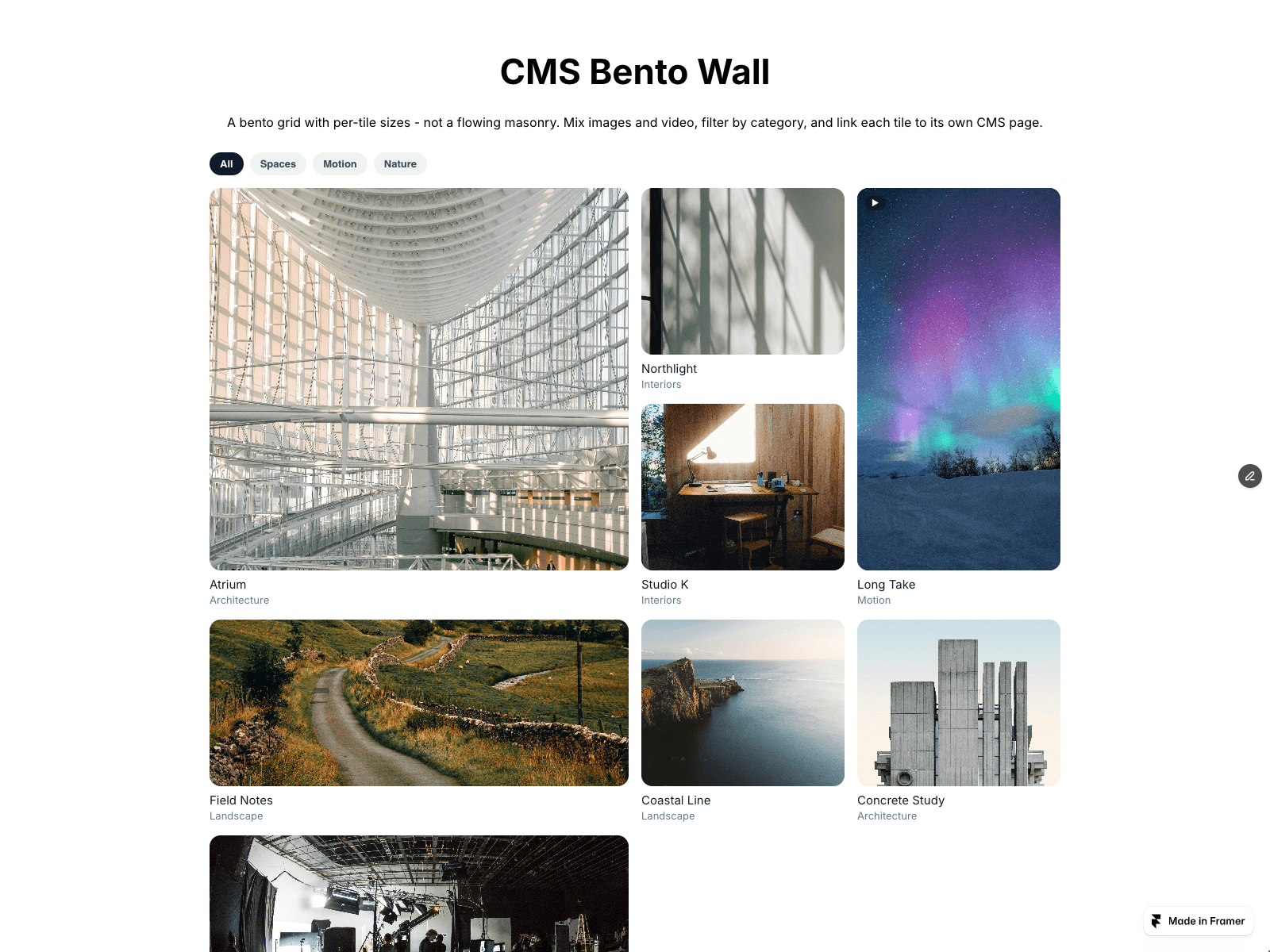
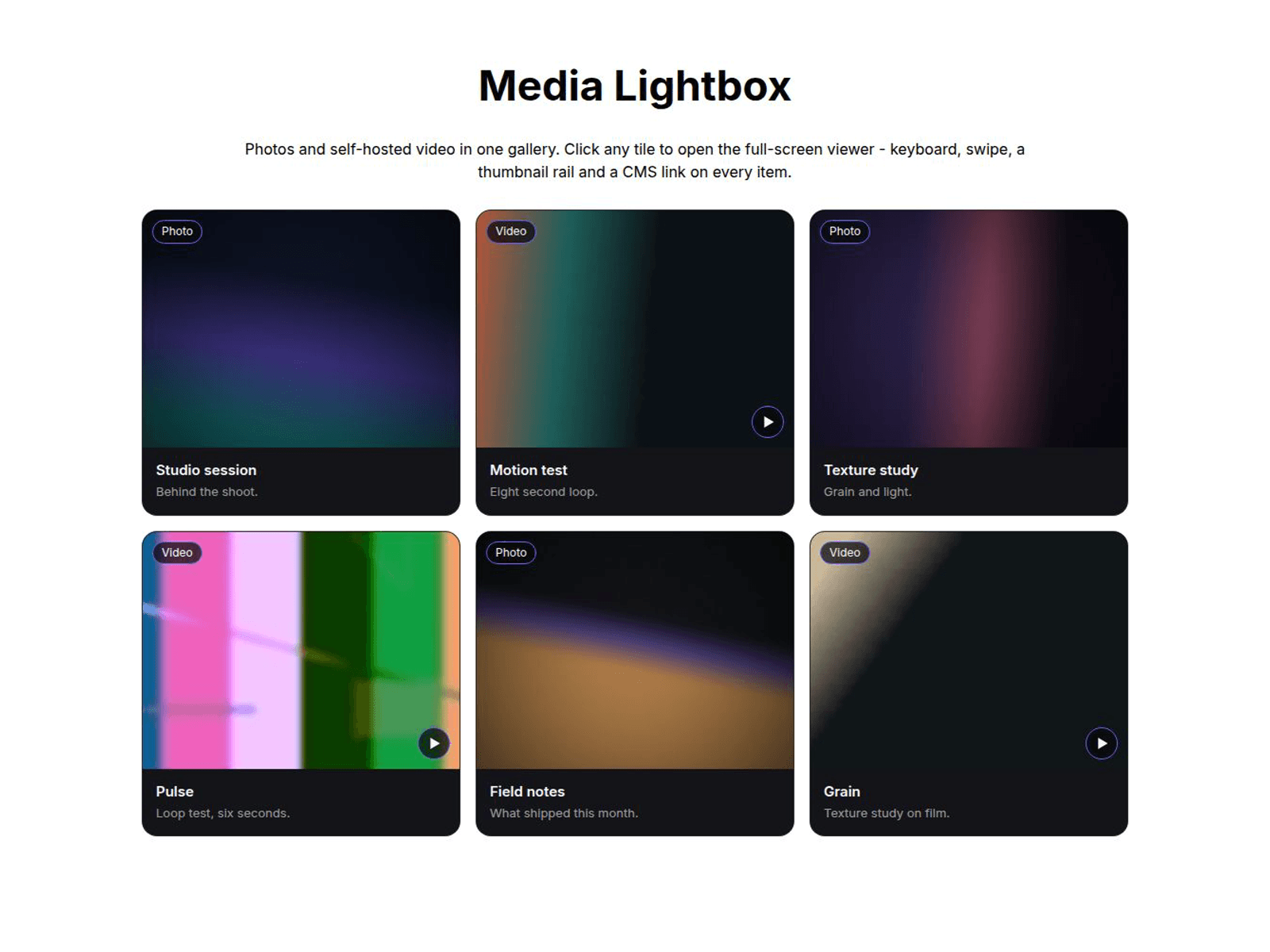
A gallery that opens into a full-screen viewer for photos and self-hosted mp4/webm video, with thumbnail rail, captions, counter and a link per item.
Items (CMS) reads each item (Image, Video URL, Title, Caption and link) and draws the tiles itself, so your list stays untouched. The list is hidden after reading, so a Load more button is not shown. Tiles use the gallery style (Tile BG, Text, Radius, Ratio); your item's own layout is not shown, and its link opens from the viewer's link button. Video can be a Framer Video layer or a text field with the URL. Video URLs must be https (or a file on your site); other links are ignored.
Initial count shows only the first N CMS tiles with a Show more button that reveals N more per click; the viewer still steps through every item. 0 shows all.
No CMS? Use Items: image, video, poster, title, caption, badge and link.
Viewer: click, Enter or Space opens it. Arrow keys move, Escape or a backdrop click closes, and focus returns to the tile. Video plays muted and pauses on close; reduced motion stops autoplay.
Grid or Strip, 1 to 6 columns, dropping to 2 under 900 px and 1 under 560 px.