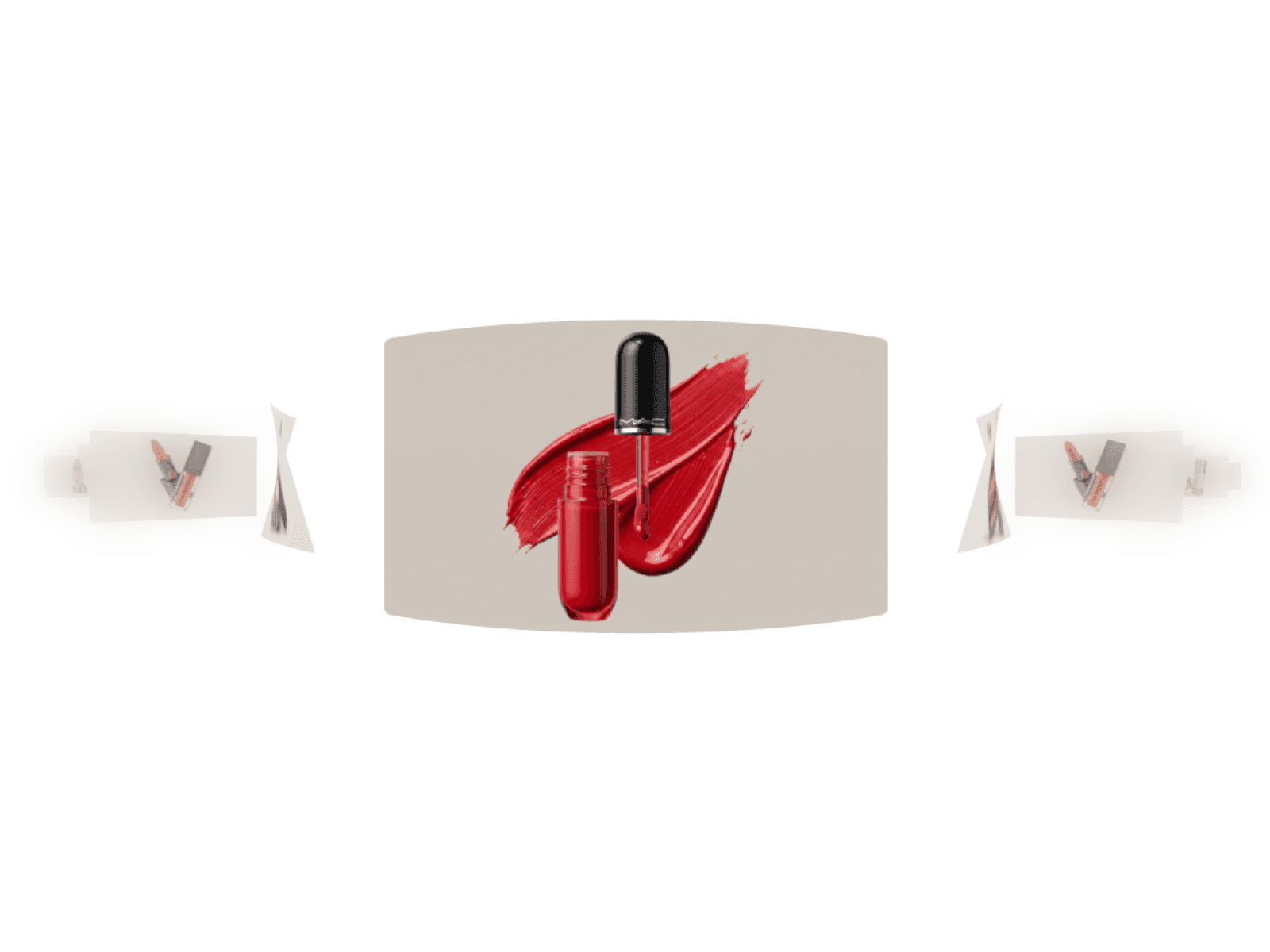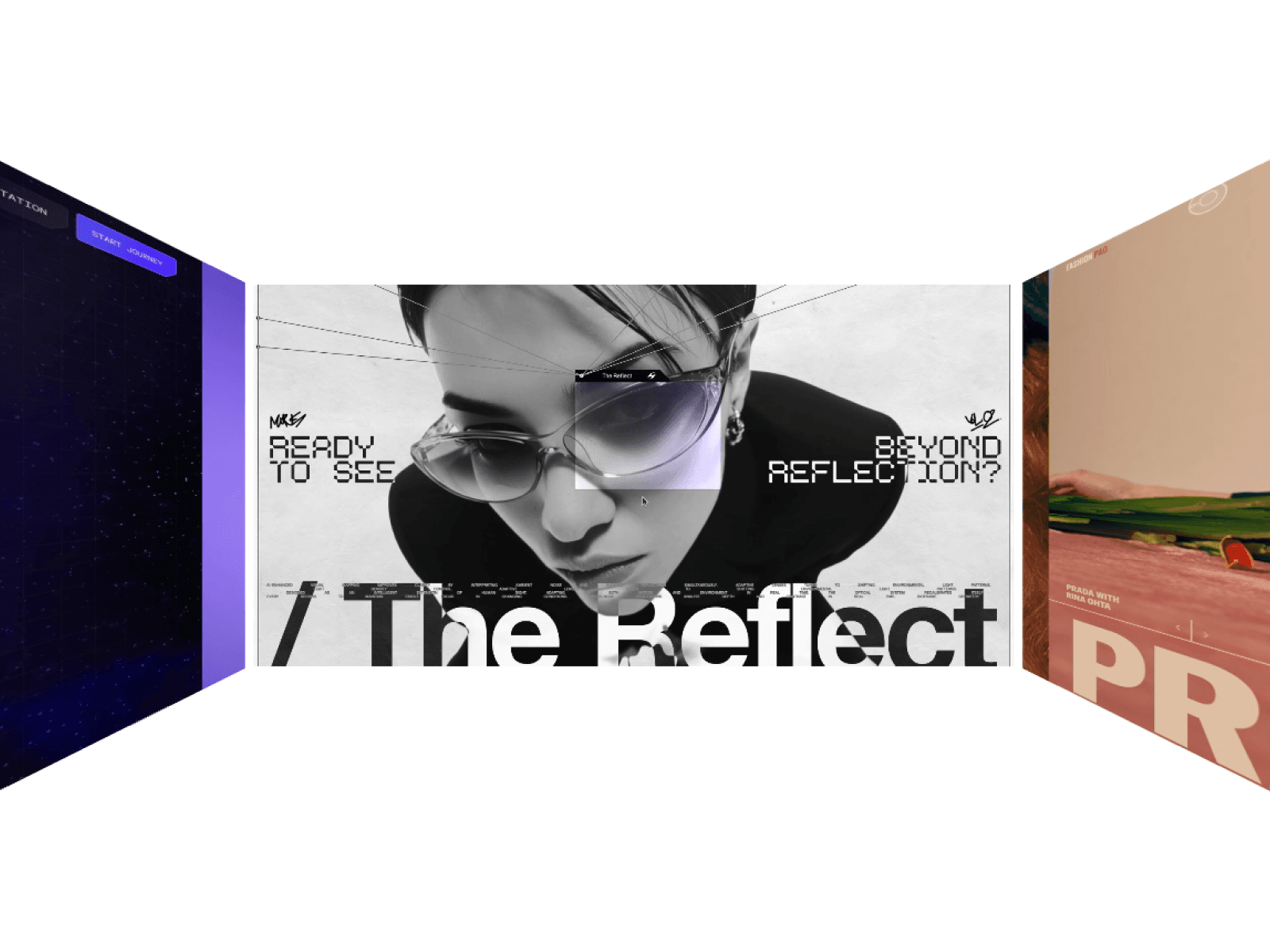
About 3D Room Carousel
Transform standard project grids into an interactive 3D polygon room that keeps visitors engaged with momentum drag physics, native video playback, and smooth auto-snapping.
Features
Interactive 3D room carousel geometry
Native support for high-res images and looping videos
Momentum drag and responsive mouse-wheel scrolling
Smart auto-snap alignment to the nearest media card
Raycasted hover tooltips that follow the cursor
Clickable card links for internal pages and external URLs
Emissive metallic sheen overlay that protects image vibrancy
Aspect-ratio UV cover mapping to prevent asset distortion
Clean corner radius masking powered by dynamic alpha maps
Strict WebGL cleanup to eliminate canvas memory leaks
Static renderer fallback for instant Framer canvas preview
Fully responsive canvas resize observer
Customization Options
Wall width, wall height, and room gap spacing
Camera field of view (FOV) perspective
Drag sensitivity, scroll speed, and inertia damping
Auto-snap to wall toggle
Card corner radius
Metallic overlay reflection toggle
Media array controls for images, videos, titles, and links
Project tooltip colors, typography, and padding
Live preview toggle
How to Use
Drop the component onto your Framer canvas
Set layer dimensions to Fill or your preferred sizing
Add your media items, project titles, and links in the properties panel
Adjust room radius, gap, and camera FOV to fit your visual layout
Fine-tune drag damping and auto-snap for the exact feel you want
Publish your site with a buttery-smooth 3D showcase
Use Cases
Creative portfolio project showcases
Design agency client work reels
SaaS feature and product walkthroughs
Digital product launch landing pages
Fashion lookbooks and editorial galleries
E-commerce 3D product displays
High-converting hero section carousels
Interactive case study highlights