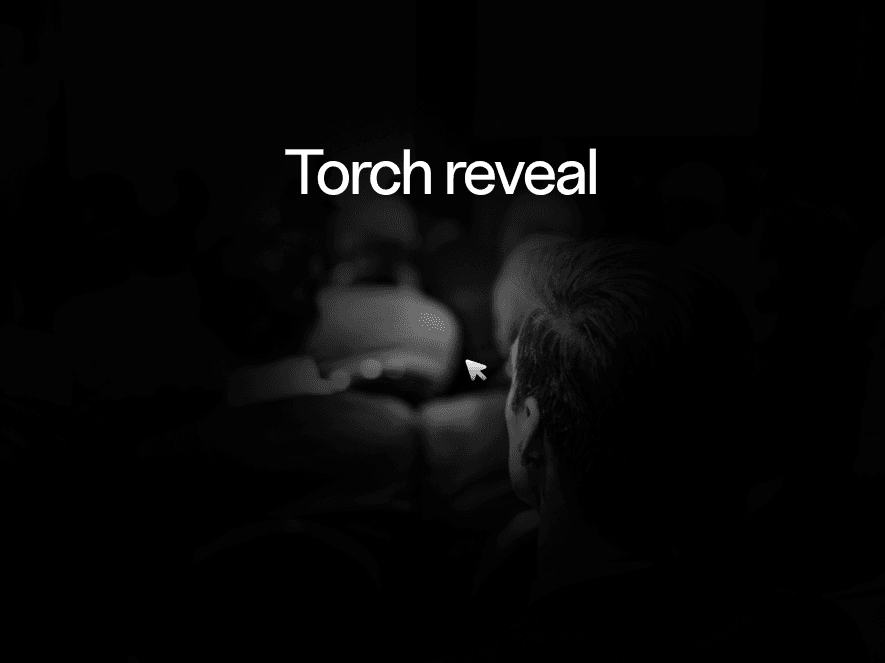
About Torch Reveal
Torch Reveal — Framer Component
Cover an image — or any layer — with a dimming overlay, then open a soft spotlight that follows the cursor. Every setting sits in the properties panel. No code.
Two modes:
* Reveal — the spotlight clears the overlay under the cursor
* Conceal — inverted, so the cursor casts a shadow instead
Three ways to dim:
* Colour, at the opacity you choose
* A backdrop blur, with optional desaturation
* Both together
Shape and feel:
* Radius, feather and strength for an edge as soft or as sharp as you want
* One Aspect setting turns the circle into a wide or tall beam
* A glow at the cursor, with five blend modes
* Easing — how far the spotlight trails the pointer, down to instant
Built properly:
* No external libraries — one component, nothing else to install
* Sensible on phones: the spotlight follows a finger, or parks in the middle where there is no cursor
* Respects each visitor's reduced-motion setting — the trailing lag is dropped, tracking stays exact
* The pointer position is written straight to CSS, so nothing re-renders while you move the mouse
* Renders with the spotlight centred on the Framer canvas, so your layouts stay readable while you design
Who it's for: designers building portfolios, case studies and product pages who want an image that rewards a moment of attention.
One licence, $4.99, unlimited websites — personal, commercial and client work.


