Optimize videos directly inside Framer.
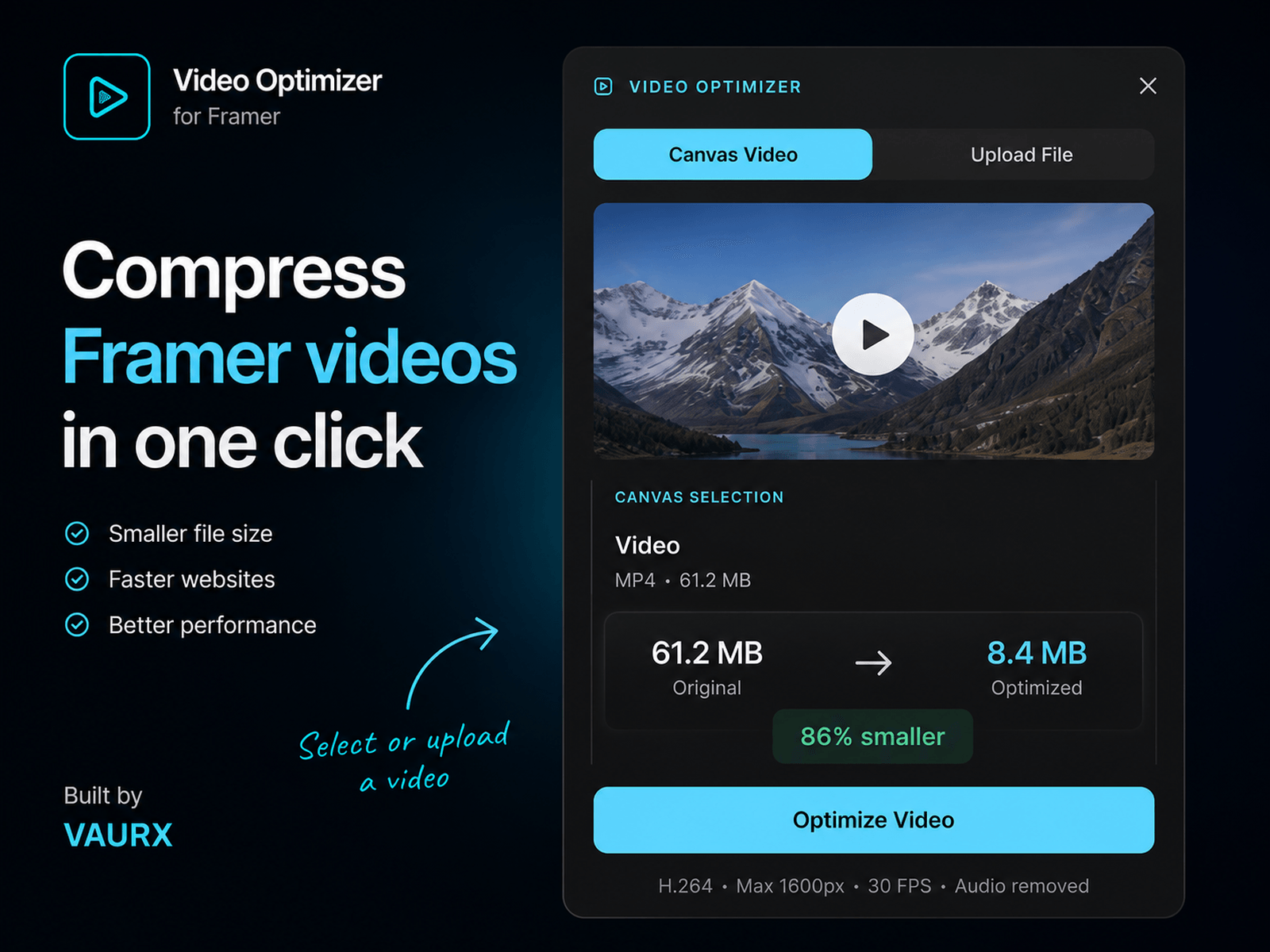
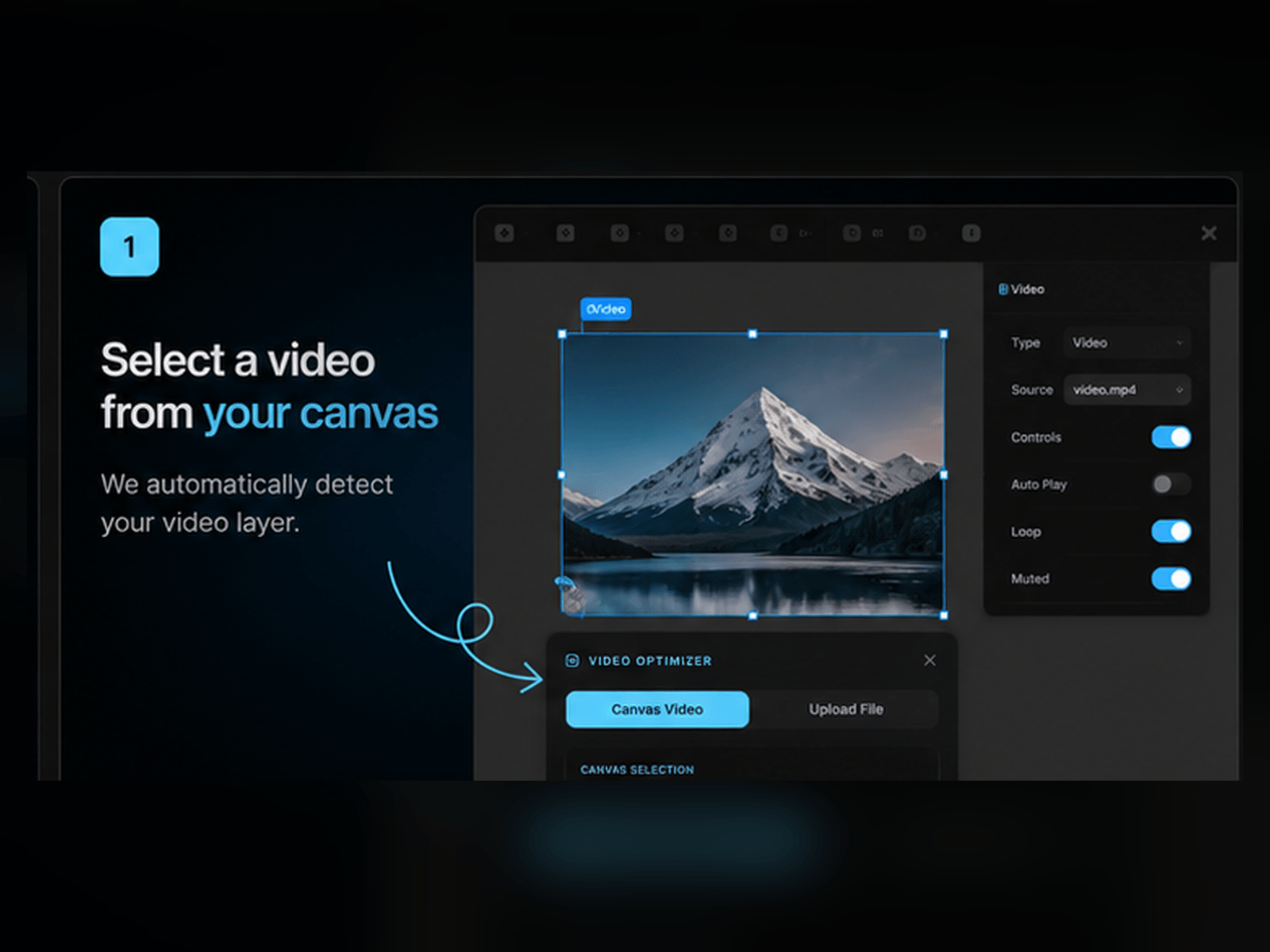
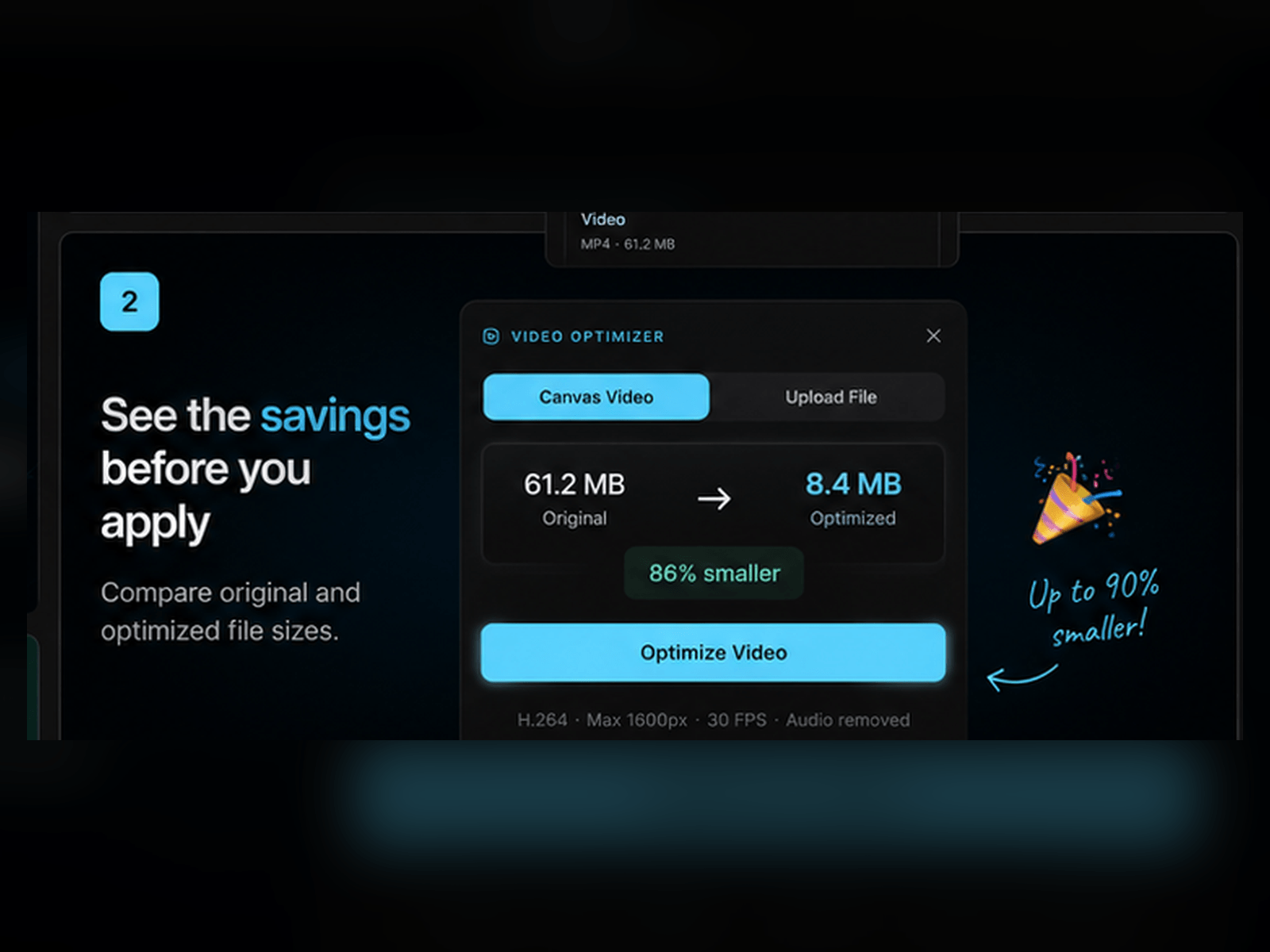
Select an existing Video layer or upload an MP4, MOV, M4V, or WebM file. Video Optimizer compresses it into a lightweight, web-ready MP4 and shows the exact size reduction before you make any changes.
You can download the optimized file, replace the selected video without changing its layout or settings, or add it as a new Video layer.
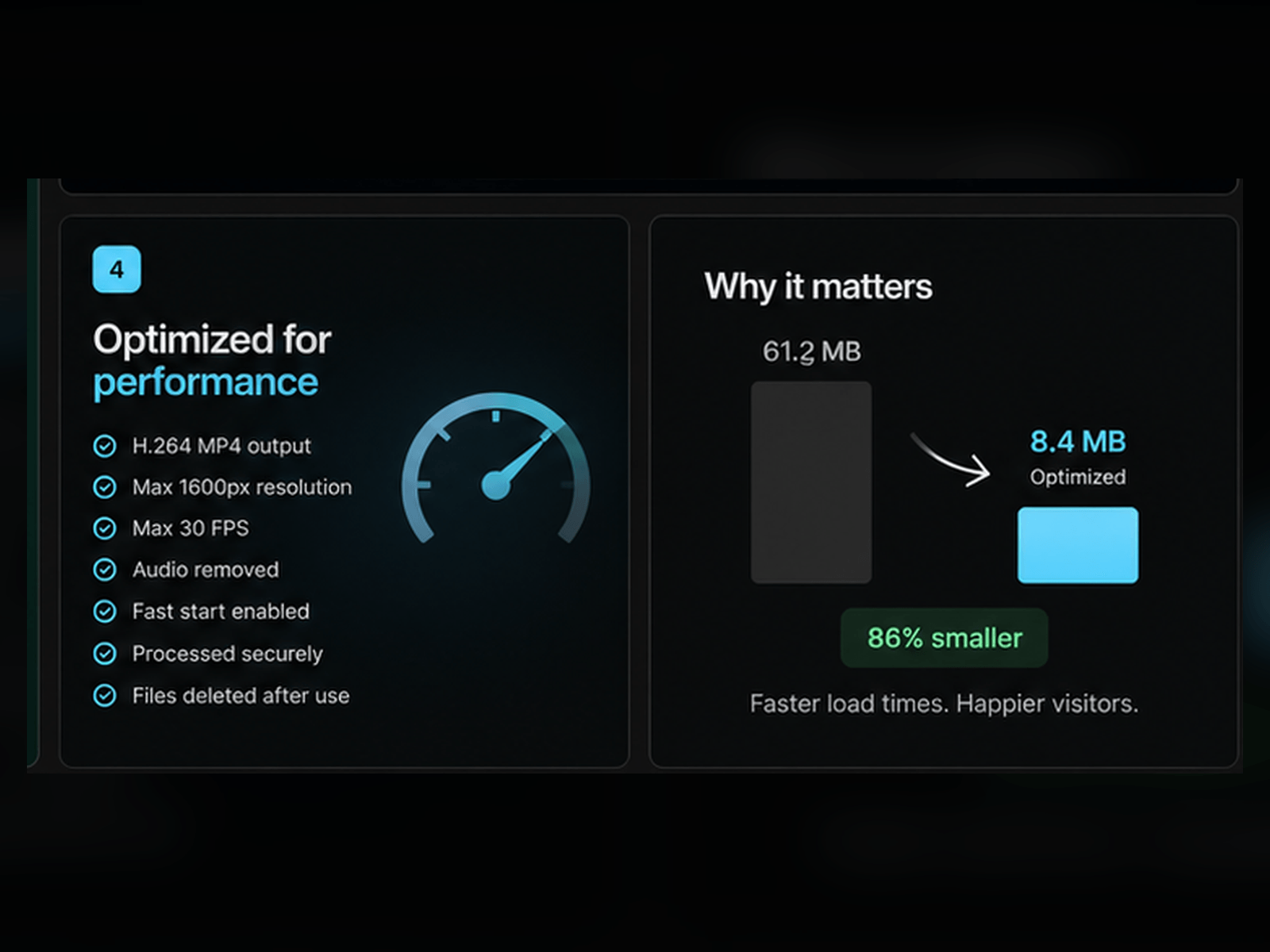
• H.264 MP4 output
• Maximum 1600px resolution
• Maximum 30 FPS
• Audio removed
• Fast start enabled
• Before and after file sizes
• Videos are processed temporarily and deleted after optimization

Optimize videos directly inside Framer.
Select an existing Video layer or upload an MP4, MOV, M4V, or WebM file. Video Optimizer compresses it into a lightweight, web-ready MP4 and shows the exact size reduction before you make any changes.
You can download the optimized file, replace the selected video without changing its layout or settings, or add it as a new Video layer.
• H.264 MP4 output
• Maximum 1600px resolution
• Maximum 30 FPS
• Audio removed
• Fast start enabled
• Before and after file sizes
• Videos are processed temporarily and deleted after optimization


