The Rankai Plugin seamlessly bridges the gap between your Rankai blog content and Framer's managed collections, enabling you to automatically sync, update and publish your articles generated on Rankai. Note: This plugin cannot automatically Sync content generated every week by Rankai.
What It Does
This plugin connects your Rankai project to Framer, automatically importing your blog articles into managed collections. Once connected, your Rankai content becomes immediately available in Framer, ready to be displayed on your site with full formatting preserved.
Key Features
• One-Click Setup: Simply enter your Rankai Project ID to get started , no complex configuration required
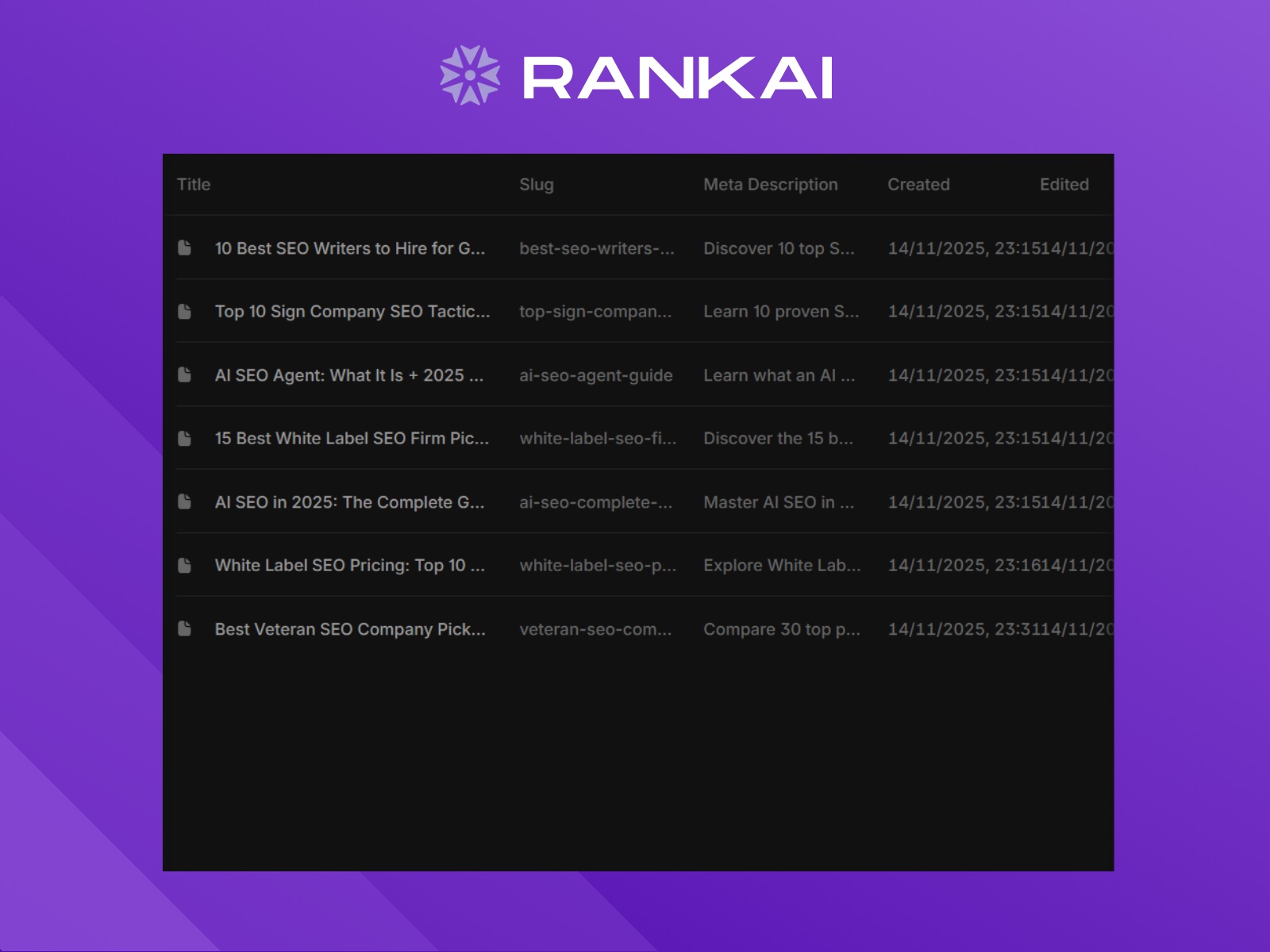
• Automatic Field Setup: The plugin automatically creates the necessary collection fields (Title, Meta Description, and Content) in your managed collection
• Smart Synchronization: Uses incremental sync to only fetch new or updated content since your last sync, saving time and bandwidth
• Seamless Integration: Built with Framer's design system, the plugin UI matches Framer's native look and feel, supporting both light and dark modes
• Real-Time Validation: Validates your Project ID before syncing to ensure everything works correctly
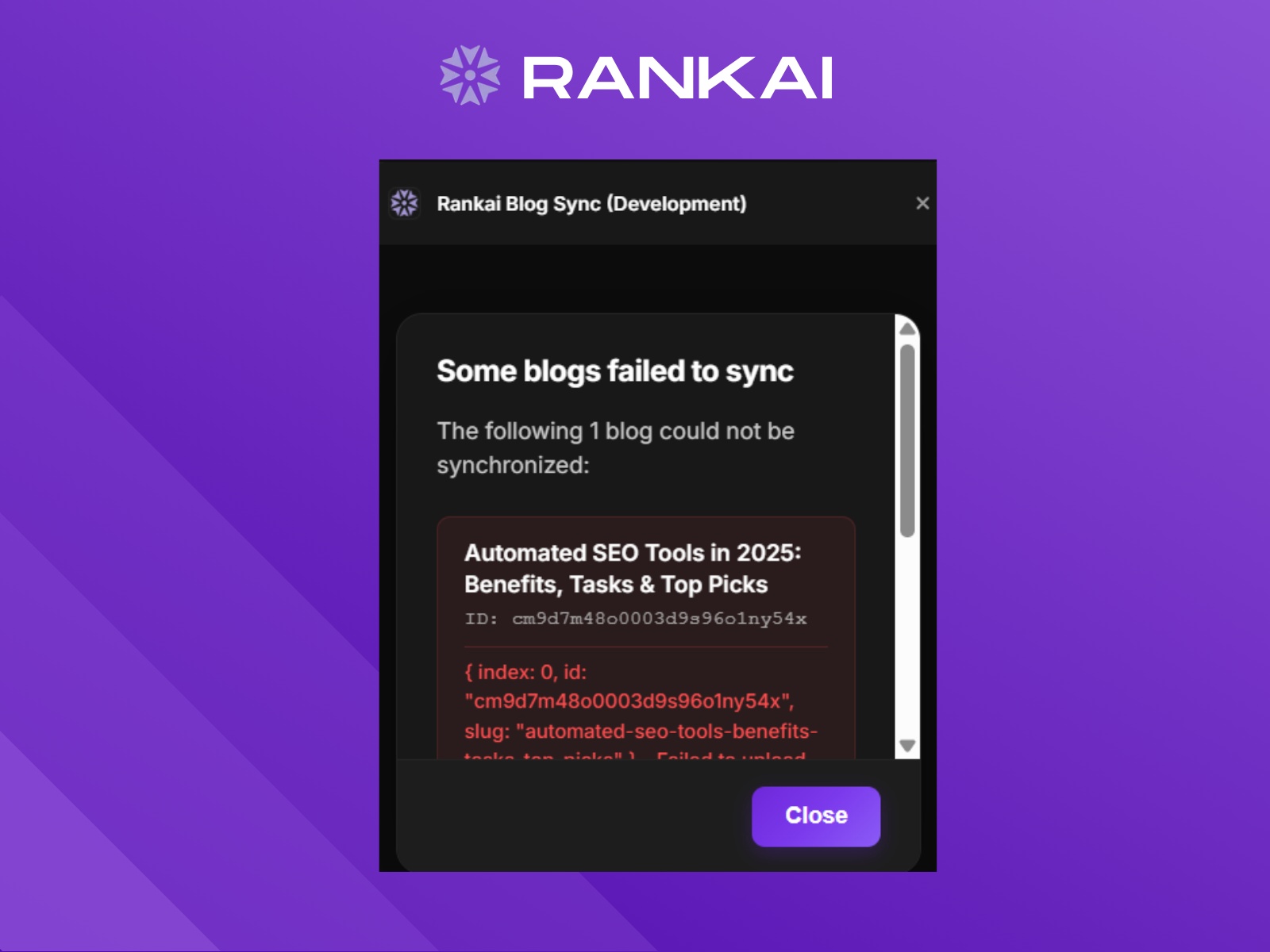
• Error Handling: Clear error messages guide you if something goes wrong, with automatic message dismissal for better UX
Use Cases
• Websites using SEO-Optimized Blogs generated for them using Rankai and need to sync those to Framer
Technical Details
The plugin connects to Rankai's API to fetch your blog content and automatically structures it into Framer's managed collection format. All data is transferred securely over HTTPS, and your Project ID is stored locally in Framer for future syncs.
Requirements
• An active Rankai account with a project containing published blog content
• Your Rankai Project ID (found in your Rankai dashboard and while you setup Framer on Rankai)
• A Framer project with managed collections enabled
Privacy & Security
The plugin only accesses your Rankai project data - no personal information is collected or shared. All communications are encrypted, and your Project ID is stored securely within Framer's plugin data system.
Getting Started
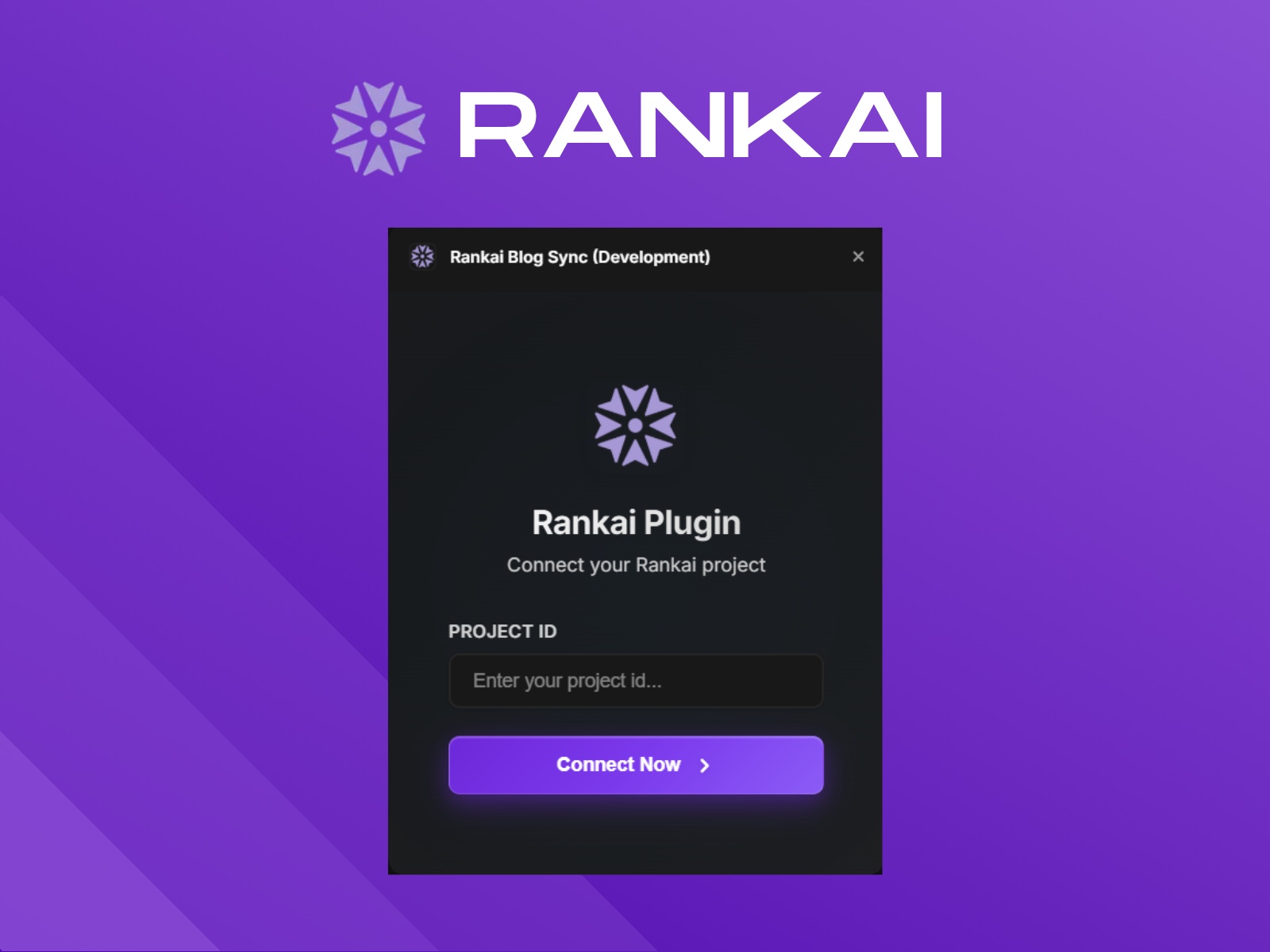
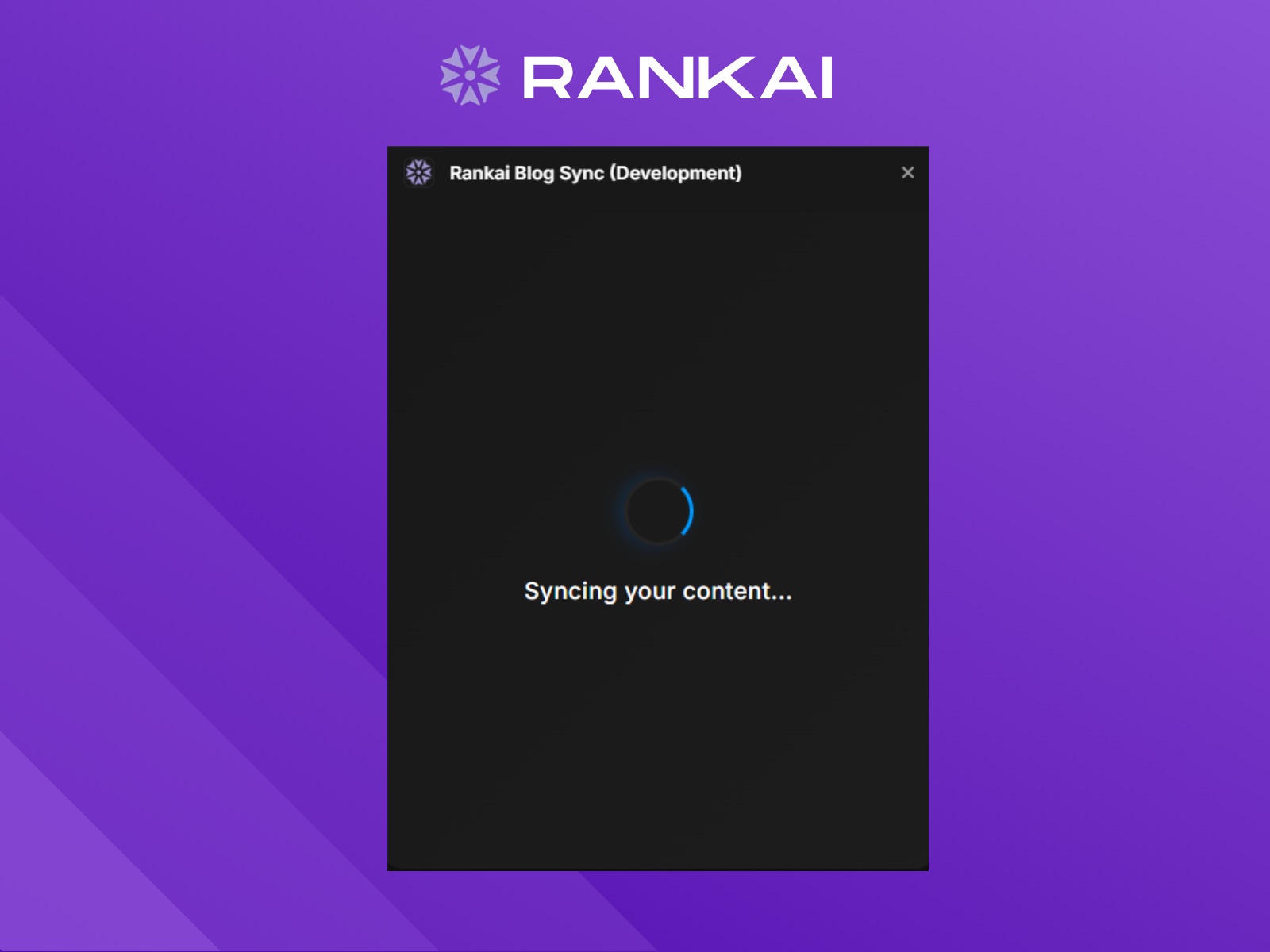
Install the plugin, open it in Framer, enter your Rankai Project ID, and click "Connect Project." The plugin will validate your ID, set up your collection fields, and sync your articles automatically. That's it - your content is now ready to use in Framer.

The Rankai Plugin seamlessly bridges the gap between your Rankai blog content and Framer's managed collections, enabling you to automatically sync, update and publish your articles generated on Rankai. Note: This plugin cannot automatically Sync content generated every week by Rankai.
What It Does
This plugin connects your Rankai project to Framer, automatically importing your blog articles into managed collections. Once connected, your Rankai content becomes immediately available in Framer, ready to be displayed on your site with full formatting preserved.
Key Features
• One-Click Setup: Simply enter your Rankai Project ID to get started , no complex configuration required
• Automatic Field Setup: The plugin automatically creates the necessary collection fields (Title, Meta Description, and Content) in your managed collection
• Smart Synchronization: Uses incremental sync to only fetch new or updated content since your last sync, saving time and bandwidth
• Seamless Integration: Built with Framer's design system, the plugin UI matches Framer's native look and feel, supporting both light and dark modes
• Real-Time Validation: Validates your Project ID before syncing to ensure everything works correctly
• Error Handling: Clear error messages guide you if something goes wrong, with automatic message dismissal for better UX
Use Cases
• Websites using SEO-Optimized Blogs generated for them using Rankai and need to sync those to Framer
Technical Details
The plugin connects to Rankai's API to fetch your blog content and automatically structures it into Framer's managed collection format. All data is transferred securely over HTTPS, and your Project ID is stored locally in Framer for future syncs.
Requirements
• An active Rankai account with a project containing published blog content
• Your Rankai Project ID (found in your Rankai dashboard and while you setup Framer on Rankai)
• A Framer project with managed collections enabled
Privacy & Security
The plugin only accesses your Rankai project data - no personal information is collected or shared. All communications are encrypted, and your Project ID is stored securely within Framer's plugin data system.
Getting Started
Install the plugin, open it in Framer, enter your Rankai Project ID, and click "Connect Project." The plugin will validate your ID, set up your collection fields, and sync your articles automatically. That's it - your content is now ready to use in Framer.